Humphrey Field Analyzer II-
i
series User Manual 2660021145640 A
Database Management
11-7
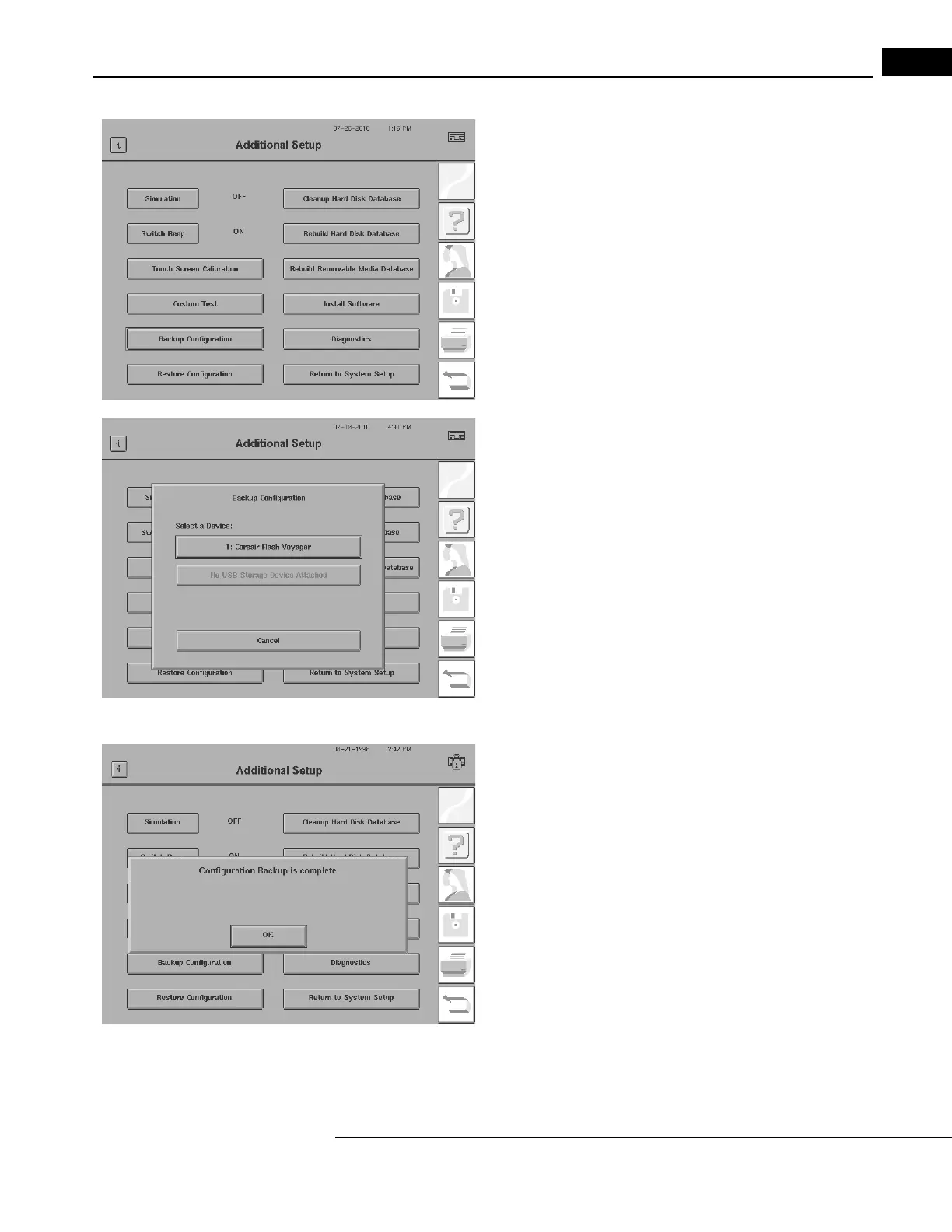
3Press BACKUP CONFIGURATION.
4A dialog appears prompting you to select a USB storage device.
5Insert a USB storage device into a USB port on the HFA II-
i
.
6Select the desired USB storage device by pressing the button with
its device name.
7When the “Configuration Backup is complete” message appears,
press OK to return to the Additional Setup screen.
8Remove the USB storage device. Label and date the device. Store
the device in a safe place.



 To Next Page
 Loading...







