Humphrey Field Analyzer II-
i
series User Manual 2660021145640 A
Networking
14-45
Importing Work Lists from Non-DICOM EMR/PMS Systems and
DICOM Systems using DICOM Gateway 1.0
Note: If you have licensed DICOM Gateway 2.0, but wish to use HFA-NET Pro (CZM-XML via FEP) or
DICOM Gateway 1.0 work lists, WORK LIST must be unchecked in the DICOM Gateway Services
screen (see “Enable/Disable DICOM Gateway Services:,” on page H-4).
To import patient data using a work list from your non-DICOM EMR/PMS or DICOM system
using
DI
COM Gateway 1.0:
1 From the Main Menu, press the
PATIENT DATA
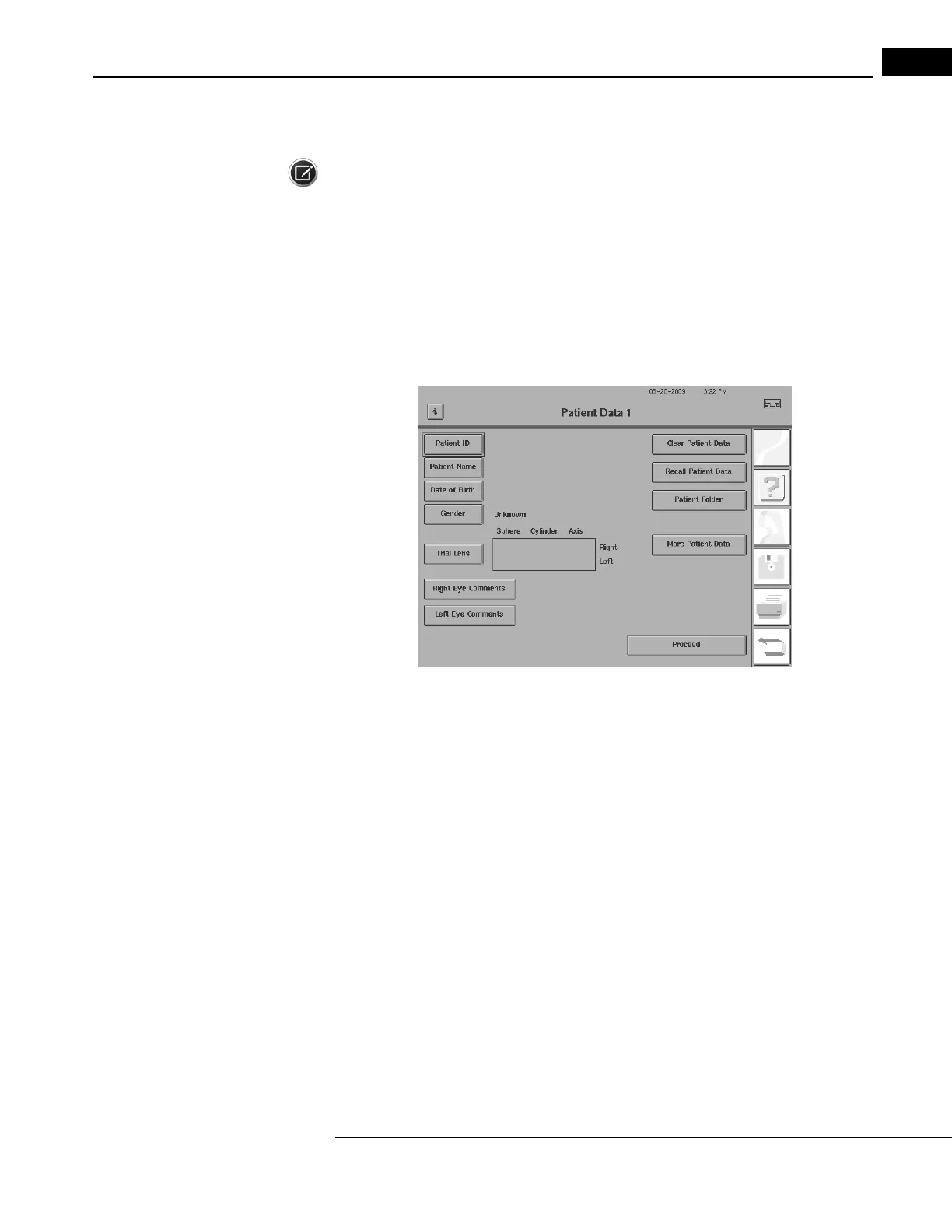
icon to display the Patient Data 1 screen as
shown in Figure 14.50.
Figure 14.50 Empty Patient Data Screen
2 Press the RECALL PATIENT DATA button to bring up the Source Options screen.



 To Next Page
 Loading...







