Networking
Humphrey Field Analyzer II-
i
series User Manual 2660021145640 A
14-48
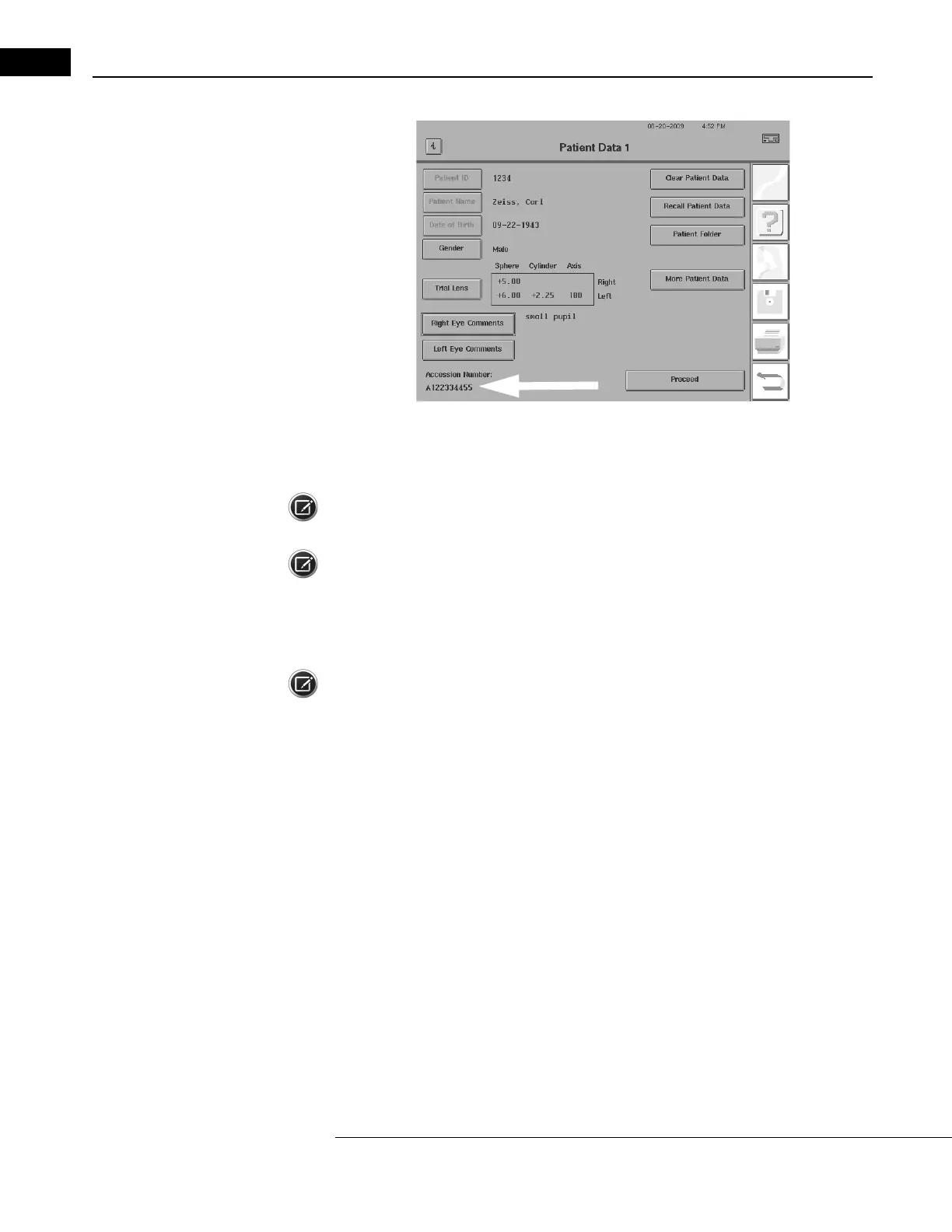
Figure 14.54 Patient Data Screen with Patient Data and Accession Number
7 Select PROCEED to save the patient information and return to the Main Menu (or to a selected
test if you entered the Patient Data screen through a selected test).
Note: If a problem occurs during this procedure, refer to Ta
ble I.5, "Work List Networking Error
Messages," on page I-36.
Note: See “Imported Patient Rules and Conflicts,” on page 14-59 for information on imported
Patient ID and Issuer of ID rules and conflicts.
Importing Work Lists from DICOM Systems using DICOM
Gateway 2.0
Note: In order to use DICOM Gateway 2.0 work lists, WORK LIST must be selected in the DICOM
Gateway Services screen (see “Enable/Disable DICOM Gateway Services:,” on page H-4).
To import patient data using a work list
from your DICOM system using DICOM Gateway 2.0:
1 From the Main Menu, press the
PATIENT DATA
icon to display the Patient Data 1 screen as
shown in Figure 14.55.



 To Next Page
 Loading...







