Kinetic Testing
Humphrey Field Analyzer II-
i
series User Manual 2660021145640 A
13-32
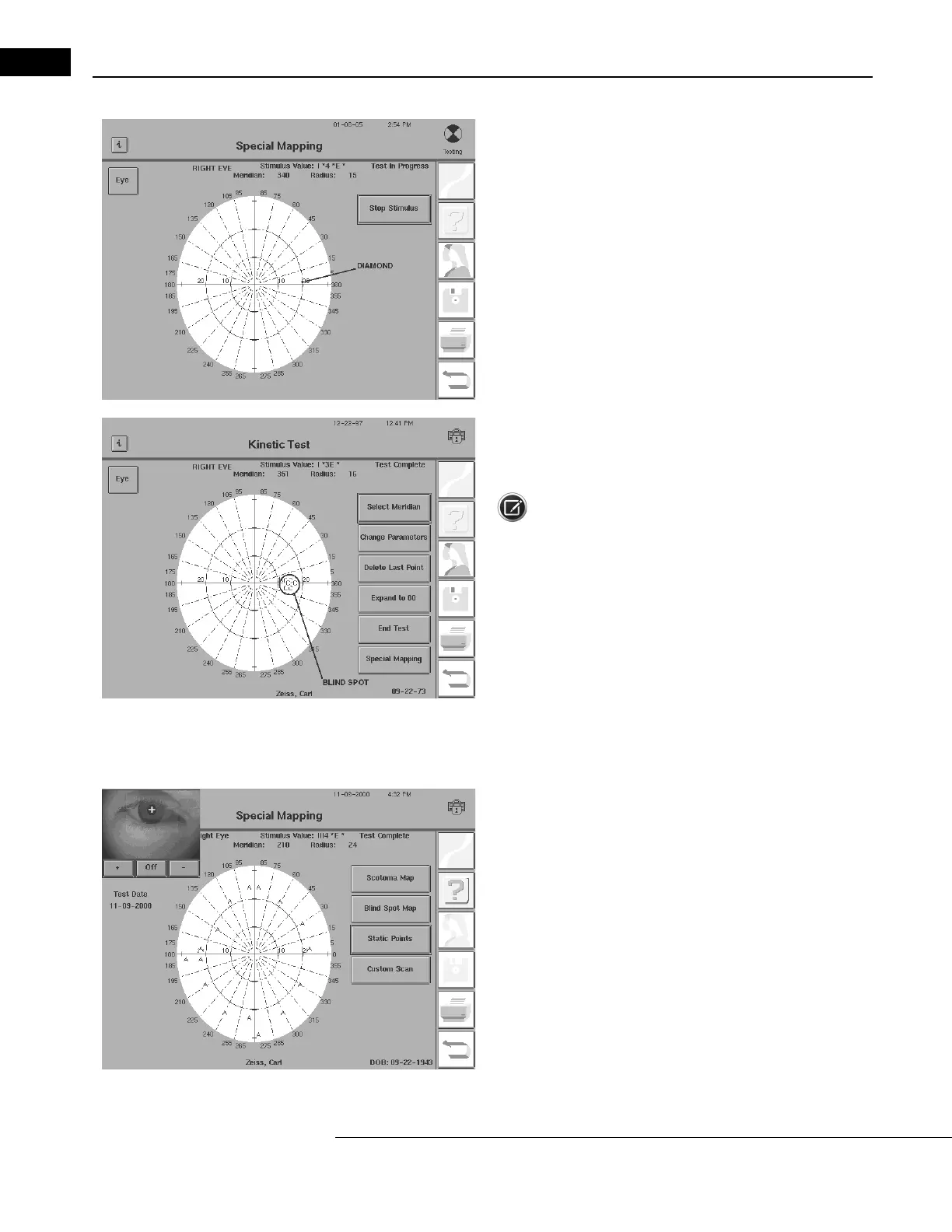
5During the test, a small diamond moves across the video display. It
displays the progress of the stimulus in the test bowl.
If it is necessary to stop in the middle of the
blind spot mapping, touch
the STOP STIMULUS button.
6When the Blind Spot Map finishes, the test stops. An uppercase
letter will mark each location where the patient first pressed the
response button.
Note: Each time you perform a new
isopter or test sequence, a
new uppercase letter will display on the test screen. Even if the same
stimulus value used for mapping the blind spot was used for a
previous isopter, a different letter will appear.
Static Points
Sometimes isolated scotomas exist within pr
eviously determined isop-
ters. By using static points, presented like static points in a standard
screening test, these small scotomas can often be detected. After dis-
covery, you can map these scotomas with the Scotoma Map option
previously described.
1Select STATIC POINTS from the Special Mapping Screen.



 To Next Page
 Loading...







