CommandCenter Display 9980 Self-Propelled Peanut Combine
Backlight Level Control and Boundary Box
Color
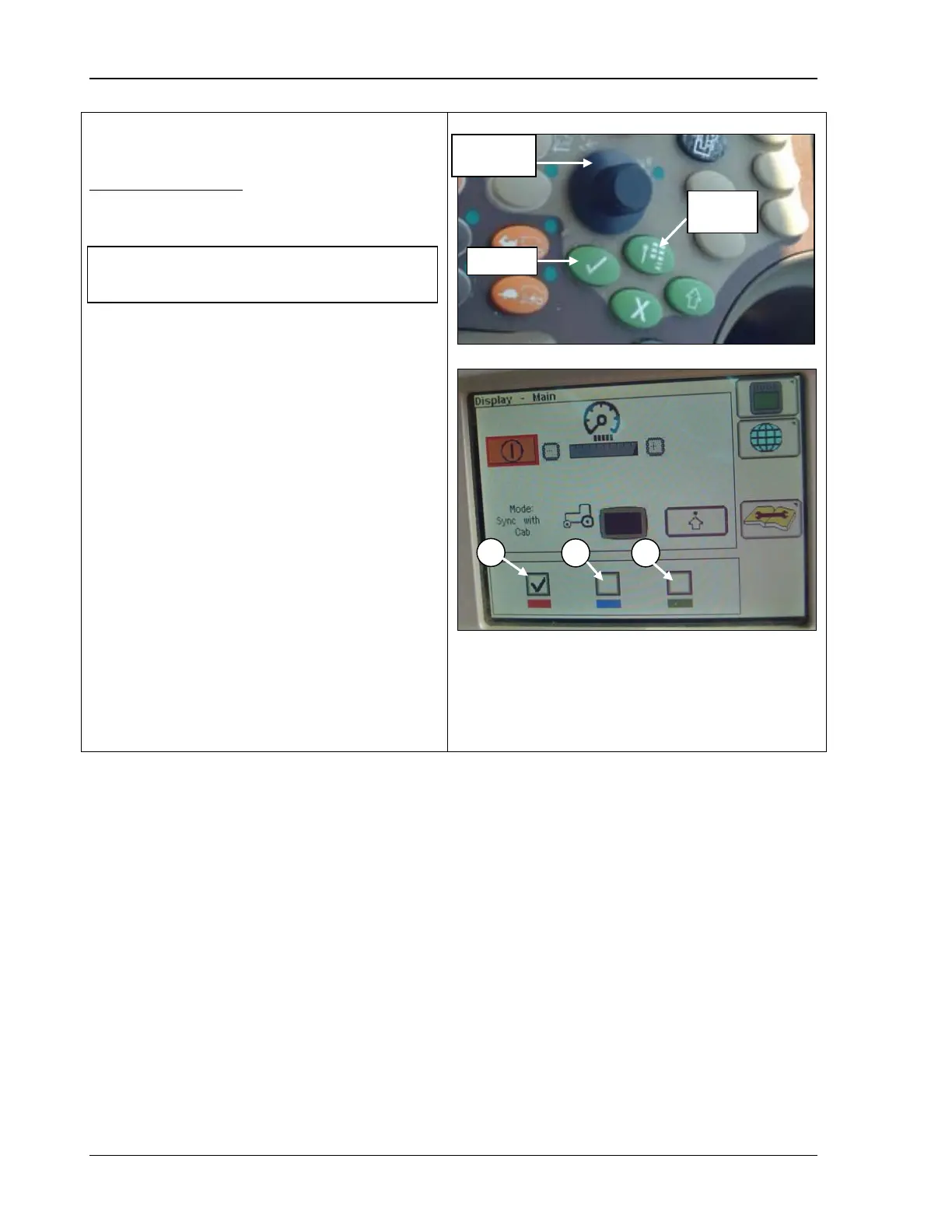
Boundary Box Color
Allows you to choose the color of the
boundary box.
1. Rotate the Selection Dial to select the
color of the boundary box.
A - Red
B - Blue
C - Green
2. Press Confirm to check desired color.
3. Press
the Main Menu button and rotate
Selection Dial until the combin
page icon is highlighted.
4. Press Confirm button to return to home
page.
A – Red Highlight
B – Blue Highlight
C – Green Highlight
NOTE! The color defaults to red at initial
power-up of display.
100 09/04/15 MAN141



 To Next Page