Craft Interface Terminal Usage
11-168 Issue 8.0 July 2002
39. Press function key to execute.
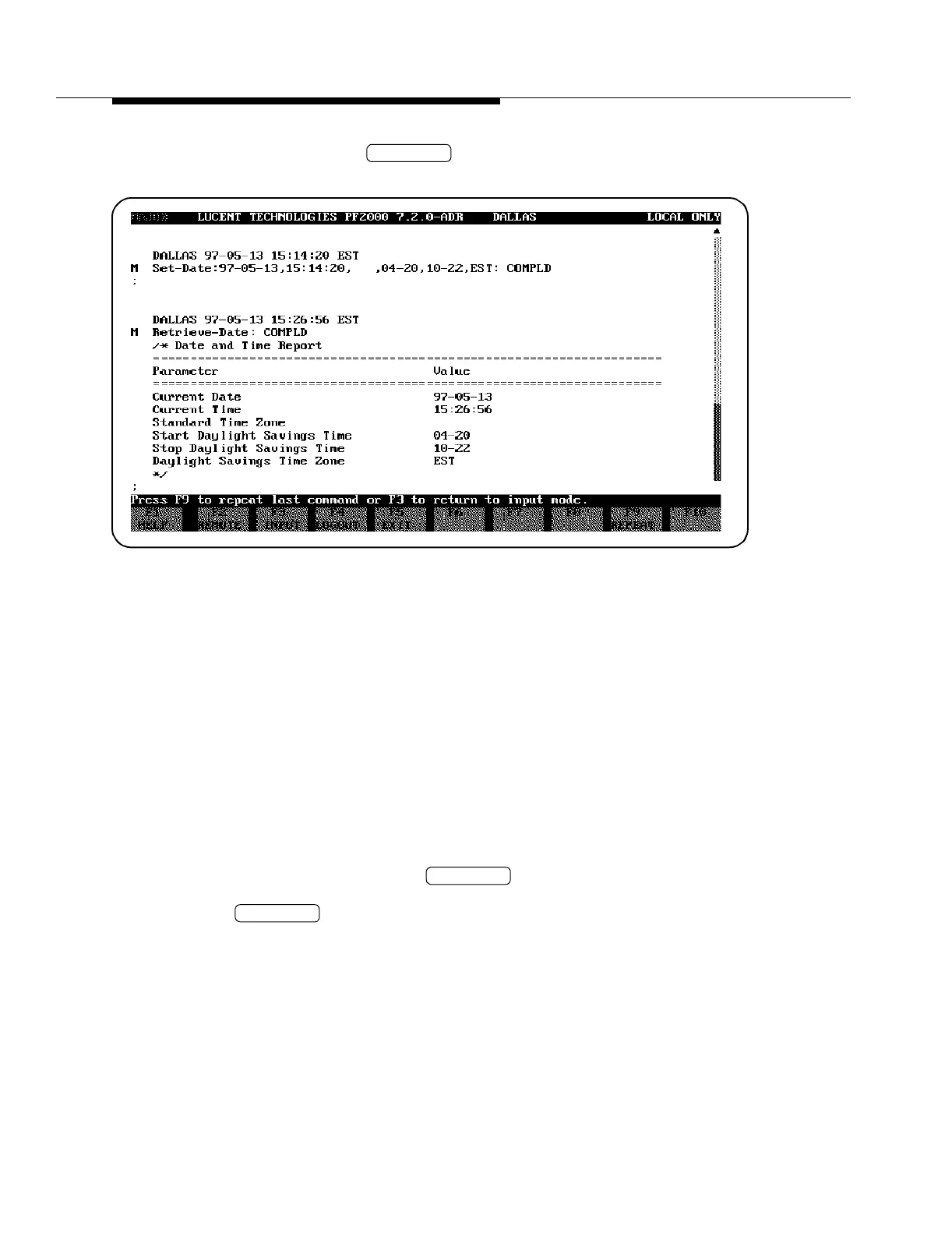
40. Refer to Table 11-7 [List of Inputs (Commands) That Generate Reports for
FT-2000 Network Elements] in this section to determine the report
generated by Retrieve-Date. Then refer to the indicated example and
read the definition of the parameters.
41. Refer to the report on the CIT screen and note that the Hours have been
changed.
42. If appropriate, use CONFIGURATION-Set-Date to set the Hours back to
the original value. Otherwise, continue with the next step.
43. At this point in the tutorial, you must decide to either stop or continue with
the CIT-PC training. If you continue, the additional training pertains to an
add/drop-rings terminal in a ring network.
If exiting the tutorial, then continue with Step 44.
If continuing the tutorial, then continue with Step 45.
44. Log off the CIT by pressing (LOGOUT from the FT-2000
network element) or exit the FT-2000 CIT-PC software by pressing
(EXIT) as appropriate.
F9
F4
F5


 To Next Page