Configuration
6-10 Software Installation & Configuration
– Date & Time Setup
– Archive
– Report Configuration
– Report/Recording Destination
– Print Configuration
Note that a Read Only Config Wizard option provides Read-Only versions of the
Configuration windows so that configuration settings can be viewed without forcing all
Information Centers and Clients to go into local database mode.
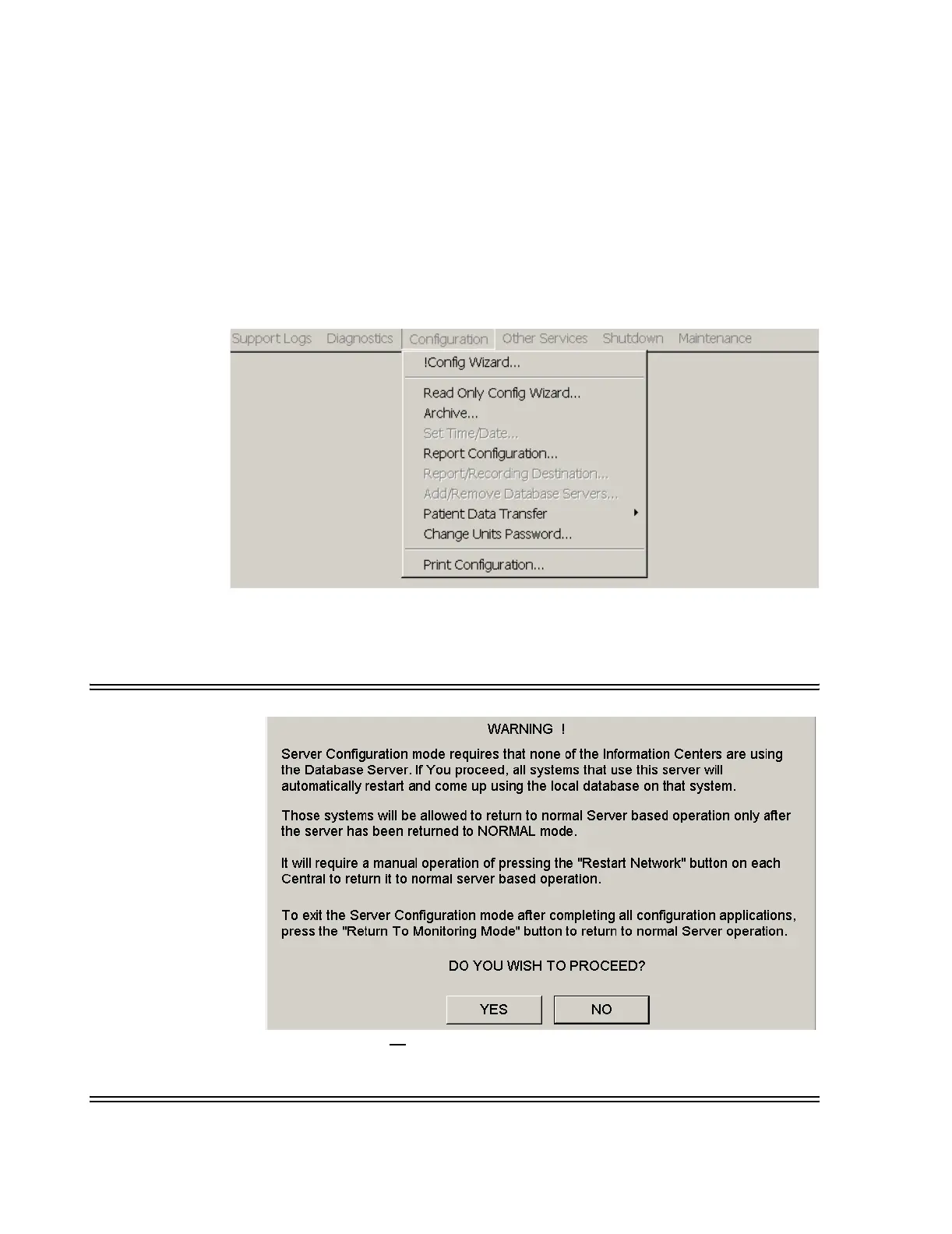
Figure 6-6 Database Server Configuration Menu
When the !Config Wizard is accessed from this menu, the following Warning appears.
Warning
Clicking Yes will cause all
Information Centers and Clients on the Network to reboot
and go into local database mode, after which the Config Wizard will begin. This process
takes about a 3-5 minutes to complete.



 To Next Page
 Loading...