Troubleshooting
Maintenance, Troubleshooting, and Repair
7-69
Click on !Windows Explorer in the Diagnostics menu of the M3154 Database Server
and display the C:\ drive, as shown in Figure 7-36.
Figure 7-36 C:\ Directories of the Database Server
To open the NetRaid Assistant, double-click on NRAID.EXE in the CLIENT directory
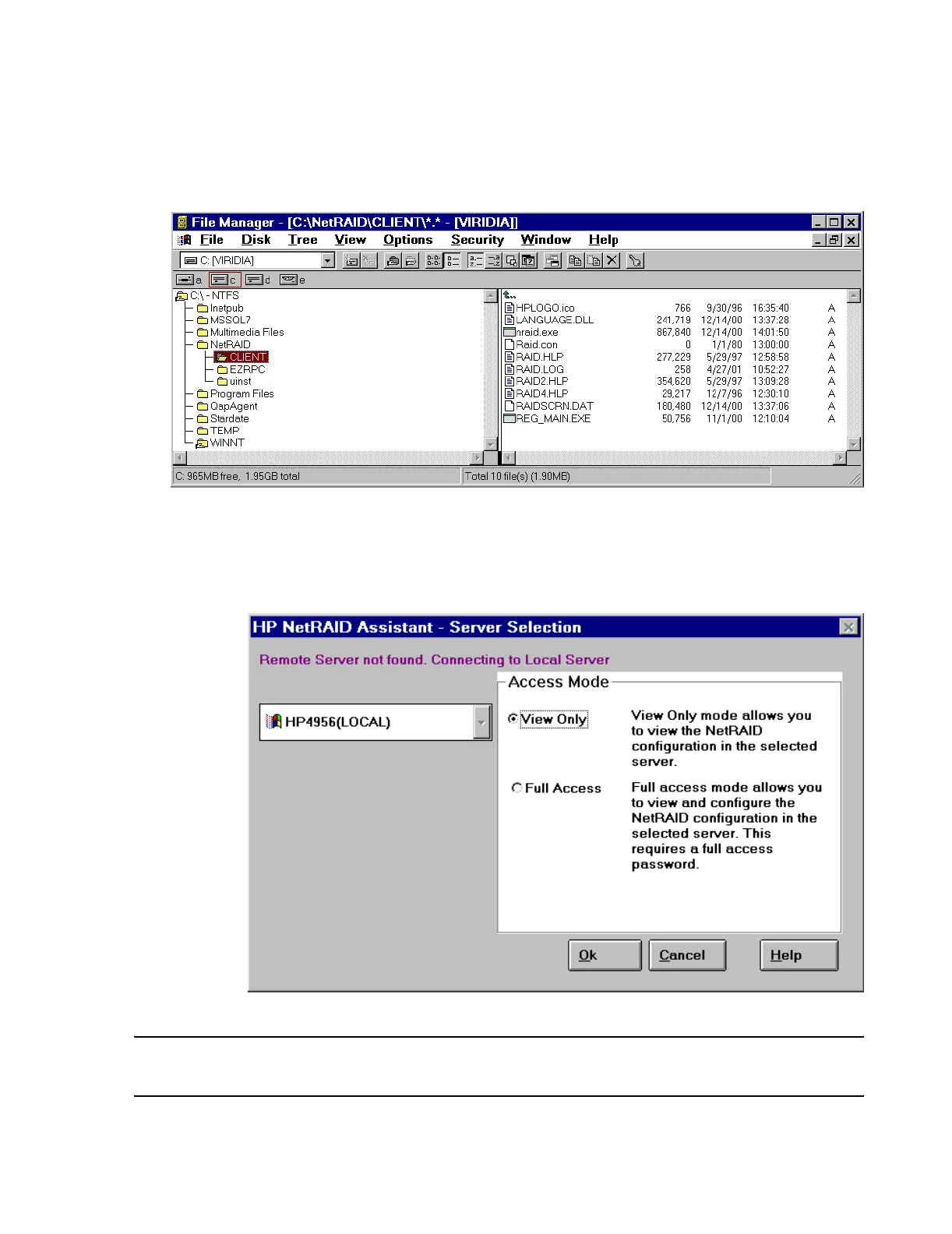
of NetRAID on the Server’s C:\ drive. This opens the HP NetRaid Assistant - Server
Selection window of Figure 7-37. Select View Only and click OK to display the HP
NetRaid Assistant window of Figure 7-38.
Figure 7-37 HP NetRaid Assistant - Server Selection Window
Note This application can also be accessed from the Windows Main Menu by clicking on Start
\ Programs \ NetRAID \ NetRAID Assistant.
DBSRM96



 To Next Page
 Loading...