Hardware Space Components
B.20. Microscopes
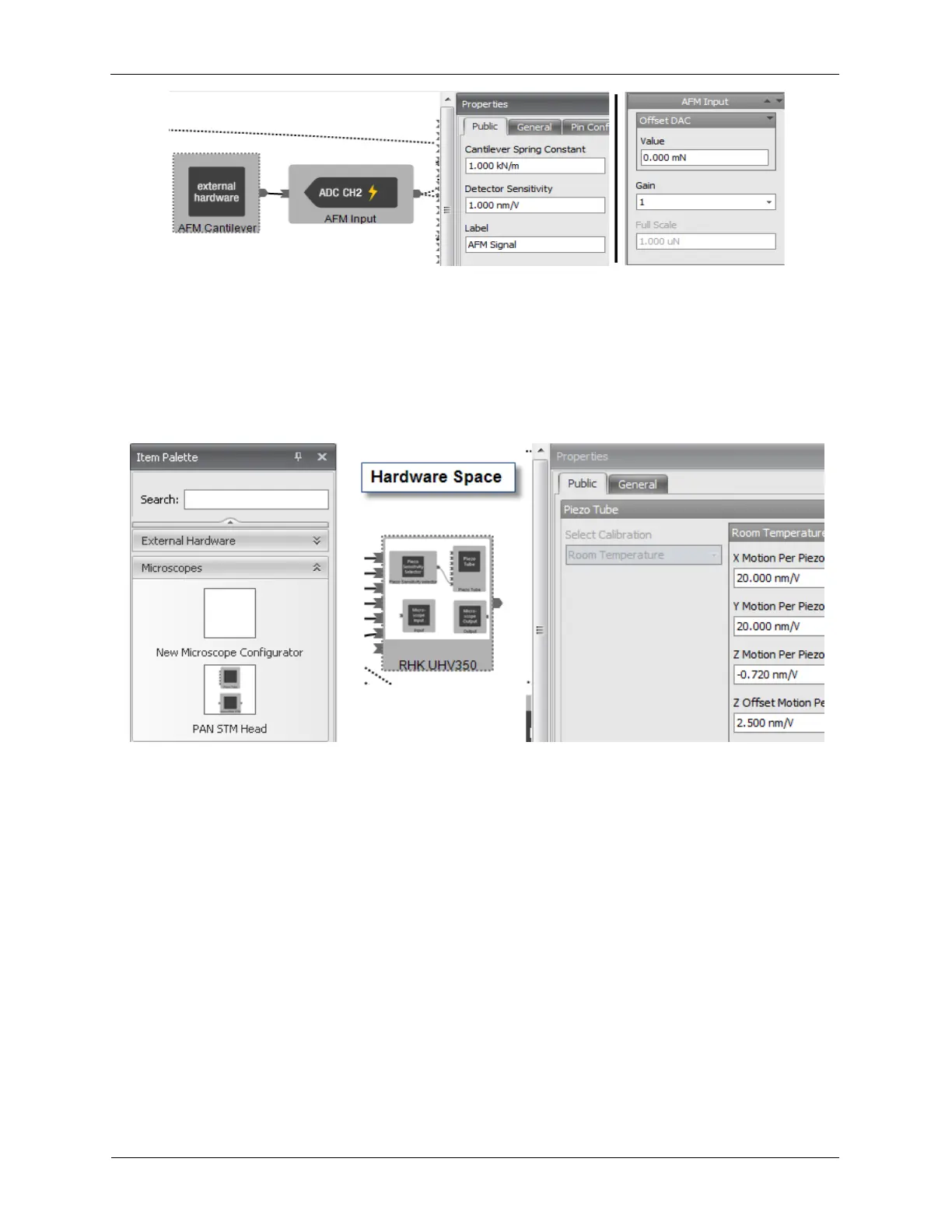
The Microscope drawer on the Item Palette contains preconfigured Microscope icons as well as the
tools to create any configuration of microscope. To use any preconfigured microscope, drag the desired
Microscope onto the Hardware Space. To create a new microscope design, drag the New Microscope
Configurator onto the Hardware Space. Right-click on the icon to open the Microscope Configurator.
Figure B.45. Microscopes
The Microscope can have a Piezo Sensitivity Selector attached to it to allow the user to select between
four stored piezo calibrations. These calibrations are also saved in the comments for every SM4 image
file. The Piezo Calibrations can be modified without shutting down the controller. Before changing the
piezo calibrations the Z Feedback MUST be FROZEN or CENTERED. Otherwise there could be a jump
on the Z Output. The adjustments to the piezo calibrations can be made on Hardware Space by selecting
the Microscope Block.
The Z Output Polarity is controlled by the Z Piezo Sensitivity Polarity.
Figure B.46. Piezo Sensitivity Selector



 To Next Page