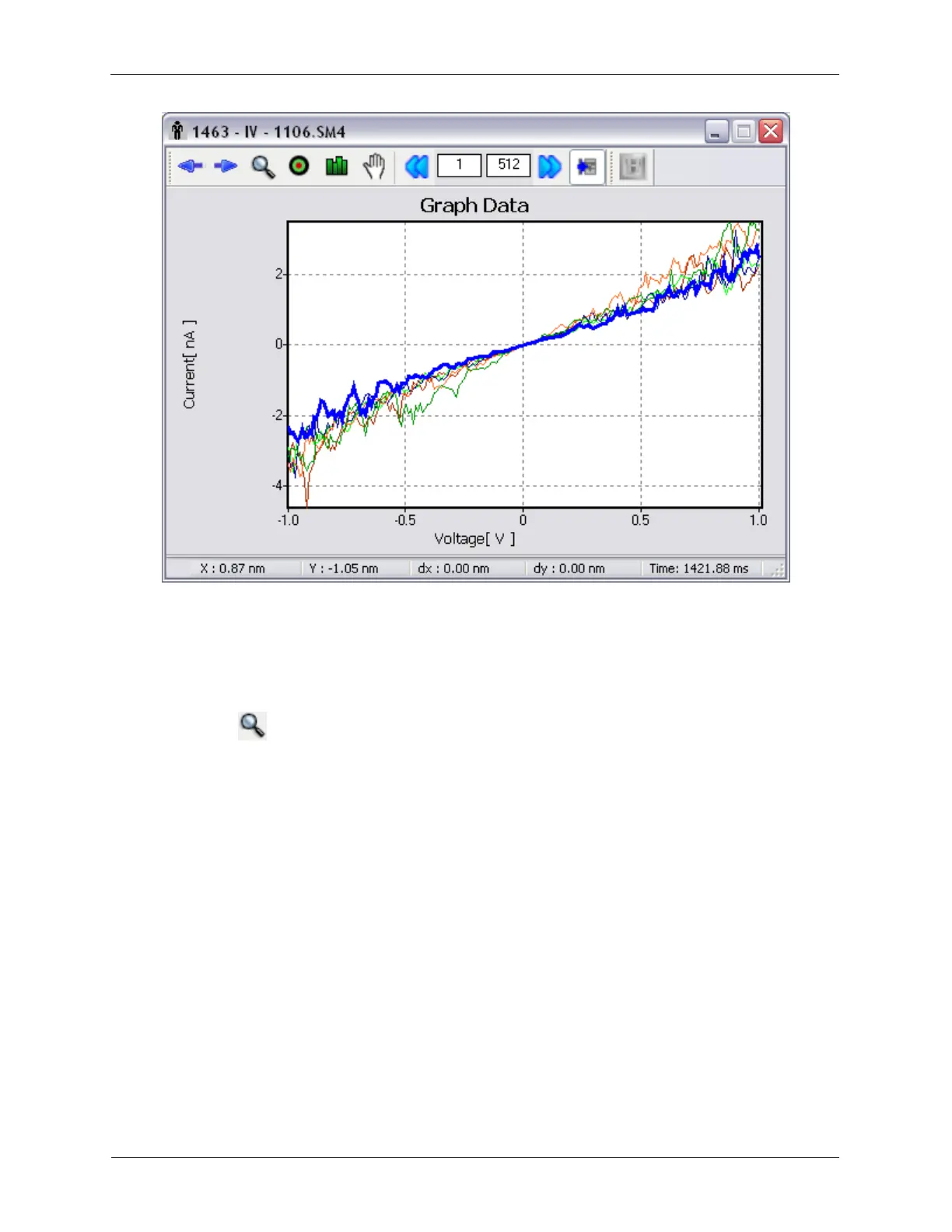
Use the Select Previous or Select Next toolbar buttons to cycle through the displayed curves. For some
types of data, additional information will become available on the Status Bar, such as the physical XY
coordinate where the curve was acquired, or the relative time the curve was acquired.
Pressing Select Previous when the first curve is selected or pressing Select Next when the last curve is
selected will leave no curve selected.
K.2.1.2. Zoom
Figure K.15. XY Graph Toolbar - Zoom



 To Next Page