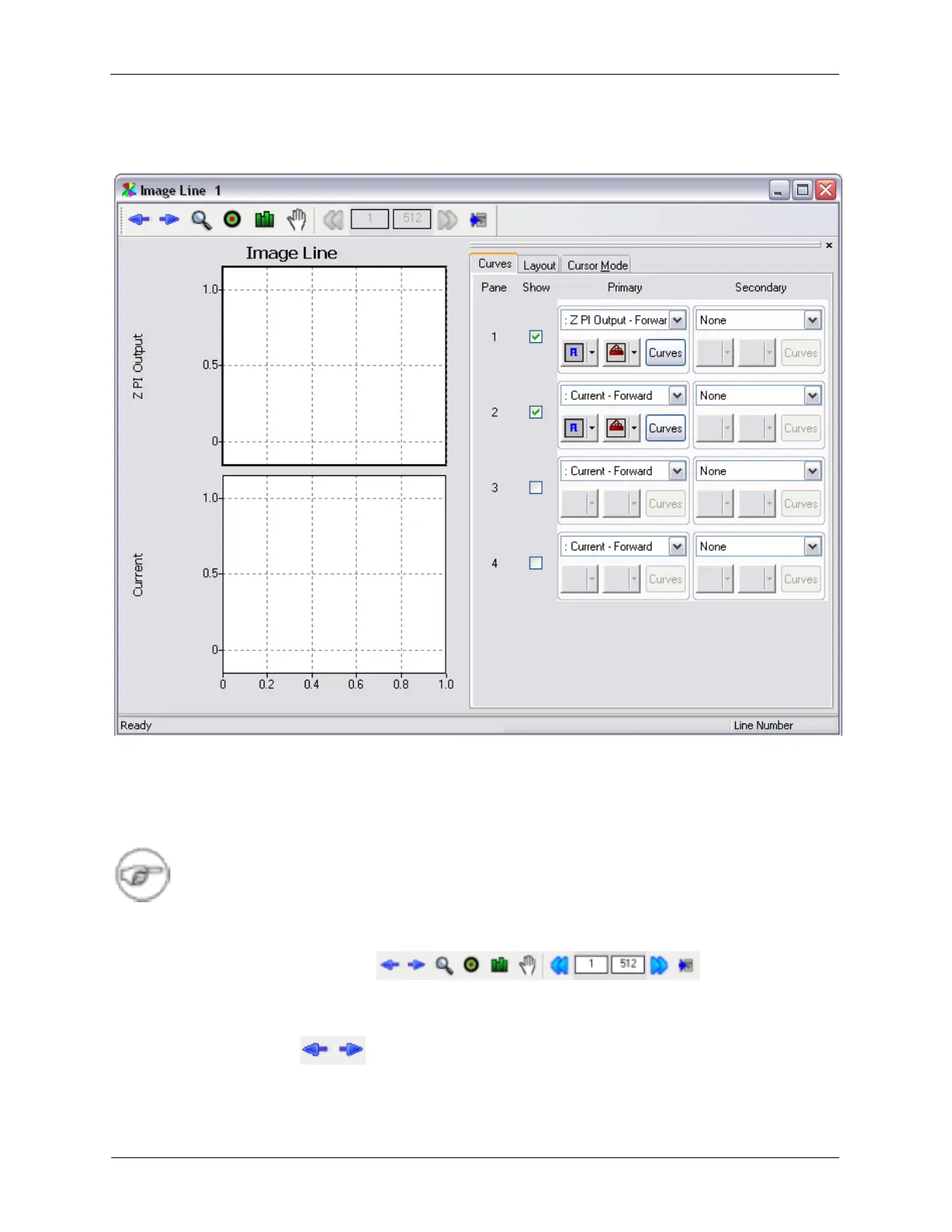
K.2. XY Graph Windows
Figure K.13. XY Graph Window
Image data will generally be acquired on a line by line basis and displayed in an Image Window. Each
line scan can be viewed on an XY Graph Window by selecting Image Line from the Workbench toolbar.
Other types of data may also be displayed on these XY Graph Windows. All of the XY Graph Windows
share some common controls.
Note
The XY Graph Windows can be reduced to smaller sizes. This allows users to better utilize
their screen space in a more convenient way.
K.2.1. XY Graph Toolbar
The XY Graph toolbar has icons for the commonly used controls.
K.2.1.1. Select Curve
Figure K.14. XY Graph Toolbar - Select Curve



 To Next Page