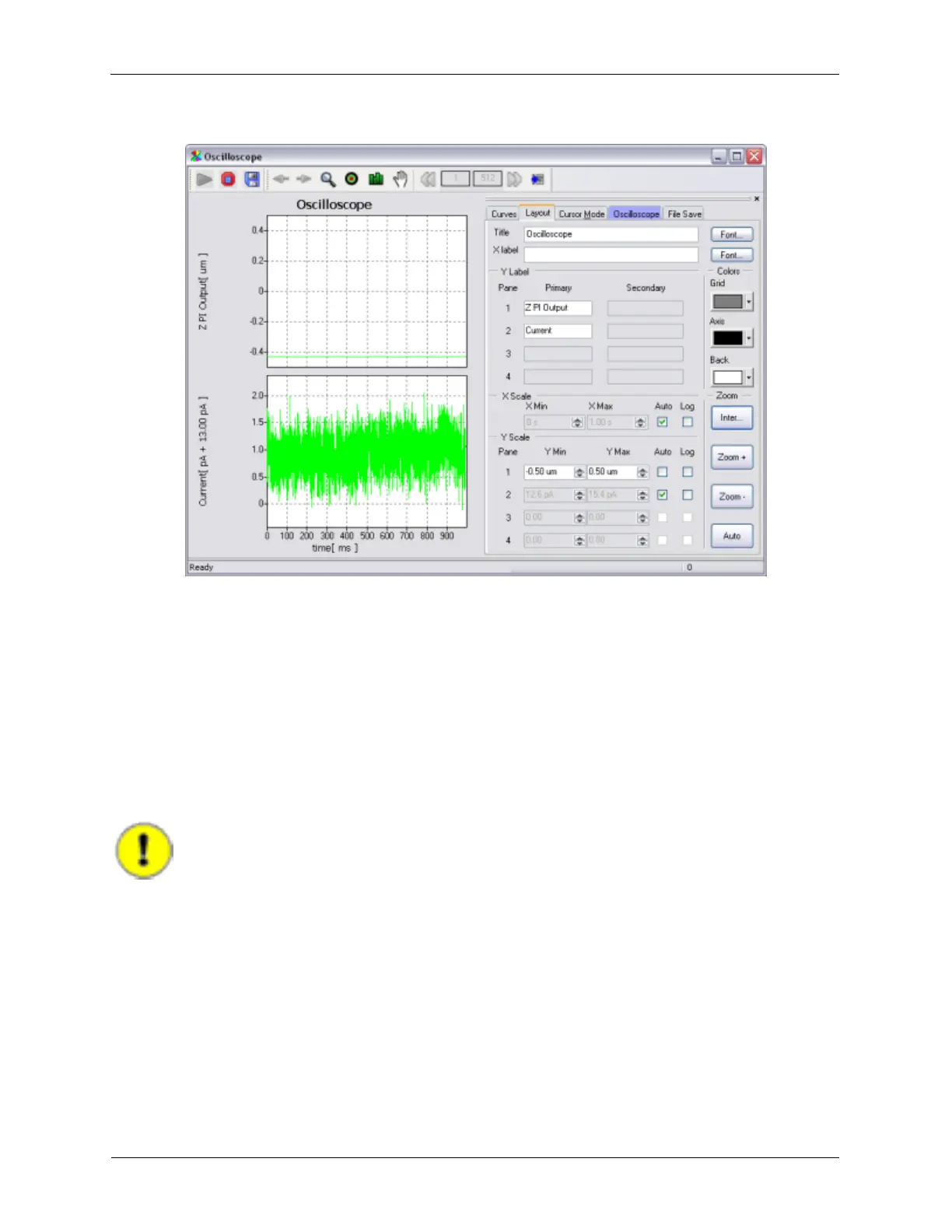
Figure 1.14. Oscilloscope - Topography and Current
1.5.2 Measuring Preamplifier Noise and Adjusting Input Circuit
Parameters
The next step is to connect the preamplifier to the R9, following the steps below:
1. Press Save on the Ribbon on the top of the screen. This will save any changes that have been made
to the settings during the initial tests.
2. Press Shutdown on the Ribbon. This will disconnect the R9 Controller from the PC.
3. Turn off the R9 controller.
Important
Never plug or unplug the preamplifier when the R9 is powered on as damage to the
preamplifier could occur.
4. Plug one end of the preamplifier cable into the preamplifier connector on the rear panel of the R9
Controller and the other end into the output jack of the IVP-R9 Bias-Preamplifier adapter.
5. Plug the first stage preamplifier, most commonly the IVP-200, into the input connector on the IVP-R9.
Wrap the BNC of the preamplifier with aluminum foil to shield it from radiated power line harmonics.
6. Turn on the R9 controller.
7. Press Initialize.
8. Start the Oscilloscope



 To Next Page