Display and Analyze your Image
5.5 Locating SM4 Data Files
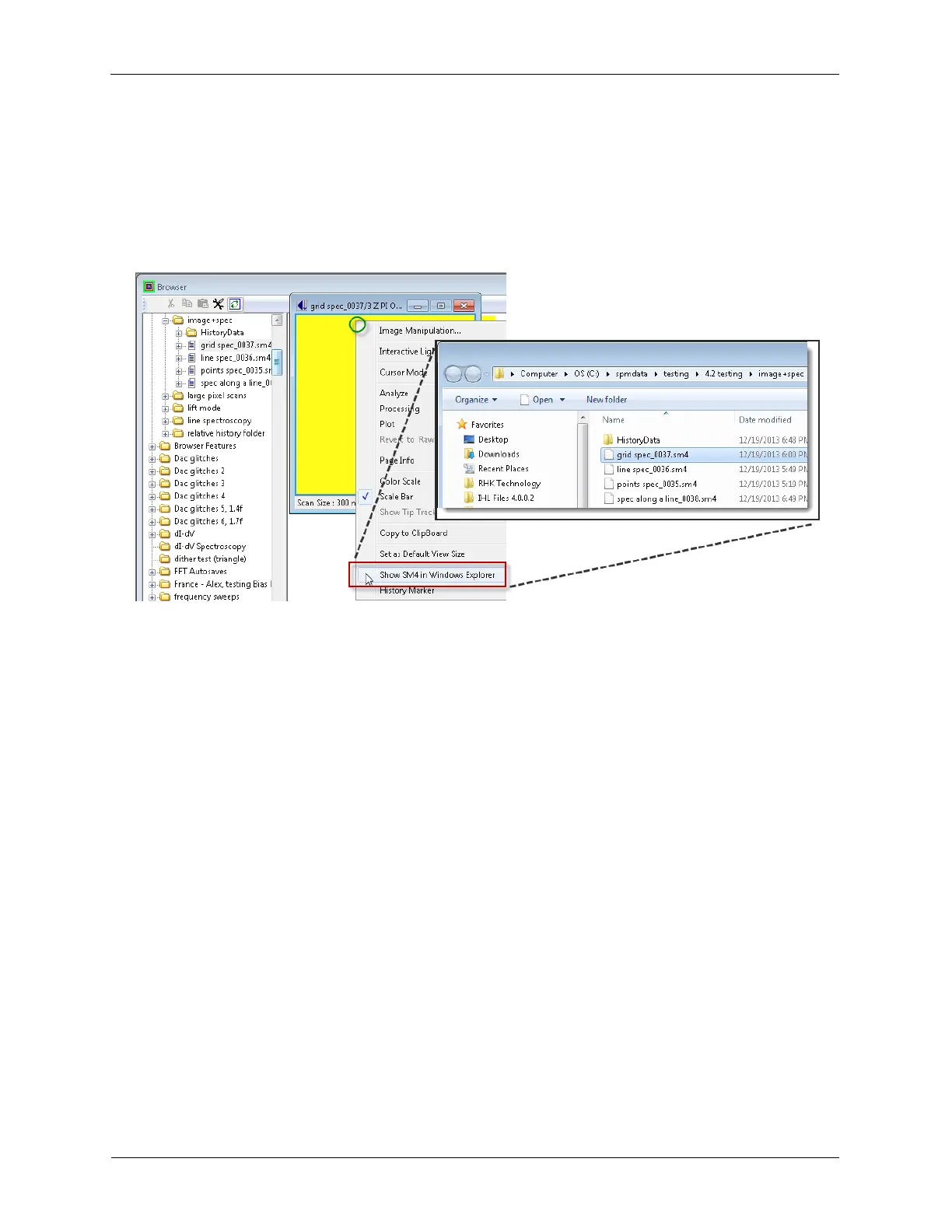
The method to locate SM4 data files is as follows: Right-click an open image or spectroscopy data file
and select Show SM4 in Windows Explorer. An Explorer window will open with the SM4 data file
highlighted. Now it can easily be moved, copied, renamed, etc.
Figure 5.7. Locating SM4 Data Files



 To Next Page