Details on Procedure Space Constructions
• Scan: Procedures that are run when topographic data alone is to be acquired.
• Spectroscopy: Procedures to be run when Spectroscopic data is to be acquired without
simultaneously acquiring topographic data.
• Tip Manipulations: Procedures used to manually or programmatically manipulate the tip, other than
during imaging.
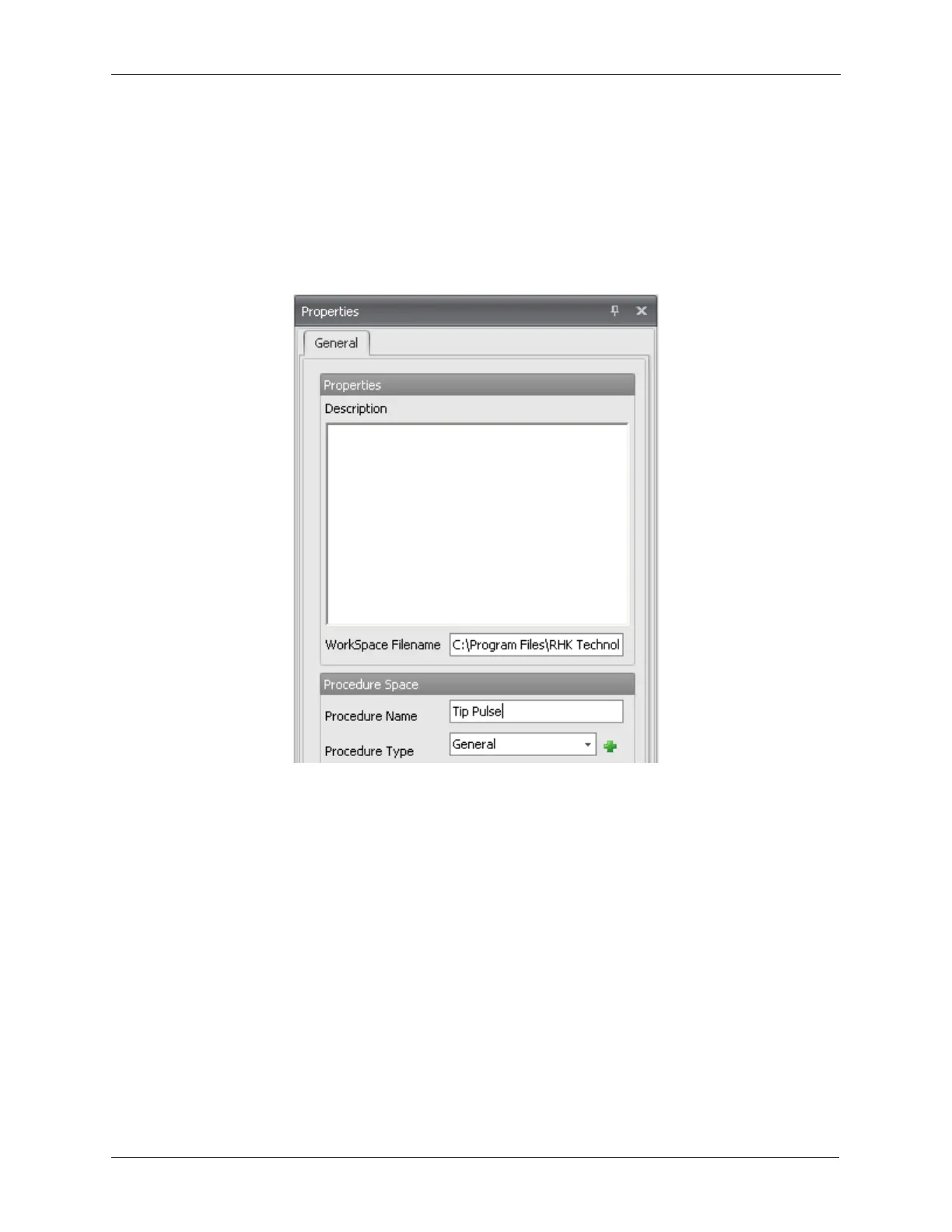
To save the procedure, click on the Save button on the ribbon. This new Procedure named Tip Pulse is
now ready for use.
Figure J.15. Pulse Tip - Setting a Name
J.8. Validating the Procedure
Before any procedure can be run, it must first be Validated. You can validate the Procedure by clicking
the Validate button. This is located on the Property Panel for the Procedure. Left-click the background of
the Procedure to show its Property Panel.



 To Next Page