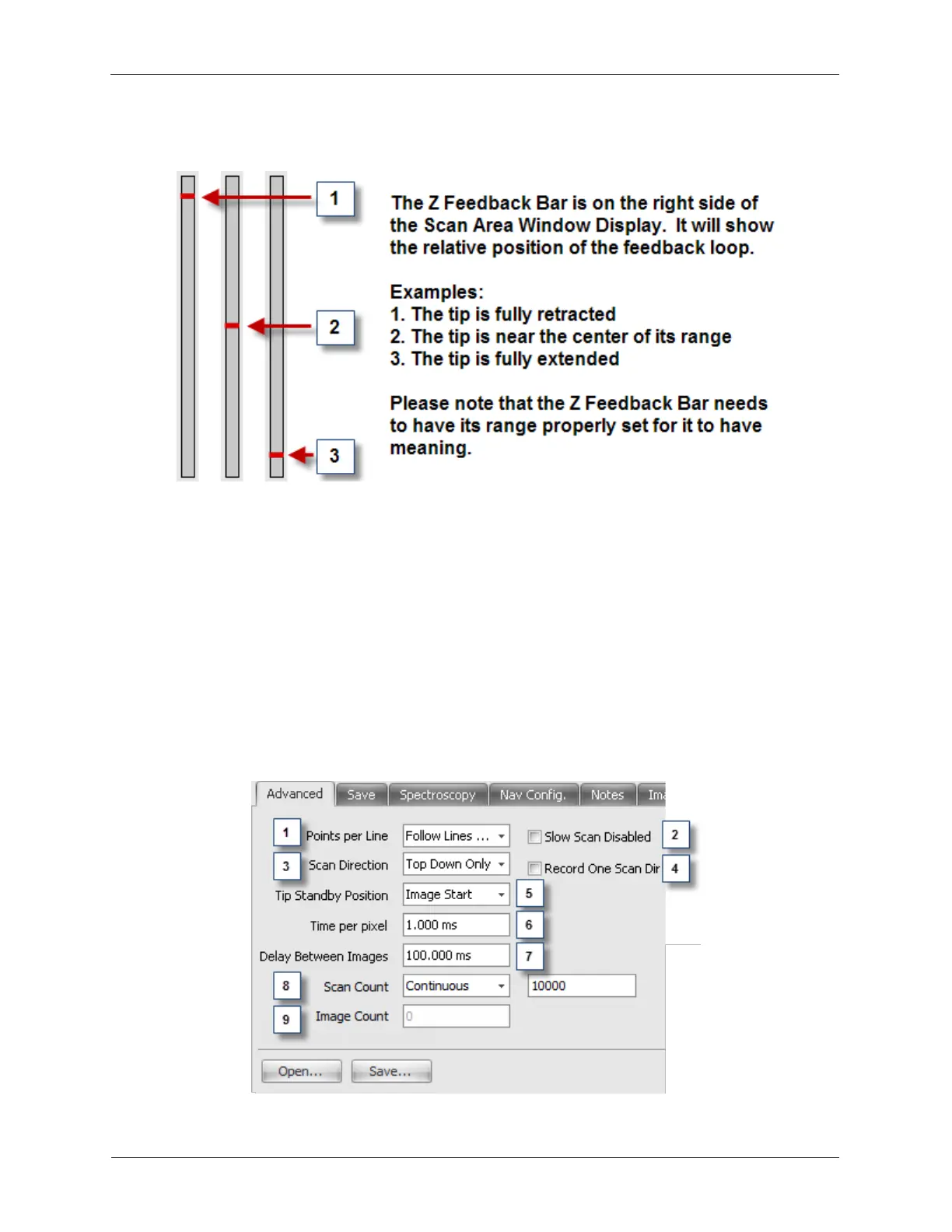
Figure K.6. Z Feedback Bar
12. Tip Position: The tip's current position is shown with a Green Arrow in the Scan Area Window
Display. It is useful to see the tip's position when taking spectroscopy at a specific location or pulsing the
tip.
13. Toggle Config Panel: Pressing the Config >>> button will expand the Scan Area Window to show
other, typically less used, controls. These are explained below.
14. Scan Area Adjustment Controls: These controls are where the user should set the image pixel
density (Lines per Frame) as well as set the Image Acquisition Scan Speed or Line Time (depending on
the selection in the Nav Config tab). The user is also provided another method to adjust the XY Offsets,
Scan Area size, and Scan Angle.
K.1.2. Advanced Panel
Figure K.7. Scan Area Window Advanced Panel



 To Next Page