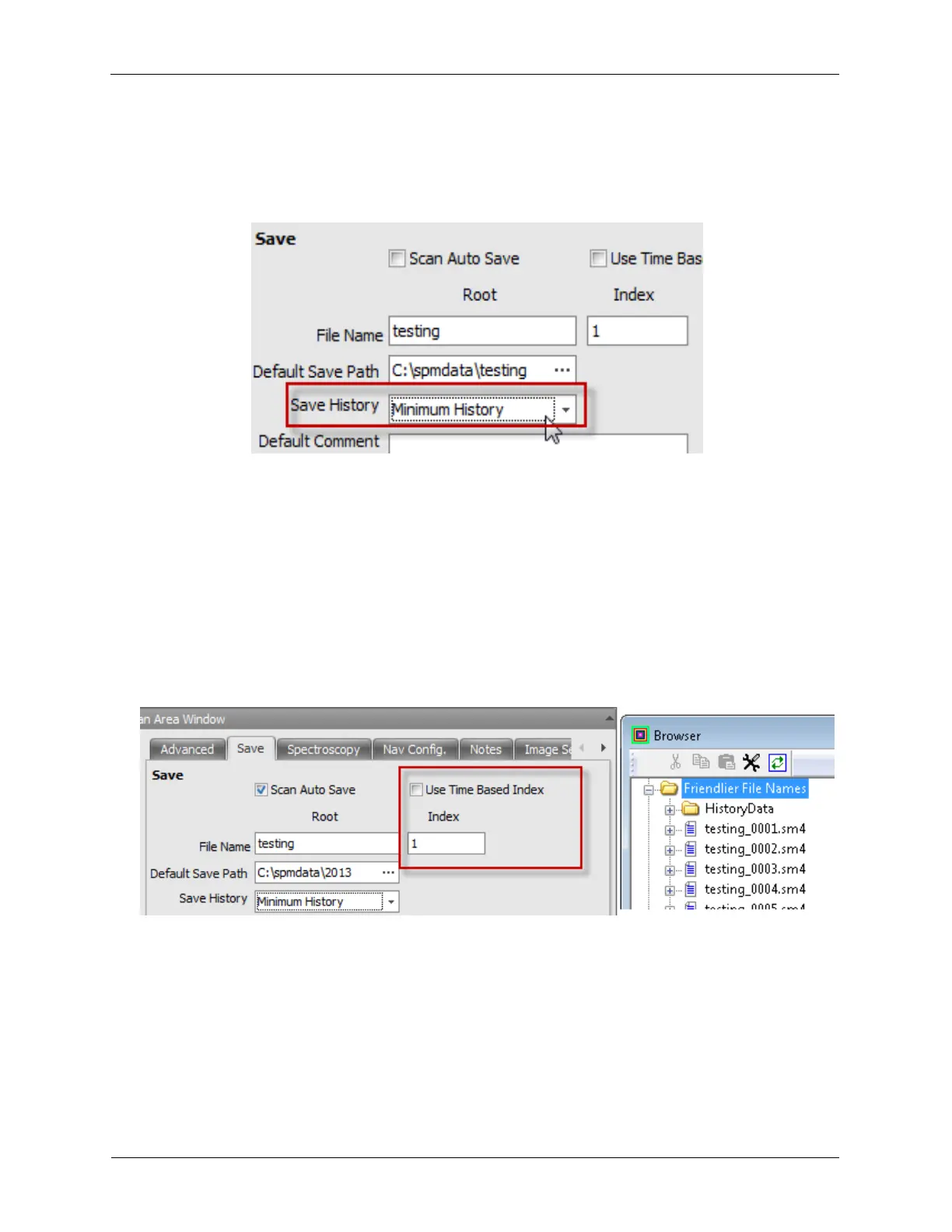
K.1.3. Save Panel
Figure K.8. Scan Area Window Save Panel
1. File Name: The file name as entered will form the root of the actual file name. The complete file name
for a saved measurement, whether it is an image or a spectroscopic measurement will include the 'file
name', along with the year, month, date, and time that the measurement was made. In this example,
the file name would be C:\spmdata\Au on Mica_2012_02_23_14_54_19.
2. Scan Auto Save: Enabling Scan Auto Save will cause your Image and Image+Spectroscopy files to
be saved automatically. The save button will be disabled while this feature is enabled.
3. Use Time Based Index: Index based file names will append the 4 digit Index to the Root of the file
name as shown below. Enable Use Time Based Index if the timestamps are prefered over the
sequential index.
Figure K.9. SM4 File names
4. Default Save Path: This is the location to set the path for the data being acquired and saved. Clicking
on the ... will open a dialog that allows an existing directory to be selected or a new directory to be
created. It is a good practice to regularly change the save path as too many files in one directory will
slow down the operation of the file browser.
5. Save History: The Save History parameter determines how much of the History (time) data is stored in
addition to the pixelated data files. RHK suggests to save at least Minimum History. This setting will
discard the raw "time series" data, but will record changes made to parameters during imaging, such
as bias voltage, Setpoint, scan speed, slope compensation, offsets, etc. The exact location in the



 To Next Page