Details on Procedure Space Constructions
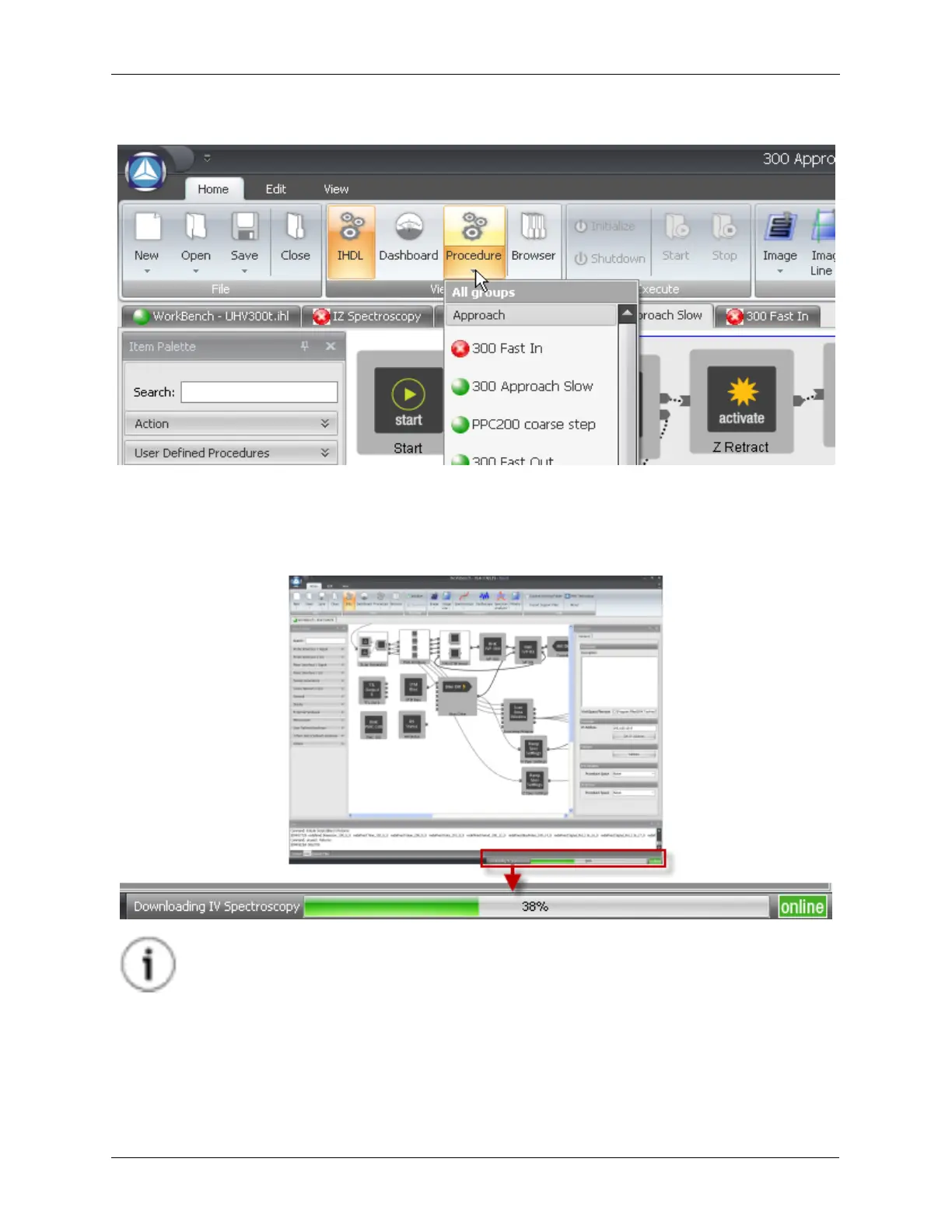
Figure J.19. Validation Status Indicators
Procedures are compiled from the IHDL™ and downloaded to the R9 Controller when the Initialize
button is pressed. This process can take a few minutes to complete. The status of this process is
displayed on the bottom-right corner of the screen.
Figure J.20. Initialization Progress Bar
Tip
Procedures that failed Validation will have a red dot next to the Procedure name. Check
the Output tab for information about procedures that failed Validation.
Each Procedure will only be downloaded one time after Initialization unless the Procedure is modified in
Procedure Space. To save time on Initialization, infrequently used Procedures can be de-selected so they
are not compiled and downloaded until they are first used. To do this, uncheck Compile on Initialize on
the Procedure Property Panel. When a deselected Procedure is first run, it will be compiled and
downloaded to the R9 and will be immediately available until the R9 is powered off.



 To Next Page