External Control Interface
N.2.5. Procedures
The procedures that are used when the Frequency Sweep panel buttons are pressed are
already selected but they can be changed by pressing the Procedures button.
Please refer to the Frequency Sweeps Quick Start Guide for more information.
Appendix O. Inventor SDK
The Inventor SDK enables the user to control the R9 with text commands sent over Ethernet to the R9
software. The text commands can be sent from any application including those built with LabVIEW,
Matlab, C/C++/C#, Python, Java, etc.
The Inventor SDK can also be used as a powerful automation tool. Examples of automation include
lithography patterns and unique parameter adjustment based on dynamically processed data.
A sample Inventor SDK program has been included with this release along with the set of available
commands and some example experiment scripting.
Inventor SDK allows bi-directional data streaming, such that commands may be sent to R9 from an
external command, such as LabVIEW, and also R9 can send the commands out to LabVIEW and have
LabVIEW trigger the device, for example.
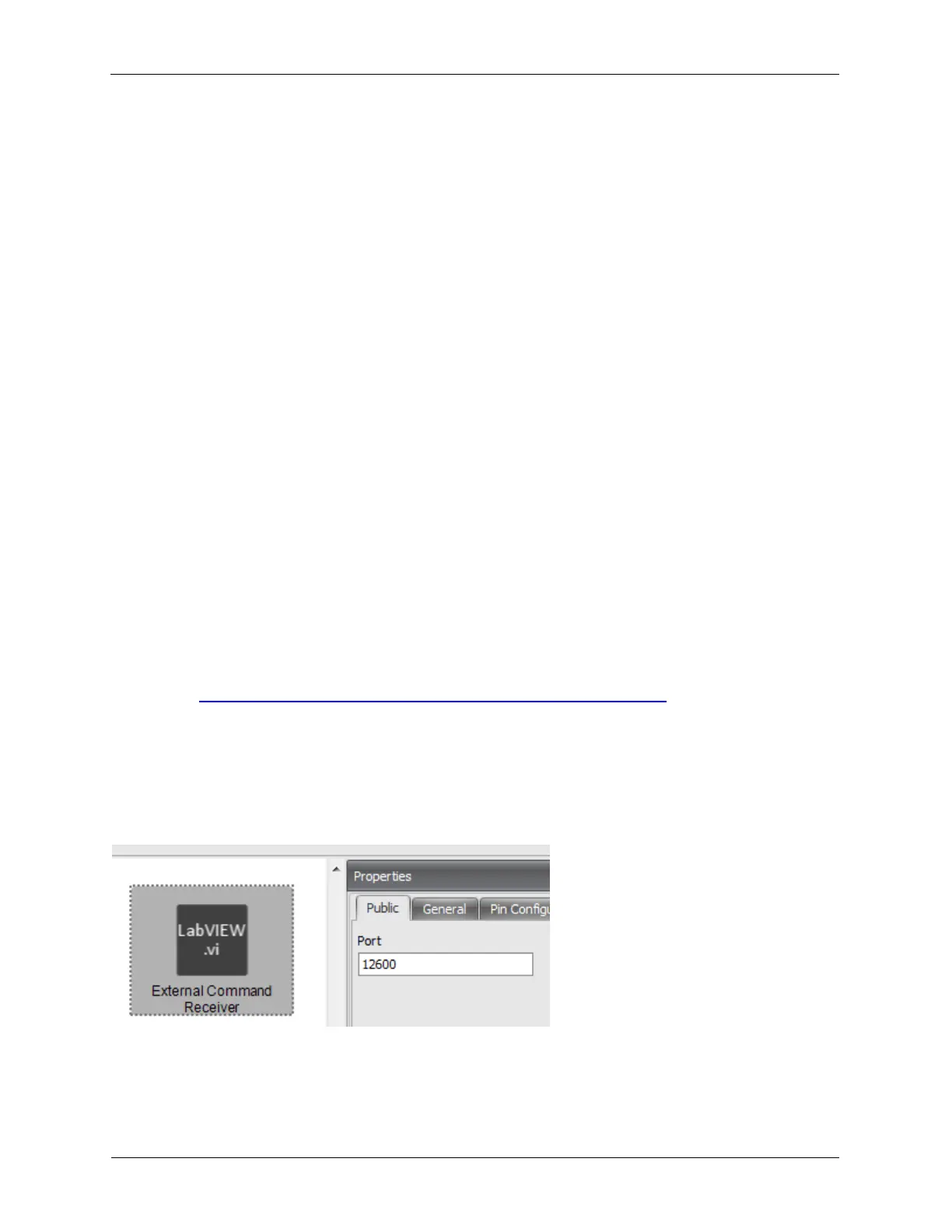
To enable the Inventor SDK, the External Command Receiver hardware item must be added to
Hardware Space. The default TCP listening port is 12600 but this can be changed with the External
Command Receiver’s Port property.
More on Inventor SDK, including application notes, examples, and source code from other users can be
found here: http://www.rhk-tech.com/download/software/R9/InventorSDK.zip
Figure O.1 Enable Inventor SDK



 To Previous Page