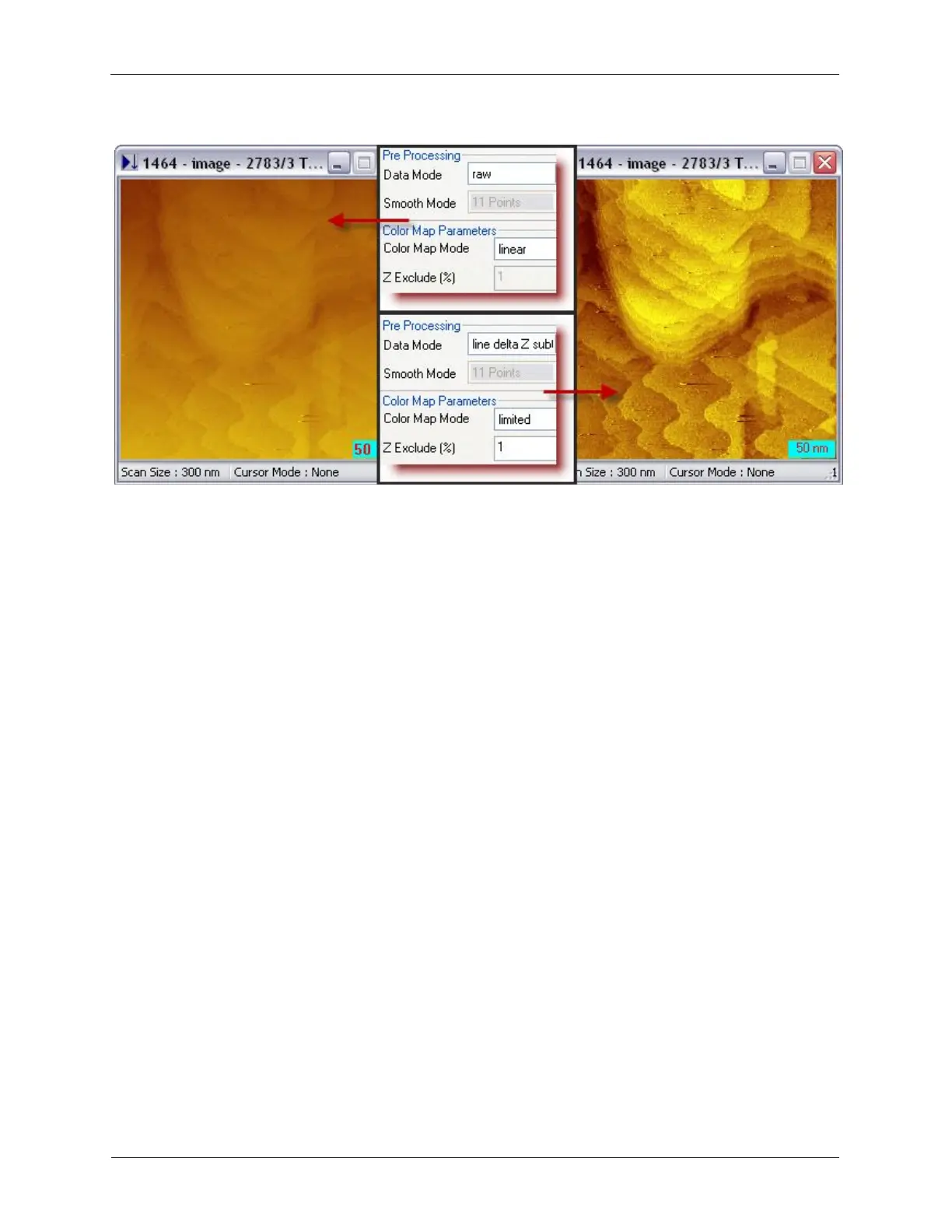
Display and Analyze your Image
Figure 5.4. Pre-processing Data Mode and Color Map Mode
5.3.2 Display Image in 3D Format
The SPM topographic image is inherently three dimensional. However, the 2 dimensional rendering uses
color to differentiate the three dimensional height. This rendering method is not the usual way for human
vision to interpret a three dimensional object. For viewers who are not familiar with SPM images, a three
dimensional display is a powerful and direct way to understand and analyze the data. The 3D display
tools can be found under the View > 3D View menu, or View >Interactive 3D. The 3D View displays the
3D picture generated from the software, while the Interactive 3D allows the user to manipulate the angle
of the 3D display using mouse. A double-click freezes the 3D display angles.



 To Next Page