Details on Procedure Space Constructions
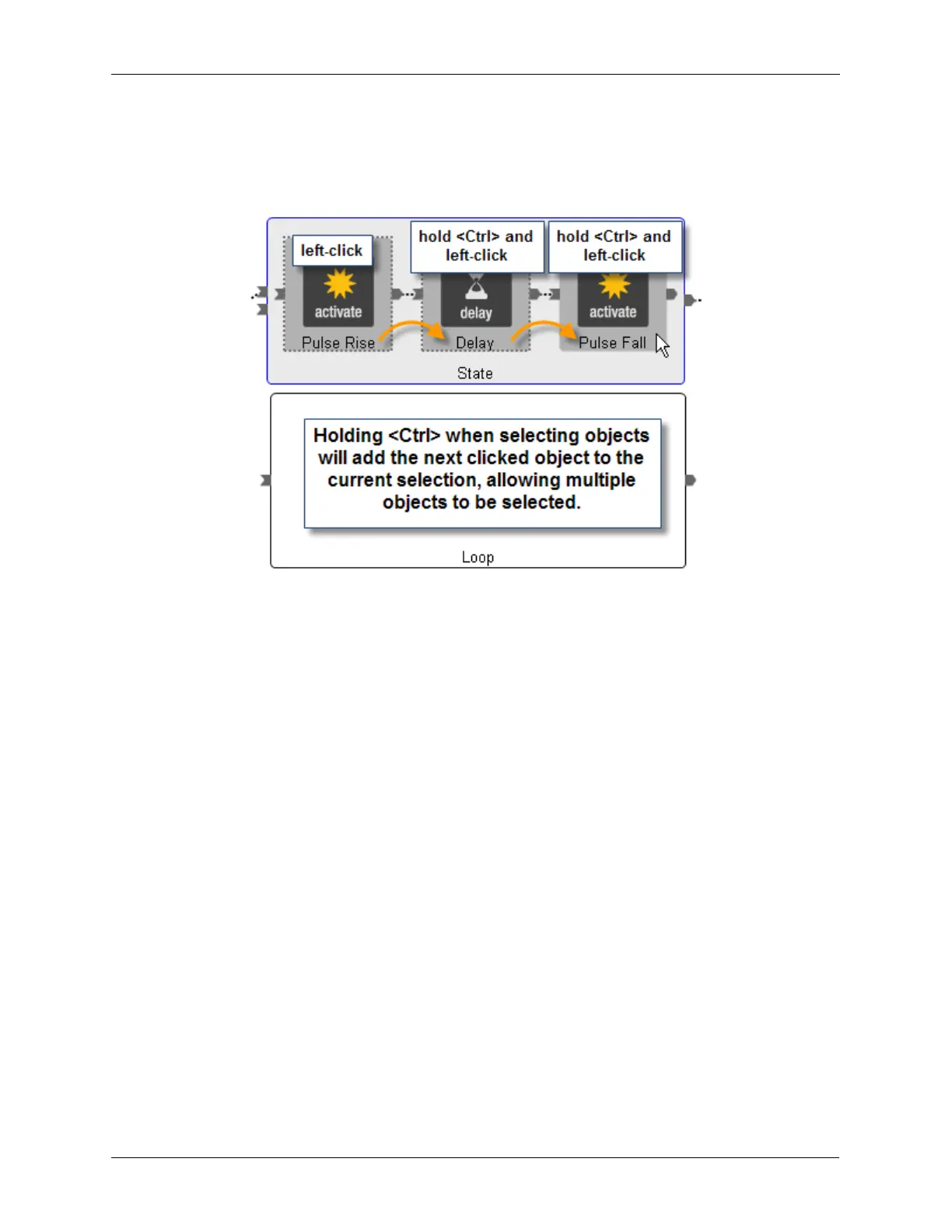
Figure J.26. Selecting Multiple Objects
Now that the three objects are selected, press <Ctrl>+X on the keyboard or select Edit > Cut from the
ribbon. The three selected objects will be removed from the State. Left-click the Loop to make it the active
selection. Press <Ctrl>+V on the keyboard or select Edit > Paste from the ribbon. The three selected
objects will now be inside the Loop.



 To Next Page