2. Only the Current signal is available for Spectroscopy because the Current Measure Item's Measure
Type was set to Image + Spectroscopy . The Topography signal is NOT available for Spectroscopy
because the Topography Measure Item's Measure Type was set to Image.
For more information about Measure Items, please see the Measure Item Appendix.
4.2 Configure Scan Settings
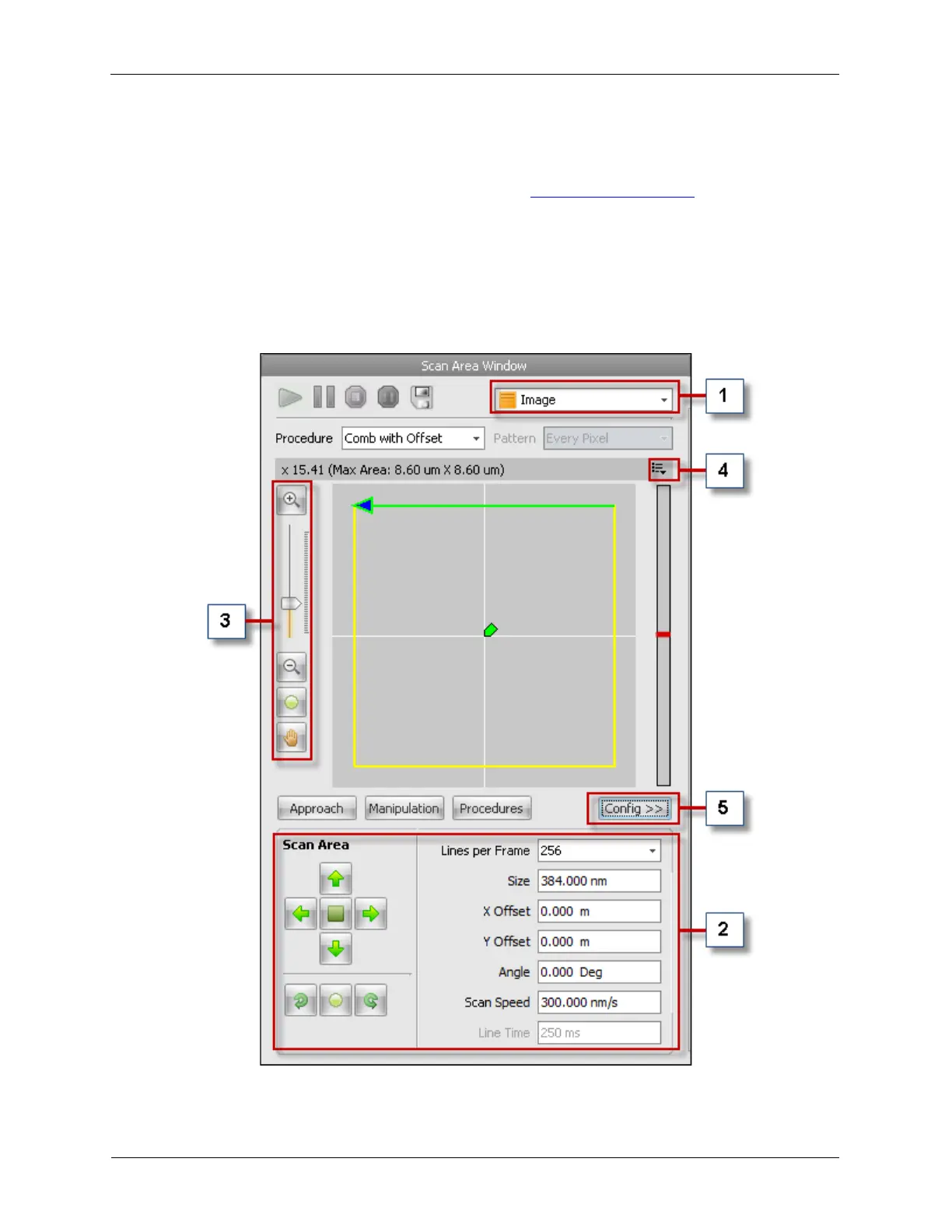
The Scan Settings need be configured now that the Measure Items are properly connected. The Scan
Settings can be found on the Scan Area Window in the Dashboard.
Figure 4.2. Scan Area Window Main Panel



 To Next Page