Details on Procedure Space Constructions
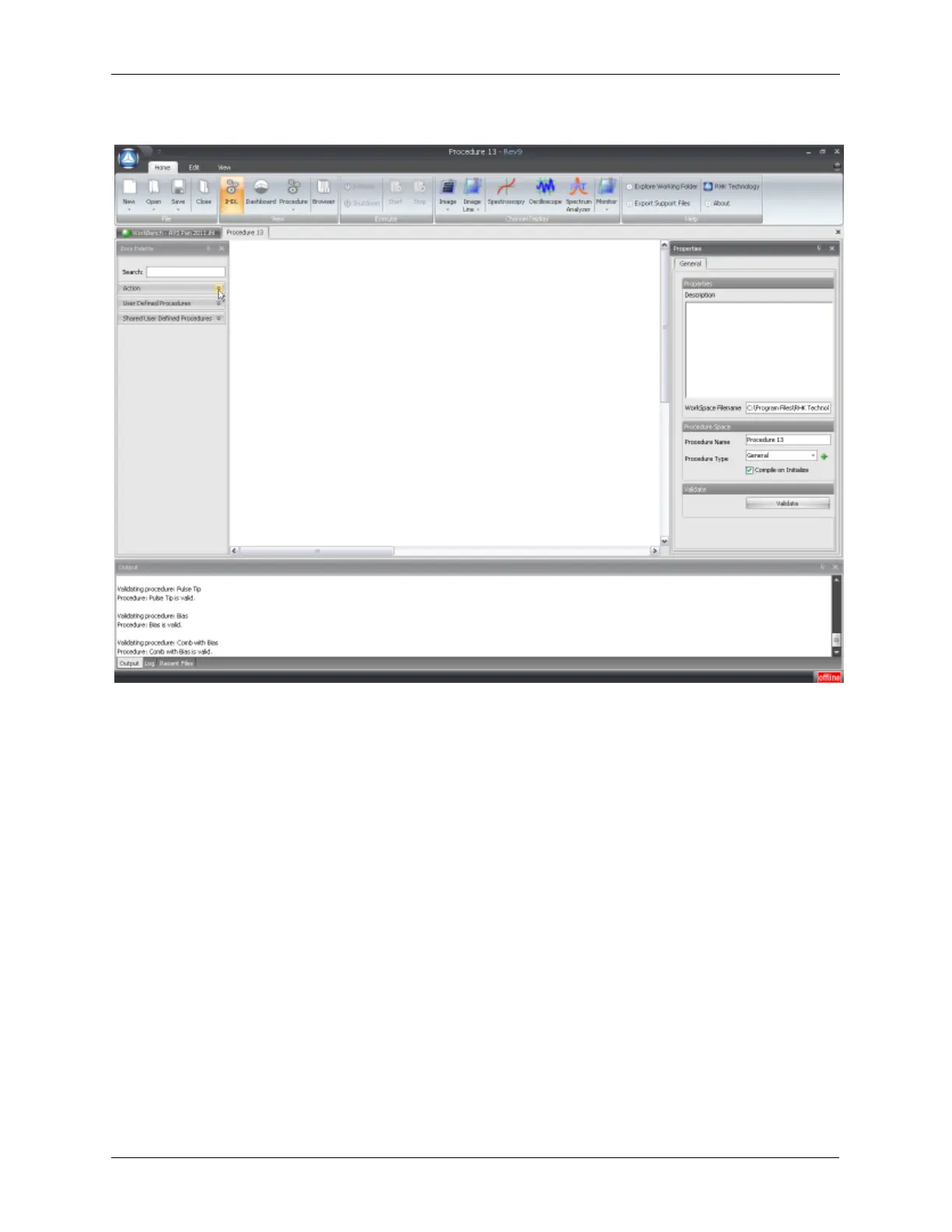
Figure J.2. New Procedure Space
All procedures consist of:
• One Start button
• One Stop button
• At least one State
• At least one Activate inside of the State
Basic rules:
• All Actions in a Procedure must be placed inside of a State.
• Only one State can be active at a time.
• All States must be deterministic. This means that the procedure cannot be ambiguous and all inputs
and outputs must be defined.
• Only hardware items that have been placed in Hardware Space can be "activated". This is enforced
through the basic construction of IHDL.
• All input pins of a State or Action icon are on the left side of the icon. All output pins of a State or
Action are on the right side of an icon.
• The flow of the procedure always starts at the Start icon and follows the connection lines from the
States, through the Action items, until it terminates at the Stop button.
• A State is always first entered through the top pin on the input side. This is the Initialize pin.
• The procedure will start with the first icon in the State. No connection is required from the input pin of
the State to the input pin of the first Action icon.



 To Next Page