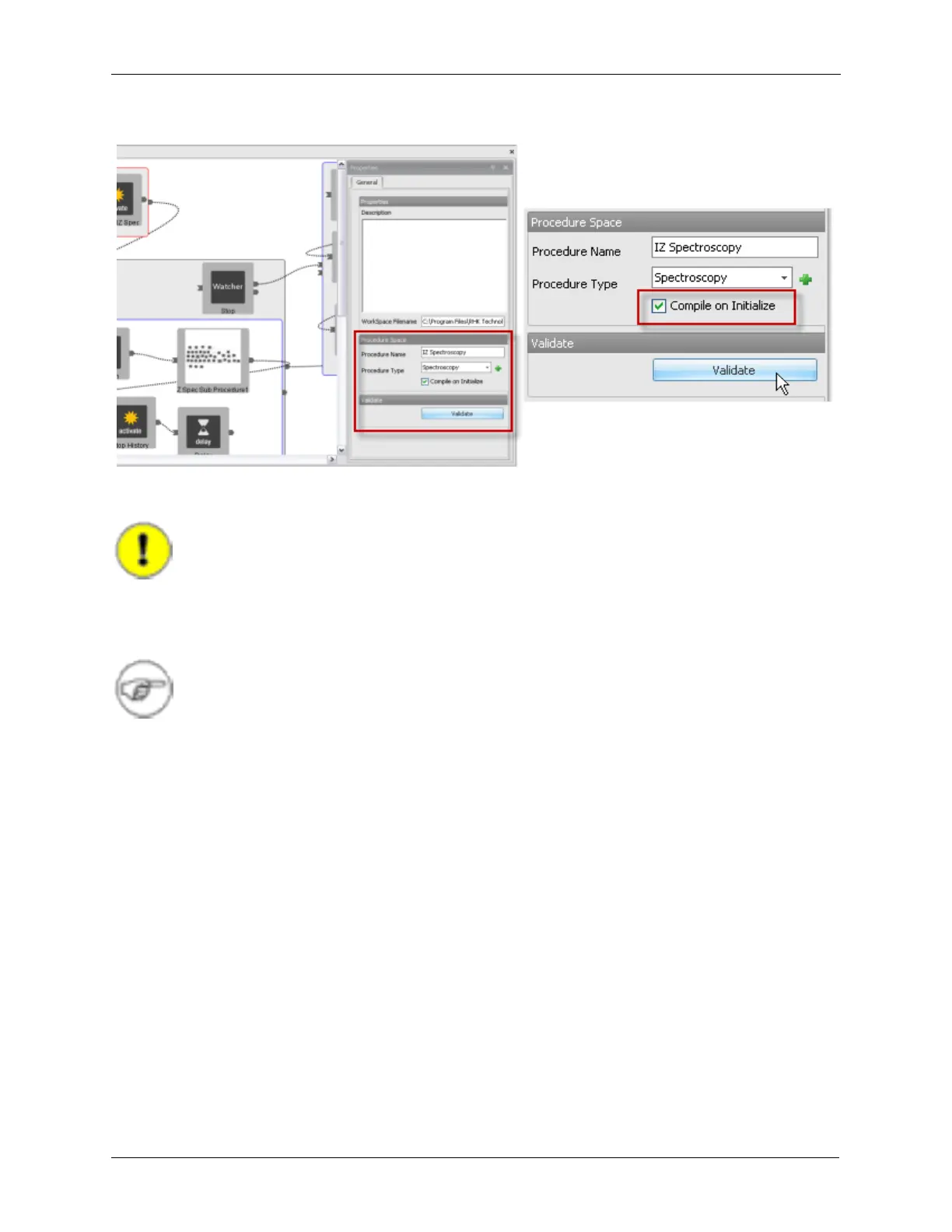
Details on Procedure Space Constructions
Figure J.21. Compile on Initialize
J.9. Running the Procedure
Important
Only one procedure can be run at a time. Starting one procedure while another procedure
is already running will cause the first procedure to terminate, followed by the running of the
second procedure. Care must be taken when creating a procedure so it will be exited in a
safe state when interrupted by another procedure.
Note
Procedures can be embedded inside of other procedures. The original procedure is put on
hold while the second procedure is run. When the second procedure is finished, the original
procedure resumes.
There are two ways to run this procedure: from Hardware Space or from the Procedure Panels.
J.9.1. From Hardware Space
1. When in Hardware Space, select the desired Procedure from the Procedure Icon on the ribbon. The
procedures will be sorted according to category assigned when they were created. The procedure can
be re-categorized at any time by opening the procedure, changing the category, and then saving the
IHDL file.
2. The tab will open in Hardware Space. With the selected tap highlighted, click on the Start button in the
Execute section of the ribbon. To be able to run a Procedure from Hardware Space, the Procedure
must be docked to the IHDL window. When the Procedure is docked to the IHDL window, it will show
up as a tab as shown below. If the Procedure is not docked, clicking on the docking pin will dock the
procedure.



 To Next Page