Details on Procedure Space Constructions
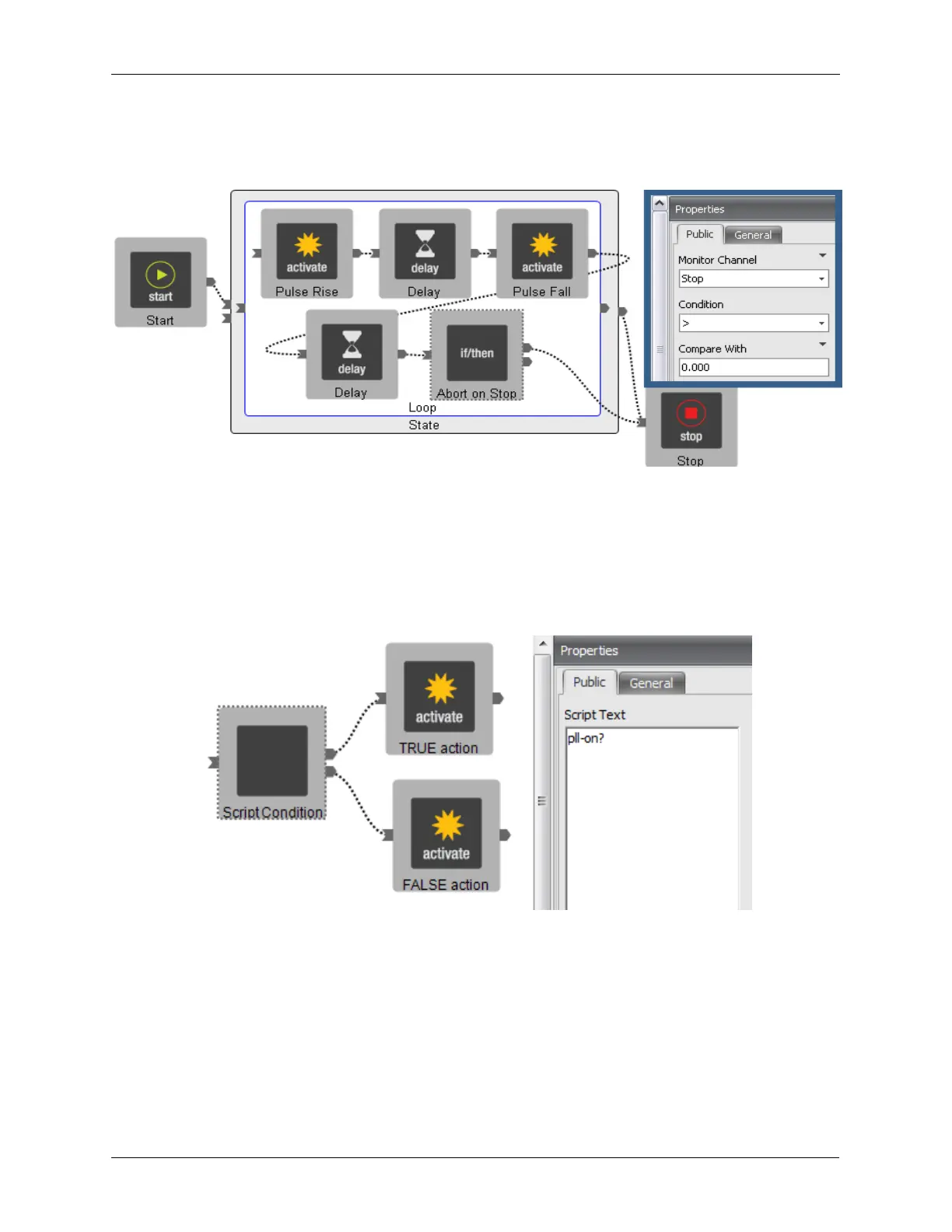
conditional will check to see if the Stop button has been pressed. If it has been pressed, the Procedure
will exit the State. If the Stop button has not been pressed, the Procedure will continue running.
Figure J.32. Conditional Inside Procedure Space
J.12.1. A “Script Conditional” Item
The Script Condition item allows new possibilities in procedure control. The software allows the user to
type in specific scripting commands and change the program behavior based on the outcome of those
scripts. The output of the script must be a TRUE or FALSE for this item to work properly. Please contact
RHK Support for more information on this advanced topic.
Figure J.33. Script Condition in Procedure Space
J.13. Configuring Startup and Shutdown Procedures
The Post-Initialize and Pre-Shutdown procedures can be defined if special behavior is desired when the
R9 Controller is Initialized or Shutdown. The Post-Initialize procedure is run after the R9 Controller is
Initialized. An example procedure that may be run after the controller is Initialized is to set the High
Voltage Outputs to certain values before enabling the High Voltage Relays. This way the user can be
sure that their High Voltage Outputs are set to safe values before enabling them. The Pre-Shutdown



 To Next Page