A.5. Adding Procedure Panel to Hardware Composites
on the Dashboard
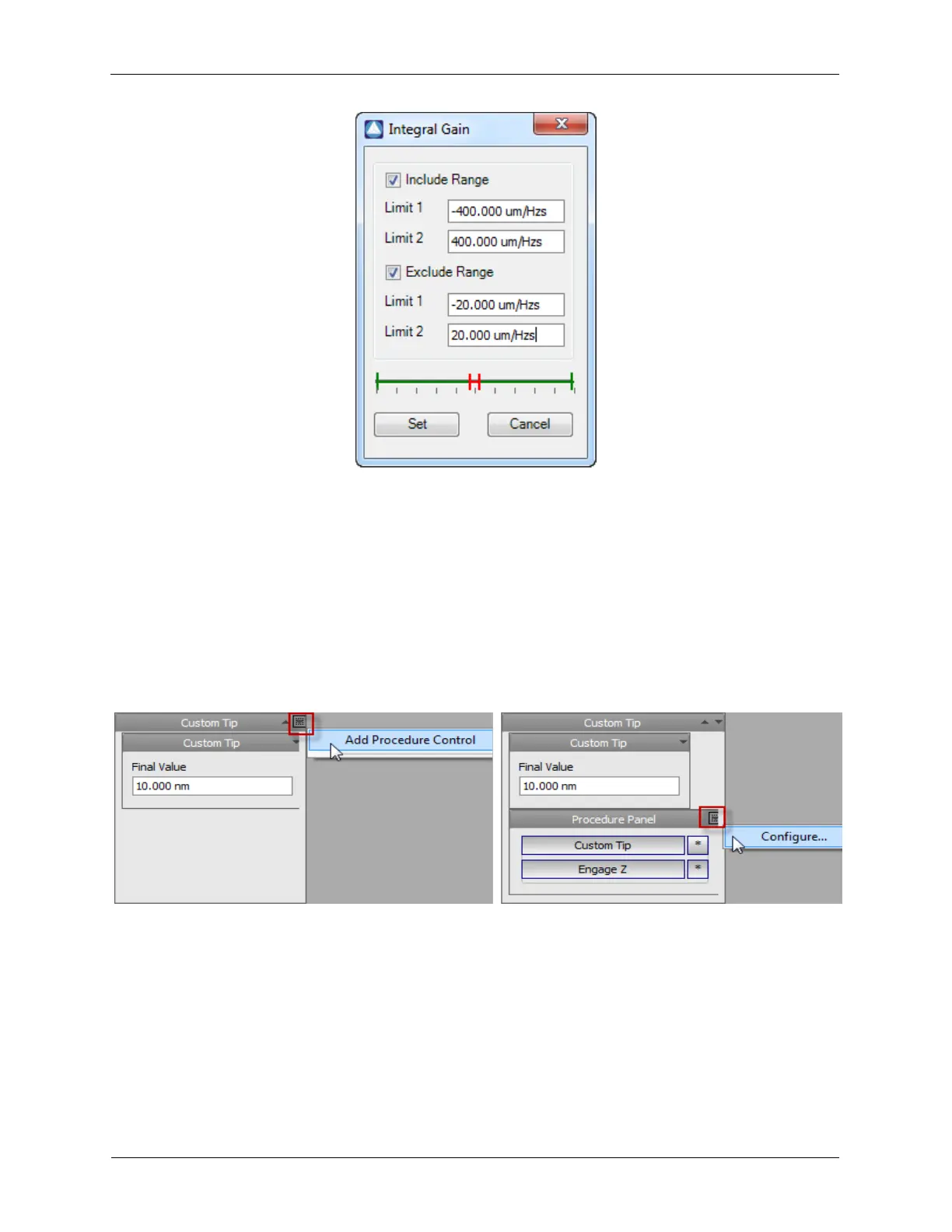
Procedure Panels can be added to composites on the Dashboard to simplify running custom procedures.
In the example below, it is shown how to add a Procedure Panel to a Hardware Composite on the
Dashboard. Simply press the "down" arrow on the Dashboard panel of a Hardware Composite. The
Procedure Panel works similarly as the other procedure panels in the software.
Figure A.9. Adding Procedure Panels to composites on the Dashboard
A.6. Configure Measure Items
The preconfigured STM modes will have a few Measure Items already connected. Please change to
Hardware Space (select the IHDL toolbar icon) and review the following figure for a quick explanation on
the connections to the Measure Items.



 To Next Page