Details on Procedure Space Constructions
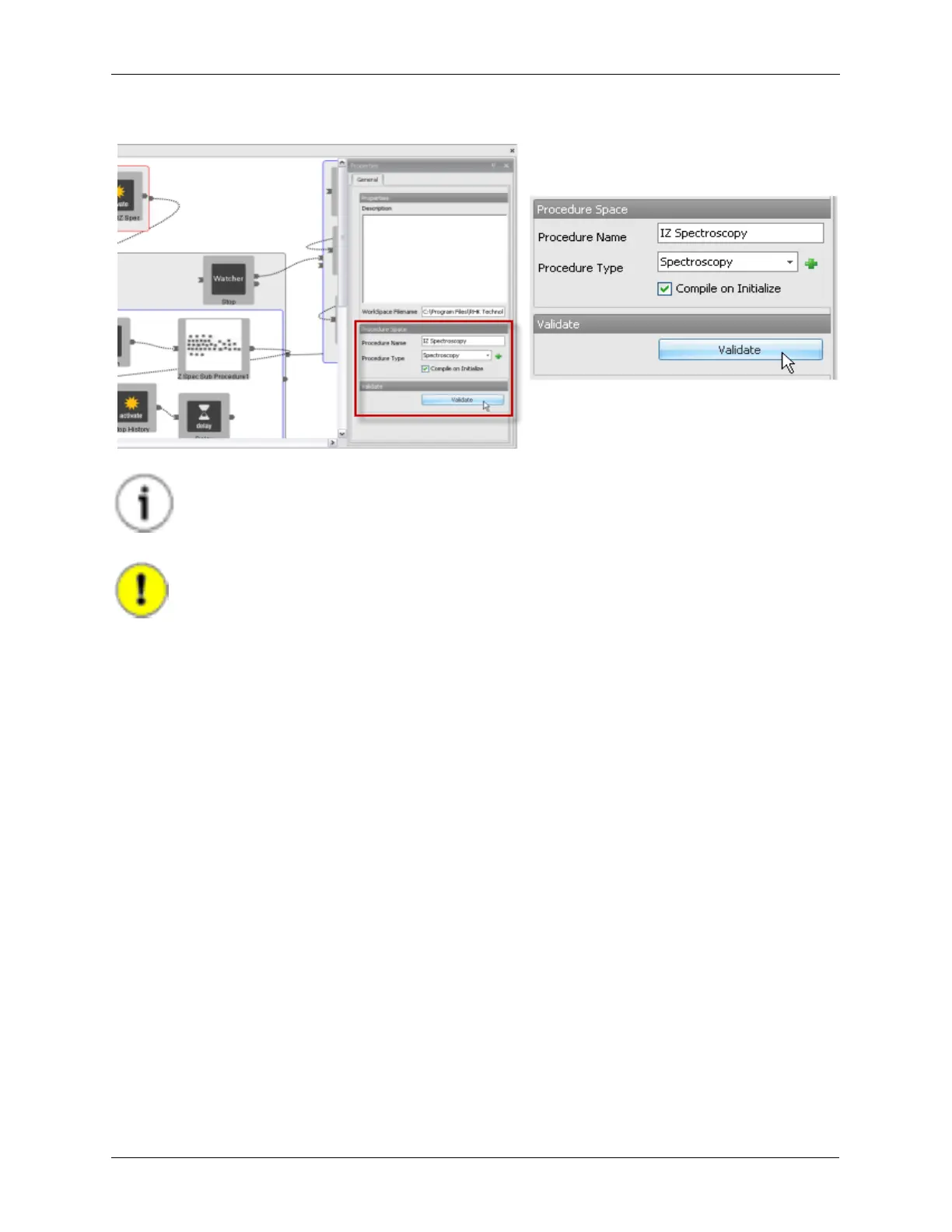
Figure J.16. Validating a Procedure
Tip
Pressing the Validate button in Hardware Space will automatically perform the validation
step on all Procedures in the IHL.
Important
Pressing the Initialize button will cause the software to attempt to validate all Procedures
before downloading them.
The Procedure Validation makes sure the Procedure can be correctly executed by the R9 Controller. The
results of the Validation process is shown on the Output tab that is docked to the bottom of the screen. If
any errors are encountered, the cause of the error will be detailed, allowing an easy method to find and
correct the error in the procedure.



 To Next Page