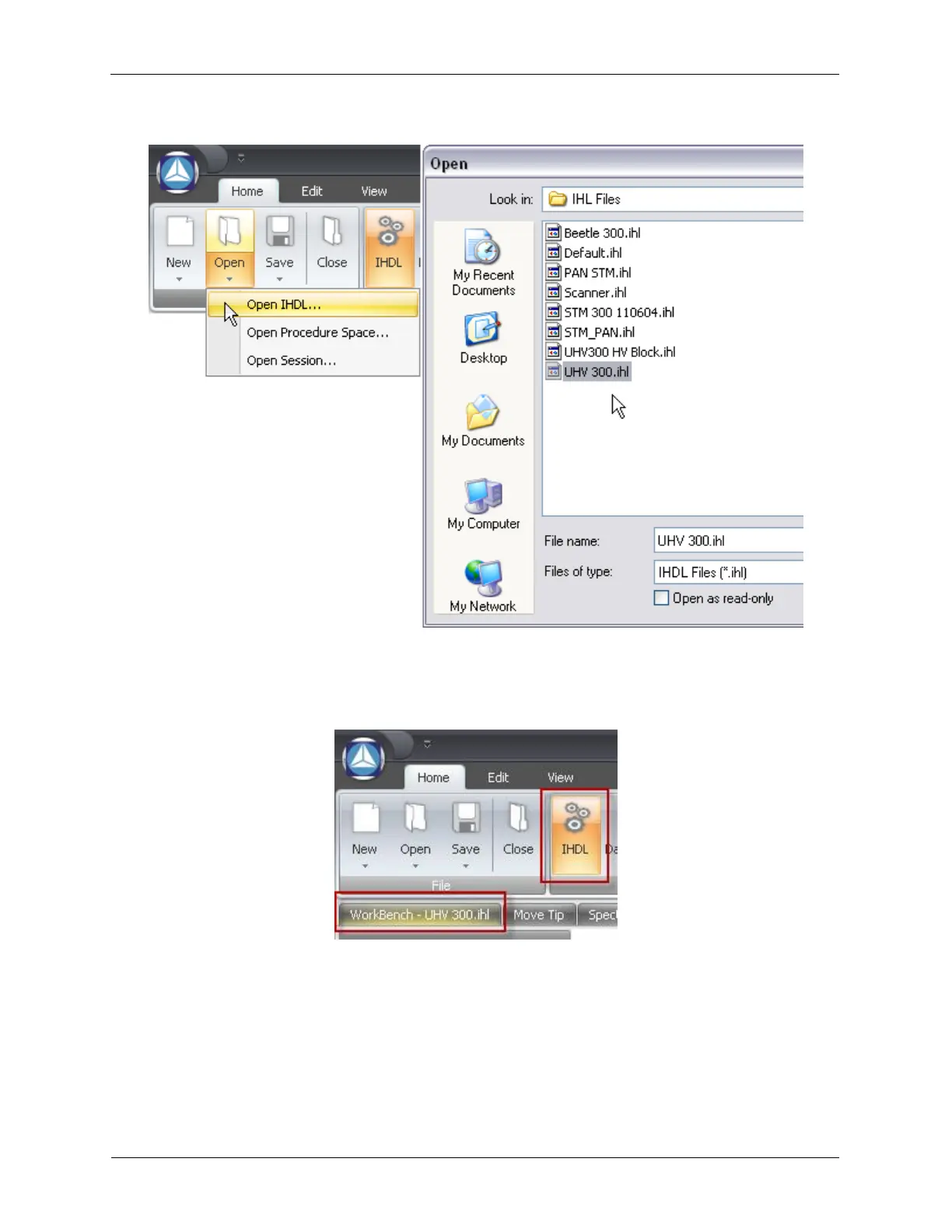
Figure 1.5. Opening a preconfigured IHDL™
After the .ihl file is loaded, select the IHDL View if it is not already selected and left-click the Workbench -
UHV 300.ihl tab. Please note that it may be the only tab.
Figure 1.6. Selecting the Workbench tab
RHK has developed several preconfigured SPM experiment templates that ship with the R9 Controller. If
you have one of the RHK STM systems, then you will have a complete preconfigured Hardware Space,
Procedure Space, and Dashboard that will provide all the basic STM functionality you need to get
started imaging. If we do not have an IHDL already preconfigured for a particular microscope scan head
design or approach system, an existing IHDL could be modified. This will be explained later.
Before imaging can begin, we need to confirm the Hardware Space is properly configured. We will use
the RHK UHV300 STM Beetle preconfigured .ihl to illustrate this process. The Hardware Space for the
RHK UHV300 is shown below.



 To Next Page