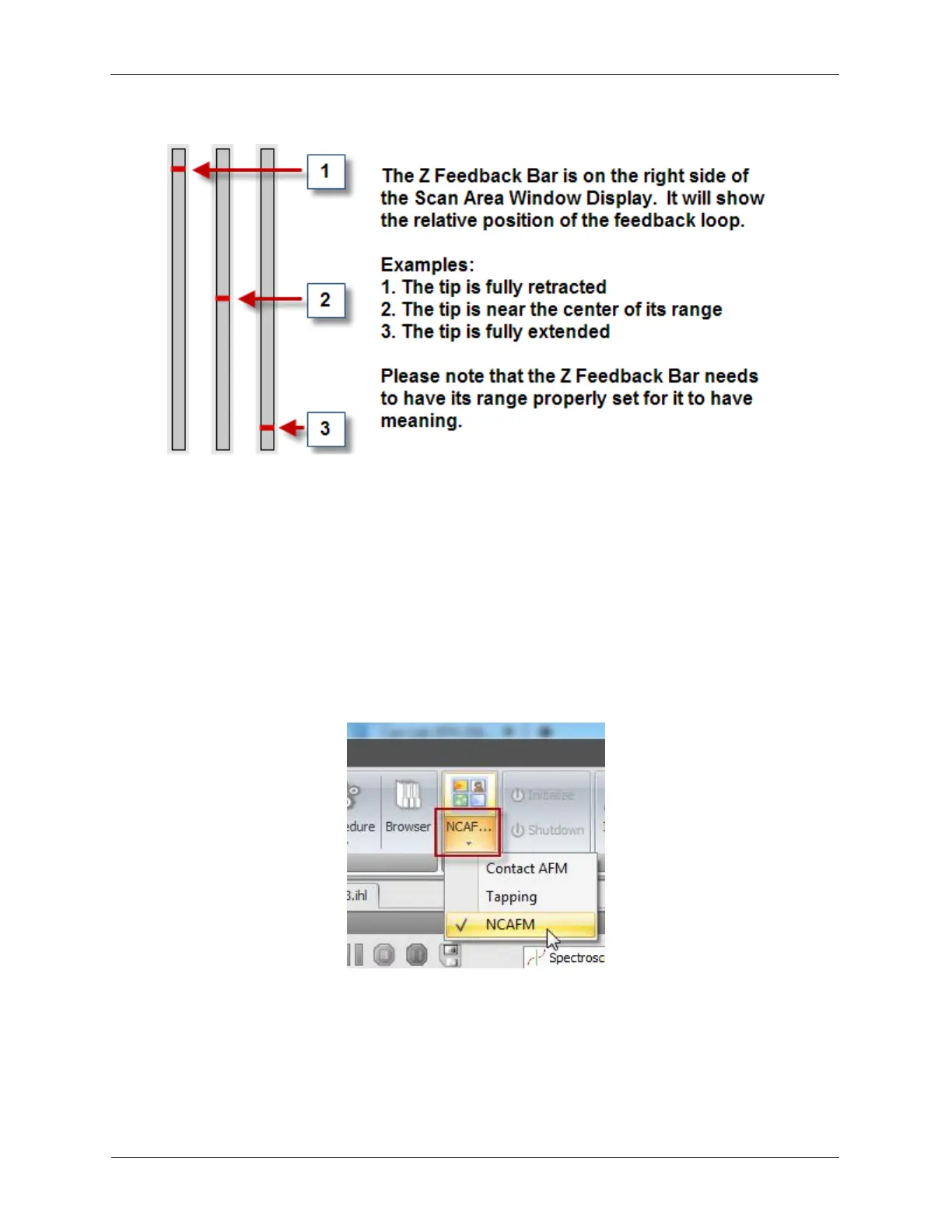
Figure 3.4. Z Feedback Bar
3.6 Operating Mode Switching
The Z Feedback source can be changed by the Procedure Type Mode. This allows the user to switch
between various Operating Modes such as NCAFM (non-contact AFM), Tapping, Contact AFM and STM.
An example application would be to scan in NCAFM mode with a conductive AFM probe on a non-
conductive sample. Once a conductive piece has been located the user could switch to STM mode to
acquire some IV spectral data.
Figure 3.5. Mode Switching
To change Operating Modes, select the arrow below the Mode button on the ribbon bar and select the
name of the Mode to change to. The Mode button will show the name of the Mode the R9 is currently in.
It will use the name of the Mode procedure that was called.
The Mode procedures will typically begin by retracting Z a few nanometers, enable or disable any
modulations that are common to that feedback mode (such as a probe modulation) and switch the Z



 To Next Page