Details on an IHL File's Constructions
Note
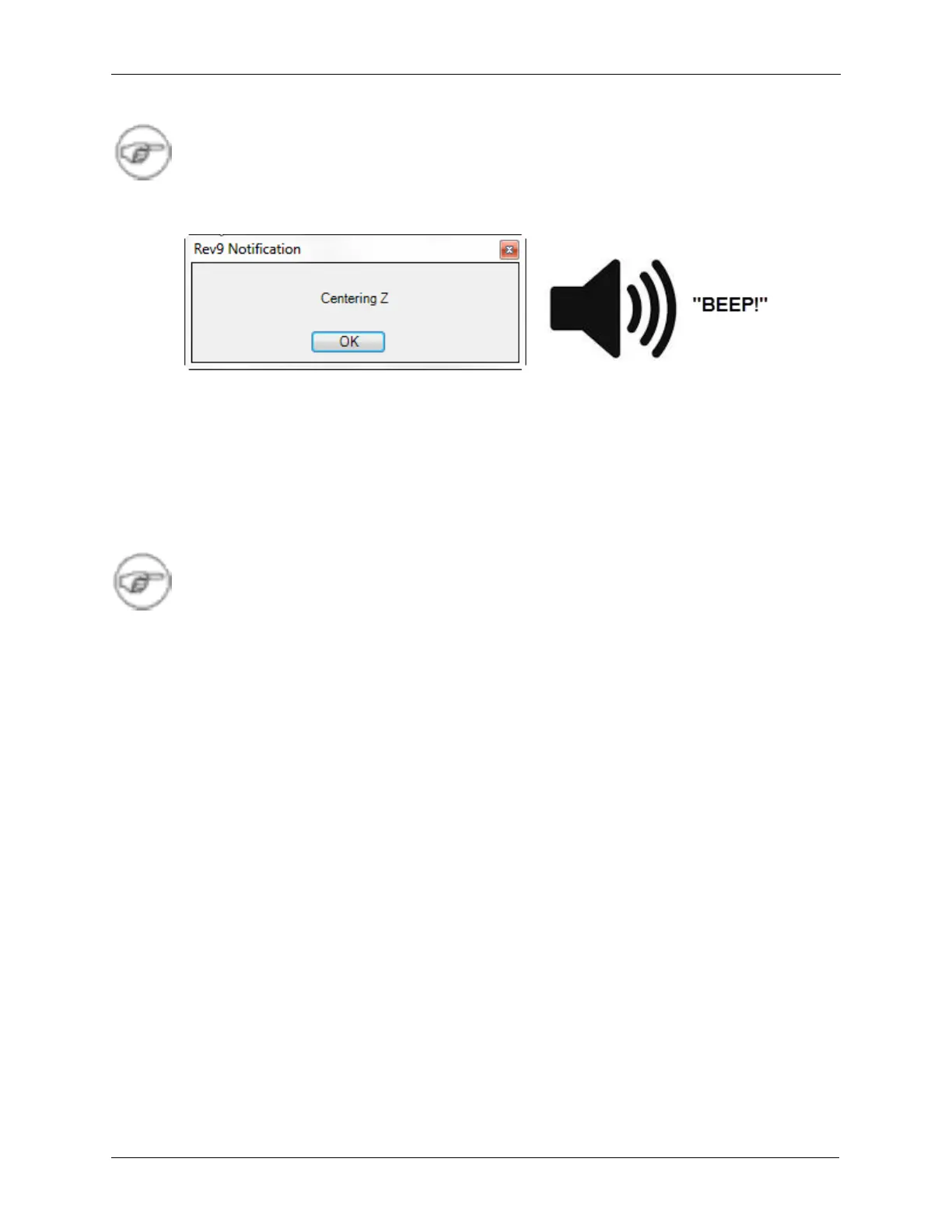
Message box popups will make a beep on the computer speakers. This is to help notify users
that may not be directly watching the software.
Figure I.8. Play a Sound with Message Box Notification
I.17. Multiple R9 Controls in a State
The IHL construction is much easier due to changes in the way IHLs can be wired. Any number of
different R9 controls can be ramped in a given state.
Note
Many of the procedures have been updated to fix the “funny tip motion” bug that could
sometimes occur in previous versions. Although older IHL files may still work with this new
software version they will still have the tip motion bug because the procedures still need to
be upgraded. Please contact RHK Support if there are still procedures that need updating
after using the IHL update utility.
I.17.1. Sweep Options in R9 Controls
The interface in R9 Controls has only three options to the sweep type: Set, Sweep and AWG.
Set - The controller changes the output to the new value immediately.
Sweep - Sweeps the output to the new value at a specified rate or over a specified duration.
Previously, there were 6 different Sweep options (idtptg and odtptg) but that was simplified and
hidden.
AWG - AWG or Arbitrary Waveform Generator mode allows the user to sweep a custom generated
waveform instead of simply setting or sweeping a particular output. There can be only one AWG file
in use at a time, and that is selected from Hardware Space and will be loaded when the controller is
initialized.



 To Next Page