Note
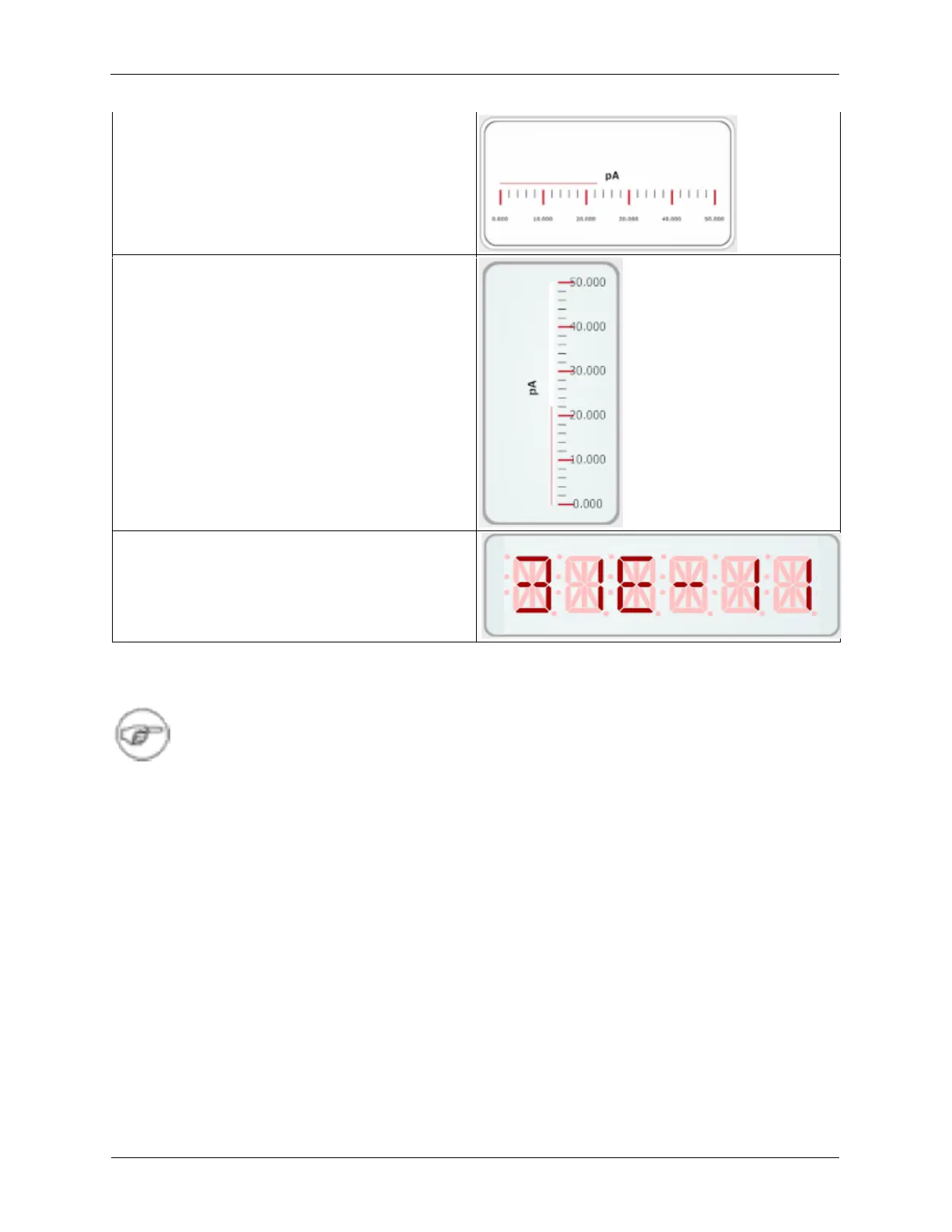
The data in the Monitor display items will be averaged between readings instead of displaying
single readings at periodic intervals. Additionally, the Digital Monitor item has been fixed and
will conveniently update its value and unit using the same method that is used to display the
numerical values and units on the text entry boxes throughout the rest of the software.
K.5.1. Controls
The interface for the Monitor items has been redesigned to be more useful. The border for the monitor
can be hidden. The Monitor’s range can be automatically set to Full Scale or set manually. Also, the
Monitor items can be set to be a Top-Most item so it does not get hidden behind other windows.
Monitors have three controls: Gauge Type, Channel, and Set Range.
Figure K.34. Monitor Controls



 To Next Page