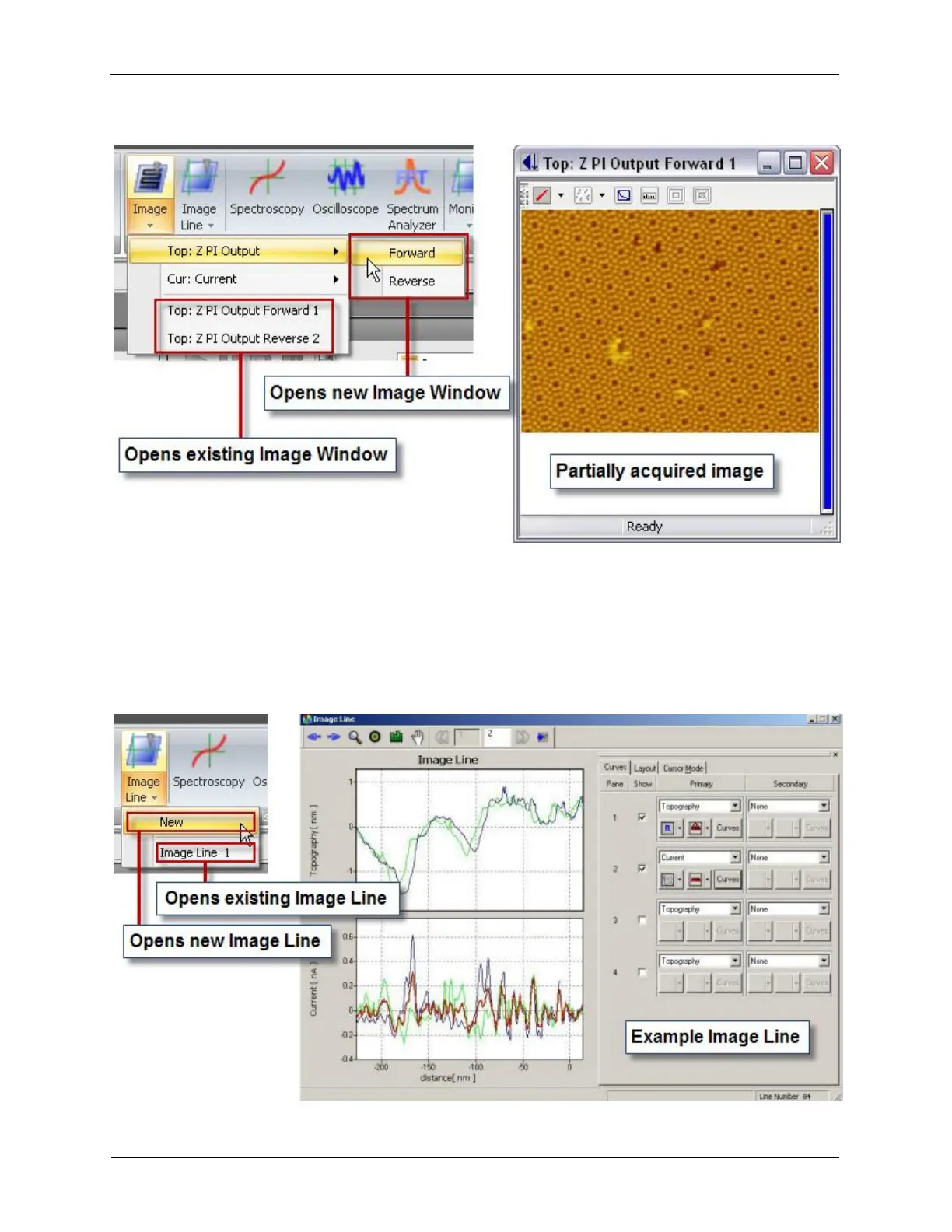
Figure 4.7. Open an Image Window
It is also very helpful to open the Image Line cross section view.
During image acquisition and optimization, the Image Line can be used to help to find the right Setpoint
and feedback gain. Very often, both the forward scan line and reverse scan line are displayed together.
The user could adjust the feedback Integral Gain to make sure there is no excessive noise within the
Image Line, and make sure that the forward and reverse scan lines overlap with each other.
Figure 4.8. Open an Image Line



 To Next Page