In all cases, it is always good practice to check the R9 Section [http://www.rhk-tech.com/the-r9-spm-
control-system.php] of the RHK web site frequently to get any bug fixes and to get a free download of the
latest version of R9 Software. The site provides all the detailed information to download and install R9
Software to your workstation.
1.4.1 Opening R9 Software (R9s)
To start the R9 Software (R9s), please double-click the icon on the desktop or find the application in the
Windows Program List. R9 Software normally opens in the same condition it was in before the last
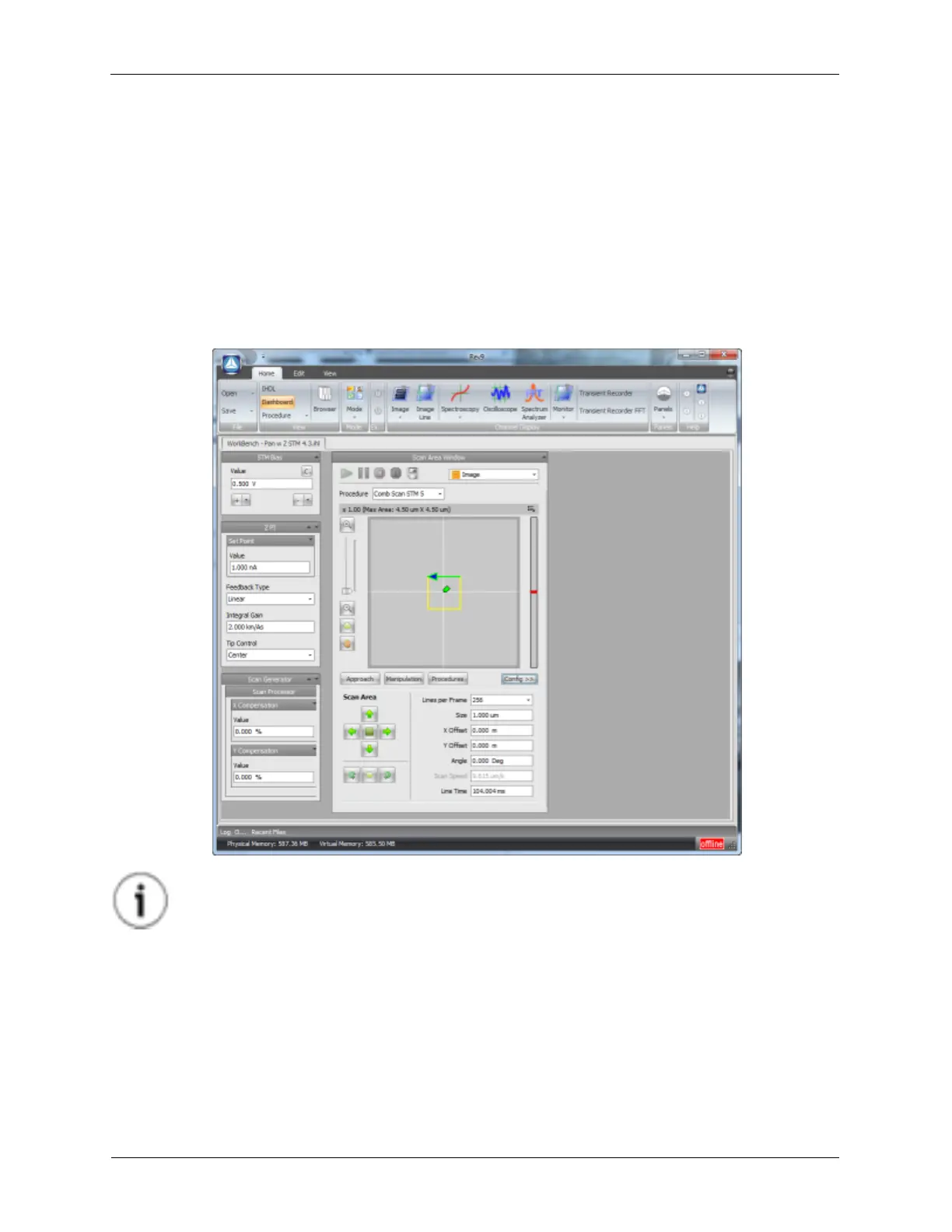
shutdown. For a first time use it may resemble the layout in the figure below.
Figure 1.4. R9 Dashboard
Tip
The bottom-right corner has an icon to indicate if the R9 Hardware has connected to the R9
Software. The icon will either say offline or online, depending on the connection status.
1.4.2 Understand IHDL™ and the R9 Software Components
R9 Software uses a powerful Iconic Hardware Description Language, IHDL™ and has several distinct
components that enable separate aspects of SPM work:
• Hardware Space: This is an iconic environment used to define for the R9 System the static hardware
components, their inputs and outputs and allowed wiring of these components in the specific SPM
working environment. Example components that reside in Hardware Space are Scanners, Input



 To Next Page