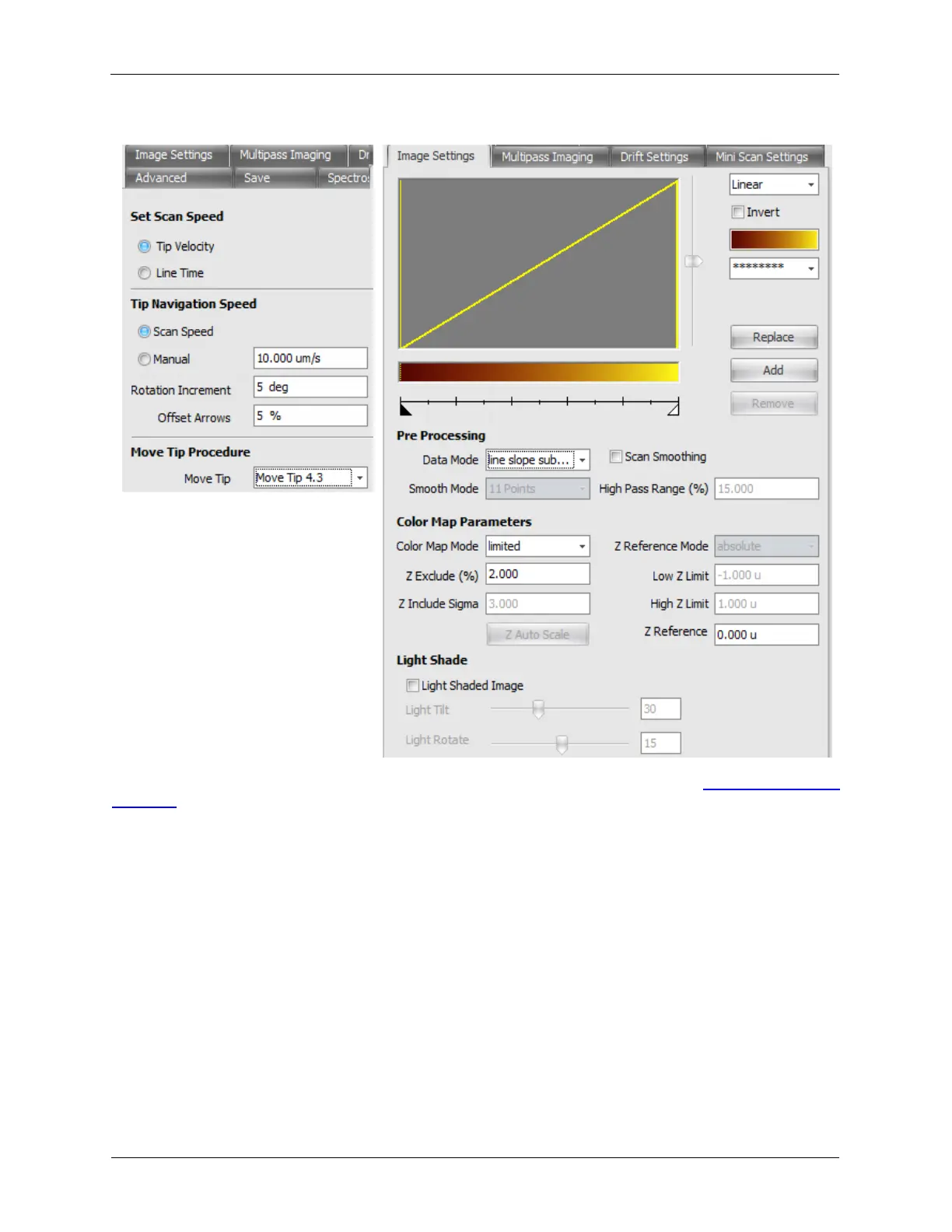
Figure 4.5. Scan Area Window - Nav Config., Image Settings
For more information about the Scan Area Window Config Panel, please see the Scan Area Window
Appendix.
4.2.1 Multi-height Imaging
Multi-height imaging is the ability to scan a surface, memorizing the topography trace, and lift up and
rescan the surface, replaying the topography trace at up to three different heights. This is especially
useful for MFM imaging.
To access the Multi-height imaging mode, the “MPI-Z” Procedure must be part of your IHL file. To enable
Multi-height Imaging, select Multi-Pass Imaging as the Acquisition Type on the Scan Area Window. The
parameters are found on the right-most tab of the expanded Scan Area Window, labeled Multipass
Imaging.



 To Next Page