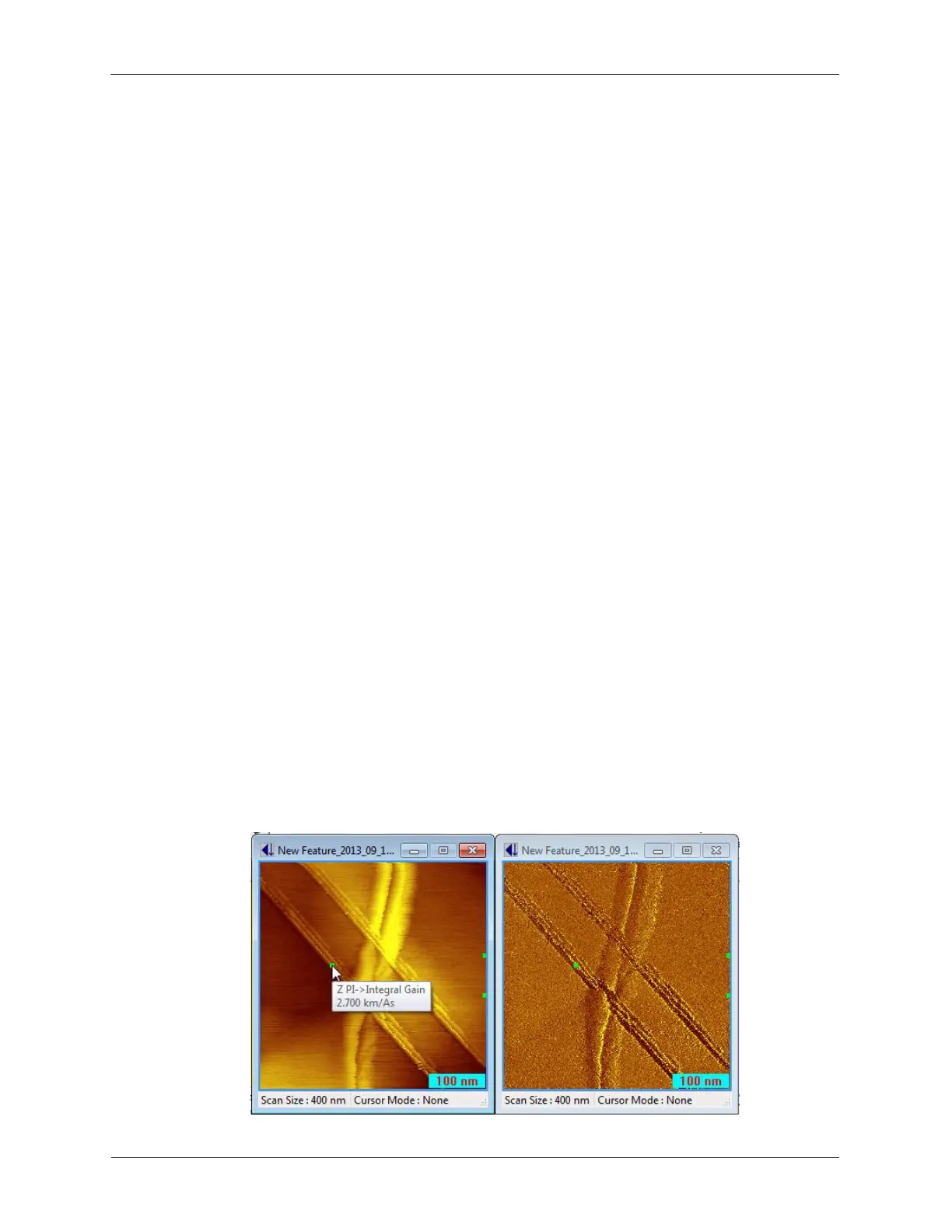
image where these parameters are changed will be maintained. This data will be lost if No History is
selected. More detailed descriptions about the different history settings are found below.
• Full History: For completeness, and the ability to more deeply explore the physical interactions
between the probe and the sample, the full history should be stored. Although these files can be
large, hard disk and backup storage is now a very low cost. Full History consists of:
• The complete IHL file that was being used.
• Procedural notifications, parameter changes, and status channel (R9 Status) during procedure
execution.
• Supporting Index files that cross references pixelated data and time series data.
• Time series data of the channels connected to Measure Items for real-time and post-processing.
• Time series data of the channels that are acquired by the system other than the Measure Items
(e.g. XY Tip Position channels).
• Intermediate History: This history mode stores the time data for all data channels that are
connected to Measure Items for real-time and post-processing, in addition to the record of all
parameter changes that occurred during the acquisition. Intermediate History consists of:
• The complete IHL file that was being used.
• Procedural notifications, parameter changes, and status channel (R9 Status) during procedure
execution.
• Supporting Index files that cross references pixelated data and time series data.
• Time series data of the channels connected to Measure Items for real-time and post-processing.
• Minimum History: This selection does not save any of the history for the channels that have already
been turned into pixels, but is maintains the record of all parameter changes that took place during
an image. These parameter changes include changes to the scan speed, bias voltage, set point,
feedback parameters, etc. The exact location in the image when these changes are made is saved.
Minimum History consists of:
• The complete IHL file that was being used.
• Procedural notifications, parameter changes, and status channel (R9 Status) during procedure
execution.
• Supporting Index files that cross references pixelated data and time series data.
The Save History must be set to Minimum or above in order for this feature to work. The
software will create a new folder in the save path (for example, c:\spmdata\HistoryData\) which will
contain a new folder for each saved SM4 file that contains additional, time-based data. Without that
HistoryData subfolder, the parameter changes will not be displayed.
Figure K.10. Parameters Changed During Image Acquisition



 To Next Page