STRASBAUGH, INC.
7AF SECS/GEM Interface Ver. 1.9 February 19, 2002 5-15
Strasbaugh Confidential
5-15
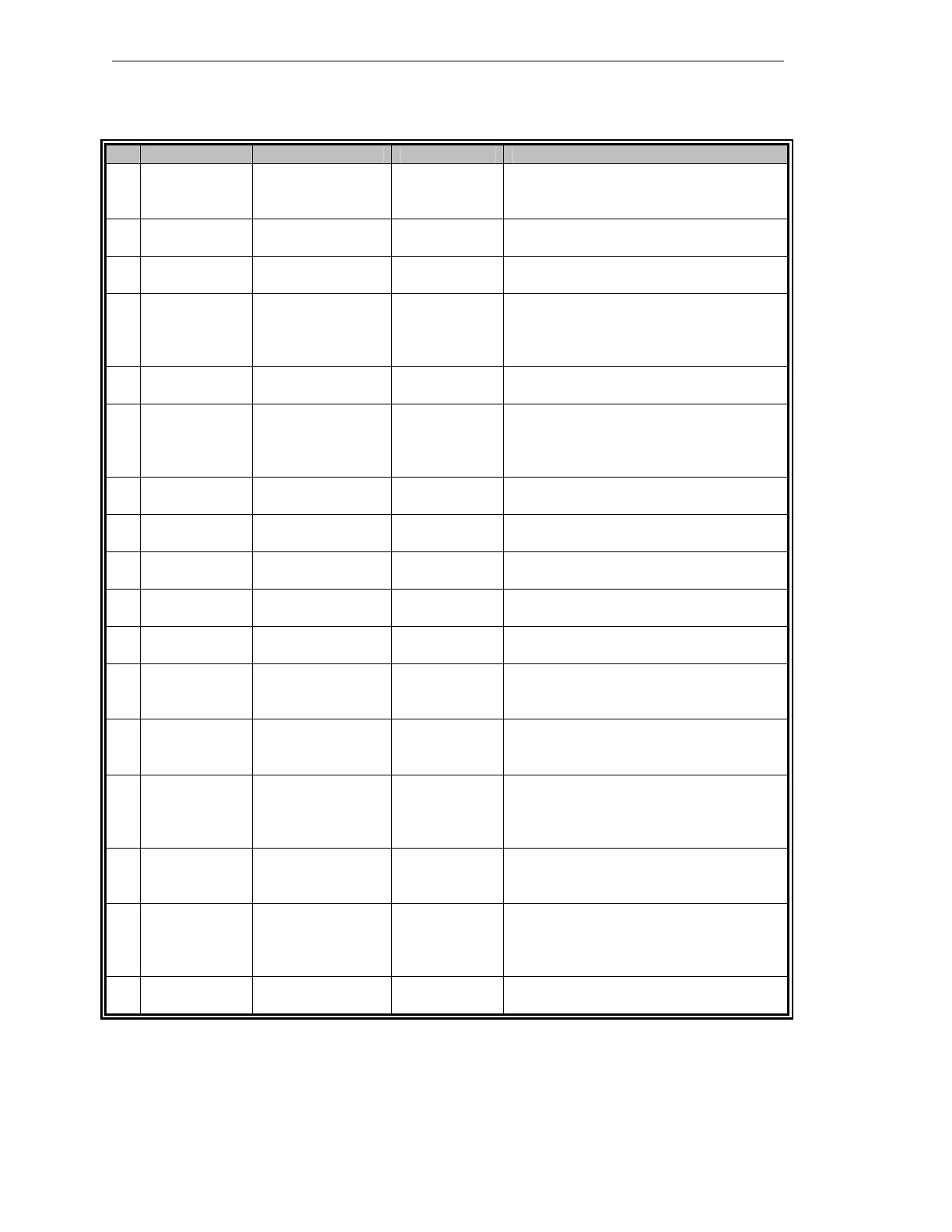
5.3.3 7AF Process State Transitions
# From Trigger To Description
1 Unknown Power-up Main Screen
(VID 15 = 0)
Upon Power-up and initialization, the
Equipment defaults to this state, waiting
for function selection.
2 Main Screen Function Selection Edit Recipes
(VID 15 = 6)
The Edit Recipes function was selected and
the editing environment entered.
3 Edit Recipes Function Quit Main Screen
(VID 15 = 0)
The Edit Recipes function has been
terminated by selecting the “Quit” button.
4 Main Screen Function Selection Home
Machine: Idle
(VID 15 = 1)
The Home Machine function was selected
and the homing or referencing environment
entered. Substates VID 15 = 10, and 11
may be activated during operation.
5 Home Machine Function Quit Main Screen
(VID 15 = 0)
The Home Machine function has been
terminated by selecting the “Quit” button.
6 Main Screen Function Selection Dress Cycle
(VID 15 = 4)
The Dress Cycle function was selected and
Dress/Truing environment entered.
Substates VID 15 = 5, 6 and 12 thru 20
may be activated during operation.
7 Dress Cycle Function Quit Main Screen
(VID 15 = 0)
The Dress Cycle function has been
terminated by selecting the “Quit” button.
8 Main Screen Function Selection Grind Data
(VID 15 = 8)
The Grind Data function was selected and
Data Maintenance environment entered.
9 Grind Data Function Quit Main Screen
(VID 15 = 0)
The Grind Data function has been
terminated by selecting the “Quit” button.
10 Main Screen Function Selection Maintenance
(VID 15 = 7)
The Maintenance function was selected and
the Maintenance environment entered.
11 Maintenance Function Quit Main Screen
(VID 15 = 0)
The Maintenance function has been
terminated by selecting the “Quit” button.
12 Main Screen Function Selection Grind: Wait
for Start
(VID 15 = 2)
The Grind Cycle function was selected and
the Grind Cycle environment entered.
13 Grind: Wait
for Quit
Function Quit Main Screen
(VID 15 = 0)
The Grind Cycle function has been
terminated by selecting the “Quit” button
after a successful processing cycle.
14 Grind: Wait
for Start
Start button Grind: Grind
(VID 15 =
9,20)
Start was selected and the Grind Cycle is
processing material. Note: Stopping (VID
15 =20) will be entered as the grind cycle is
terminated.
15 Grind:
Stopping
Stop button Grind: Wait
for Quit
(VID 15 = 3)
Grinding has been terminated, either
initiated by or acknowledged by the
operator through the Stop button..
16 Grind: Wait
for Quit
Start button Grind: Grind
(VID 15 =
9,20)
Start was selected and the Grind Cycle is
processing material. Note: Stopping (VID
15 =20) will be entered as the grind cycle is
terminated.
17 Grind: Grind Pause button Grind: Paused
(VID 15 = 21)
Grinding has been paused by the operator
through the Pause button..


 To Next Page