D950 Digital Mixing System
Date printed: 03.09.03 SW V3.3 Getting started 2-7
With the help of an easy-to-understand General Patch page, the setup of
router cross points is dramatically simplified, even for large mixing con-
sole configurations. Via a Snapshot window, all mixing console parame-
ters can be stored and recalled using mouse clicks. In the pull-down
AutoTouch dynamic automation panel, all timecode, loop points, and mix
passes can be controlled easily and intuitively.
The concept of overall system configurability has been also adopted within
the Graphic Controller application. Since most functions are arranged in
overlapping windows of changeable sizes, users can set up their work en-
vironment to suit their specific requirements for each recording or produc-
tion session. These settings can be saved and recalled at any time, allowing
for fast and application-oriented operation of the D950.
GC Functions and Screens These provide the following:
• Strip setup, which allows the user to create and store the layout of the
operating desk, using five Banks with two Layers per bank.
• Tone generator and metering control.
• Time-code reader/generator and machine-control setup.
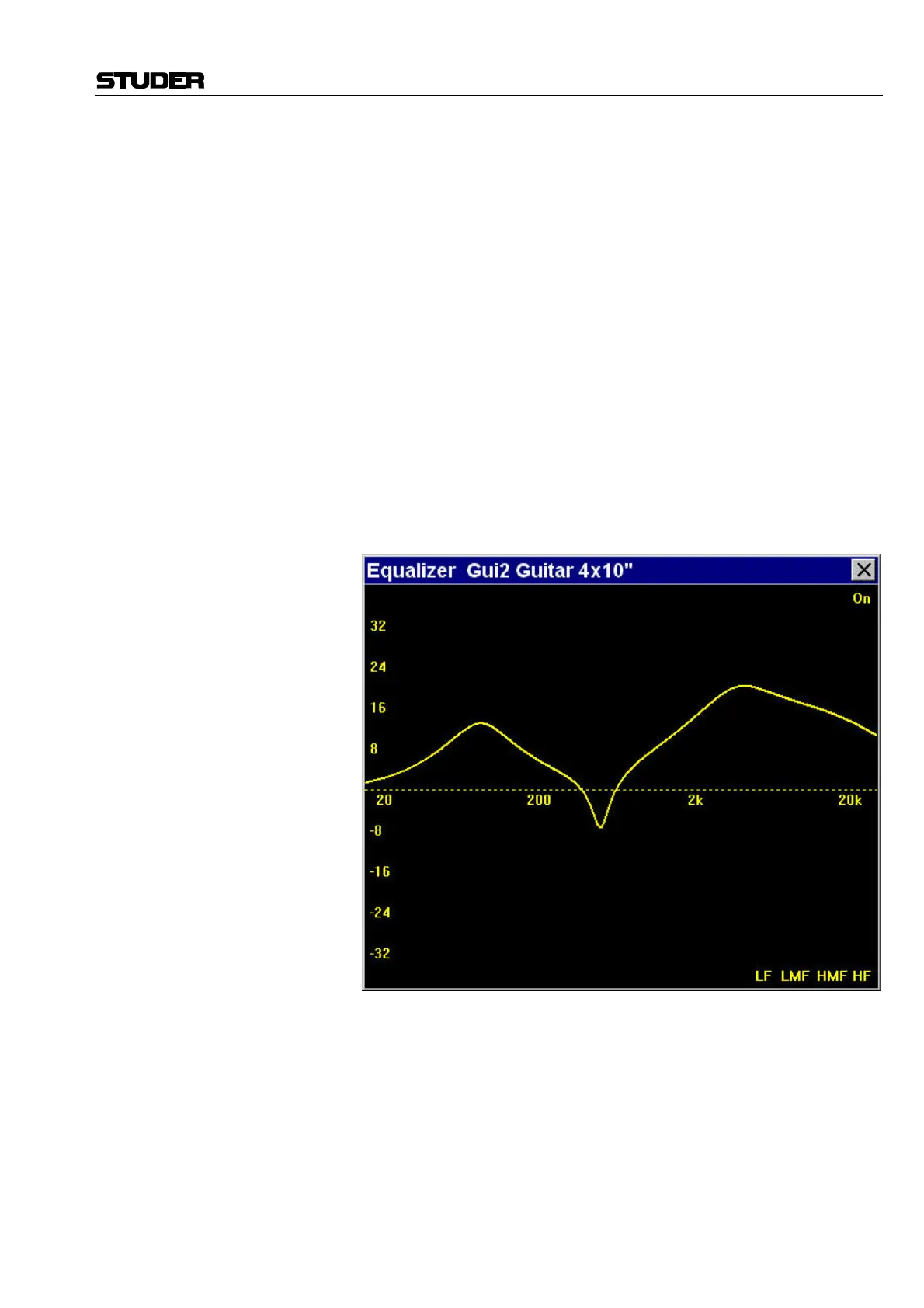
• Visualization of EQ response and dynamics curves (as shown below).
Example: EQ visualization window
• Stem Setup (D950S Surround Sound version only).
• Mix settings.
• Mix-Minus/N–1 assignment/setup.
• Control group and channel link setup.



 To Next Page