D950 Digital Mixing System
Date printed: 03.09.03 SW V3.3 Desk Operation 3-17
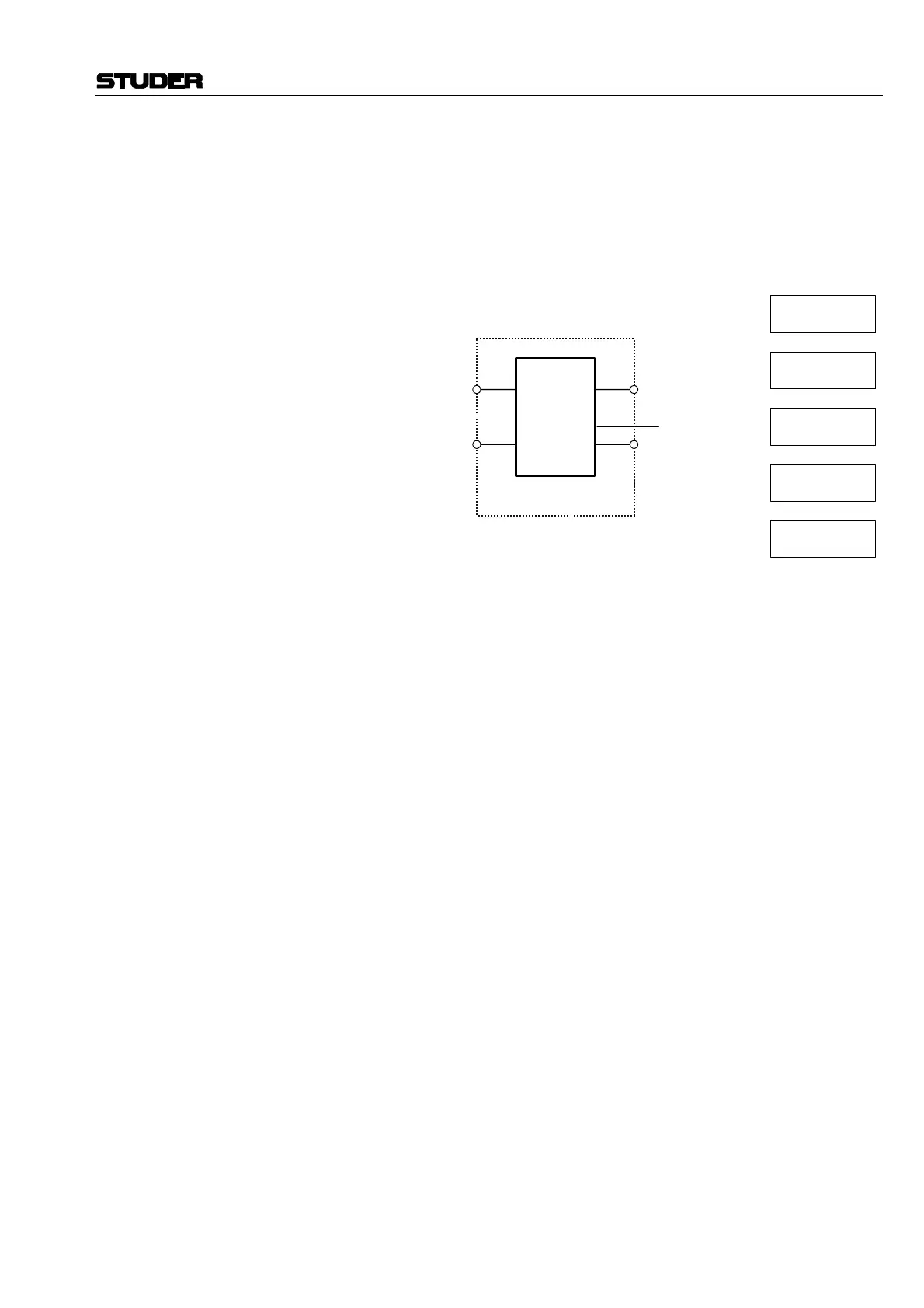
INPUT MODE: On STEREO channels only; five different modes can be selected.
• ST (default setting), stereo.
• REV, left and right signals are swapped.
• L__L, left signal only is routed to both left and right outputs.
• R__R, right signal only is routed to both left and right outputs.
• MONO, left and right signal mixed together (–3 dB) and routed to both
left and right outputs.
INPUT GAIN: This function is available on Mono and Stereo channels.
The input gain can be adjusted from –24 dB (attenuation by 24 dB) to
+24 dB. Resolution is in 1 dB steps. Default value: 0 dB.
In a Stereo channel, left and right input gains are treated simultaneously,
since there is not a separate input gain setting for left/right input.
Illuminating the SW key activates the DC Rejection mode.
D19 MicAD control parameters: On Page 4 of all input and output units, various functions of the D19 Mic-
AD units can be remote controlled (refer to chapter 4.4.2.2 for details of
how to activate/deactivate pre-amp remote control).
LINE Selects the line-level input (mutually releasing the MIC-level input), with
gain setting in 30 steps of 1 dB, within a –9 through +20 dB range (de-
pendent upon the console’s current headroom and nominal level settings).
MIC Selects the microphone-level input (mutually releasing with the LINE-
level input), with gain setting in 70 steps of 1 dB, within a –5 through
+64 dB range (dependent upon the console’s current headroom and nomi-
nal level settings).
HPF An analog high-pass filter for the microphone-level input, with a fixed
cutoff frequency of 75 Hz and a slope of 12 dB/octave is available. The
SW key activates this filter.
48 V Selects Phantom Power ON/OFF for the microphone pre-amplifier.
Left
Right
Input
Mode
Matrix
Stereo channel
A
B
X
Y
Input source
Stereo:
X = A
Y = B
Mono:
Left:
Right:
Swapped:
X = (A+B)/1.414
Y = (A+B)/1.414
X = A
Y = A
X = B
Y = B
X = B
Y = A



 To Next Page