A
B
C
D
E
F
G
H
L
M
N
P
Uso e manutenzione
Use and Maintenance operations
sezione / section
D 5
68 749/749 DARK/749S Aggiornamento/Update - M.Y. 2006 - edizione/edition 00
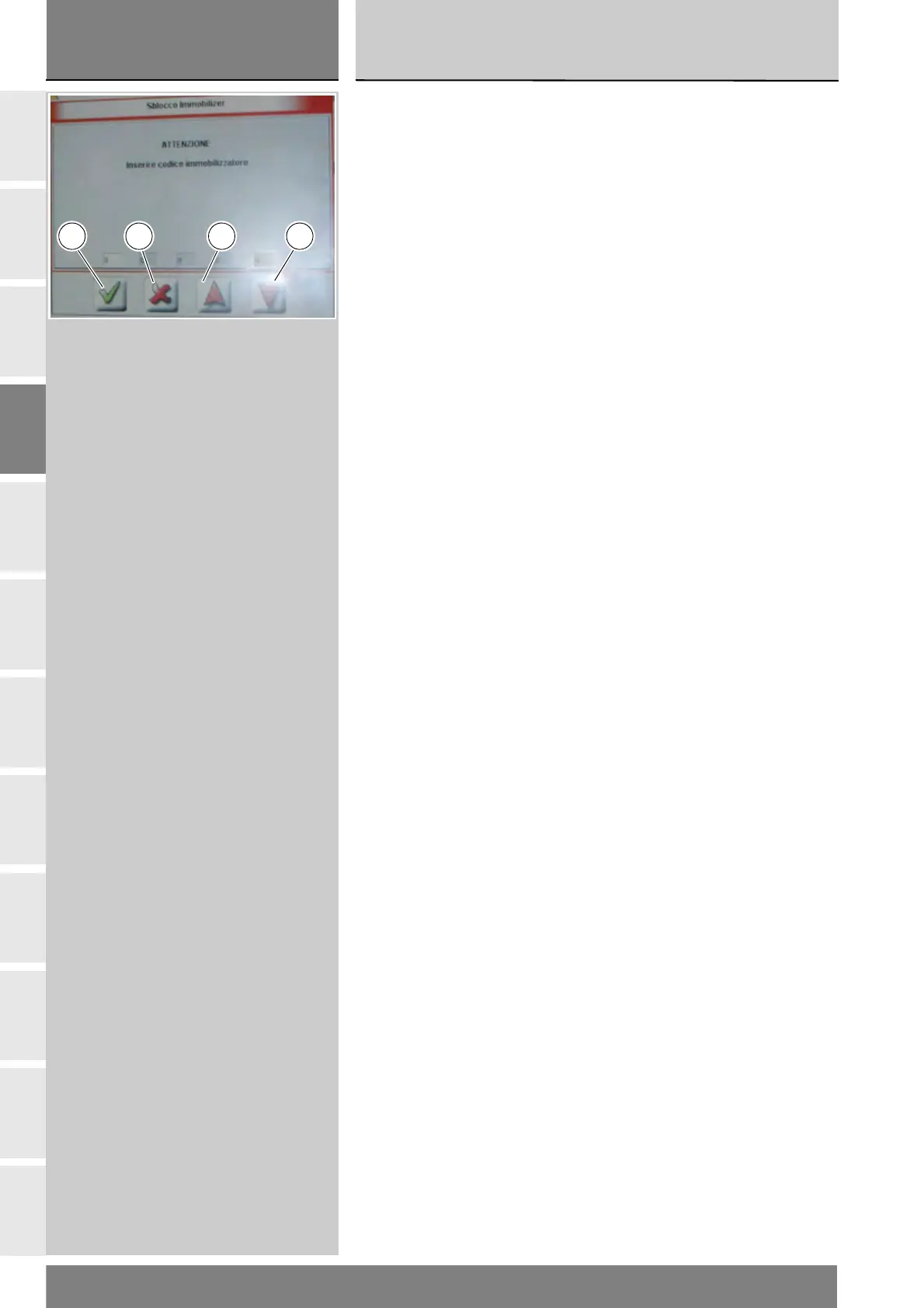
Compare la schermata dove è
possibile inserire le cinque cifre del
codice segreto. Per inserire ogni cifra
utilizzare le frecce rosse (E) e (F): ogni
cifra inserita deve essere confermata
premendo l'icona “Conferma” (B).
Una volta inserito il codice completo,
confermare premendo l'icona
“Conferma” (B).
Se l'operazione è stata effettuata,
compare il messaggio “L'operazione
è andata a buon fine?” e premere
l'icona “Conferma”.
Nel caso si presenti dei problemi
all'effettuazione dell'operazione,
compariranno i relativi messaggi
indicanti gli errori verificatesi: ogni
messaggio deve essere confermato,
premendo l'icona “Conferma”,
oppure rifiutato, premendo l'icona
“Uscire” (G).
Rimuovere lo strumento di Diagnosi.
A screen will appear in which you
can enter the 5 digit secret code.
Use the red arrows (E) and (F) to
enter each digit: after entering each
digit, press the “Confirm” icon (B).
One the entire code has been entered,
press the “Confirm” icon (B) again.
On completion of the operation, the
message “Was the operation was
completed successfully?” will
appear; press “Confirm” (D).
If any problems were encountered
during the operation, the tester will
display the relative error messages:
each message must be confirmed,
(by pressing the “Confirm” icon (D)),
or rejected (by pressing the “Exit”
icon (G)).
Disconnect the tester.
B FG E











 To Next Page