Operation Manual – Login
H3C S3100 Series Ethernet Switches Chapter 3 Logging in through Telnet
3-8
z Authenticate users using the local password.
z Set the local password to 123456 (in plain text).
z Commands of level 2 are available to the users.
z Telnet protocol is supported.
z The screen can contain up to 30 lines.
z The history command buffer can contain up to 20 commands.
z The timeout time of VTY 0 is 6 minutes.
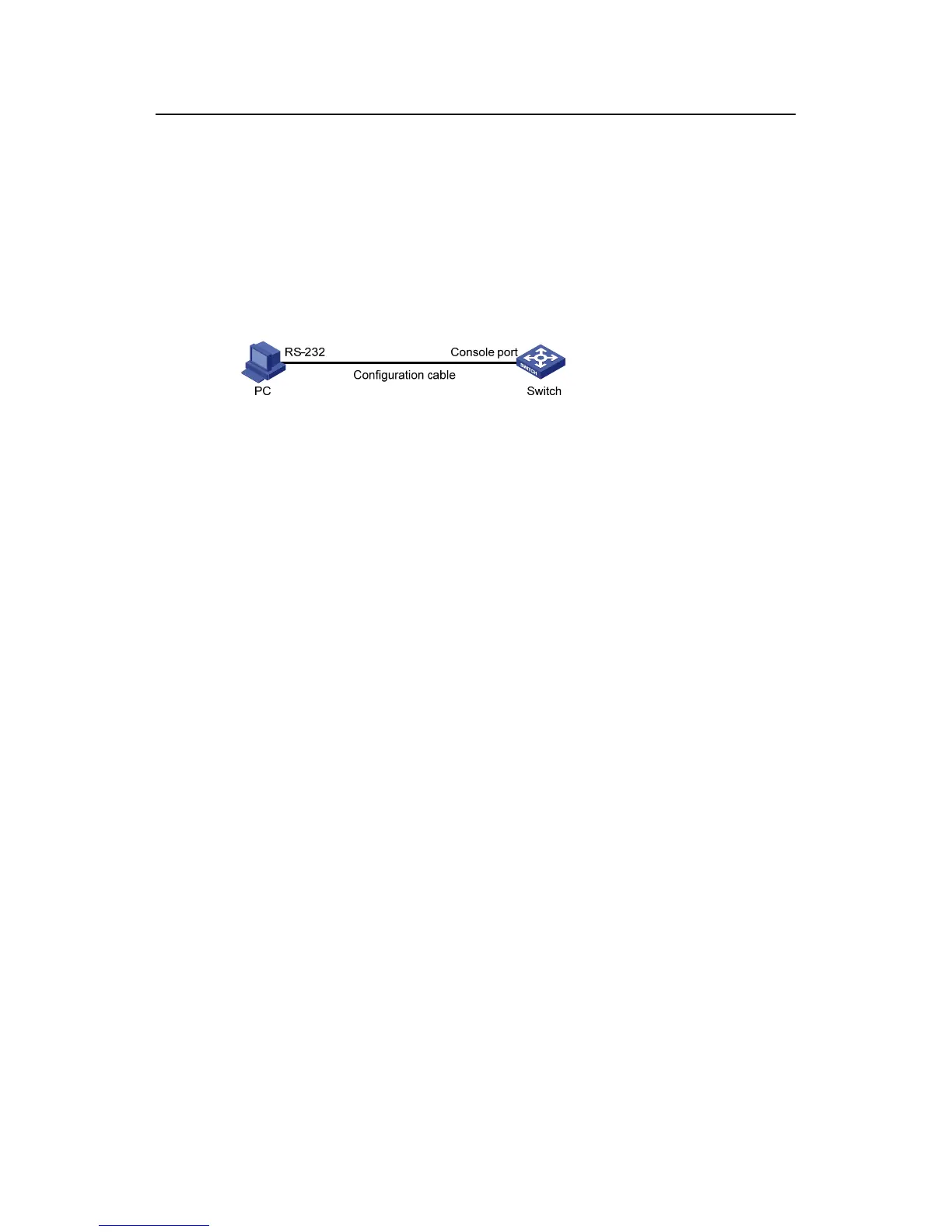
II. Network diagram
Figure 3-2 Network diagram for Telnet configuration (with the authentication mode
being password)
III. Configuration procedure
# Enter system view.
<Sysname> system-view
# Enter VTY 0 user interface view.
[Sysname] user-interface vty 0
# Configure to authenticate users logging into VTY 0 using the password.
[Sysname-ui-vty0] authentication-mode password
# Set the local password to 123456 (in plain text).
[Sysname-ui-vty0] set authentication password simple 123456
# Specify commands of level 2 are available to users logging into VTY 0.
[Sysname-ui-vty0] user privilege level 2
# Configure Telnet protocol is supported.
[Sysname-ui-vty0] protocol inbound telnet
# Set the maximum number of lines the screen can contain to 30.
[Sysname-ui-vty0] screen-length 30
# Set the maximum number of commands the history command buffer can store to 20.
[Sysname-ui-vty0] history-command max-size 20
# Set the timeout time to 6 minutes.
[Sysname-ui-vty0] idle-timeout 6



 To Next Page
 Loading...






