Operation Manual – SSH
H3C S3100 Series Ethernet Switches Chapter 1 SSH Configuration
1-7
1.3.1 Configuring the User Interfaces for SSH Clients
An SSH client accesses the device through a VTY user interface. Therefore, you need
to configure the user interfaces for SSH clients to allow SSH login. Note that the
configuration takes effect at the next login.
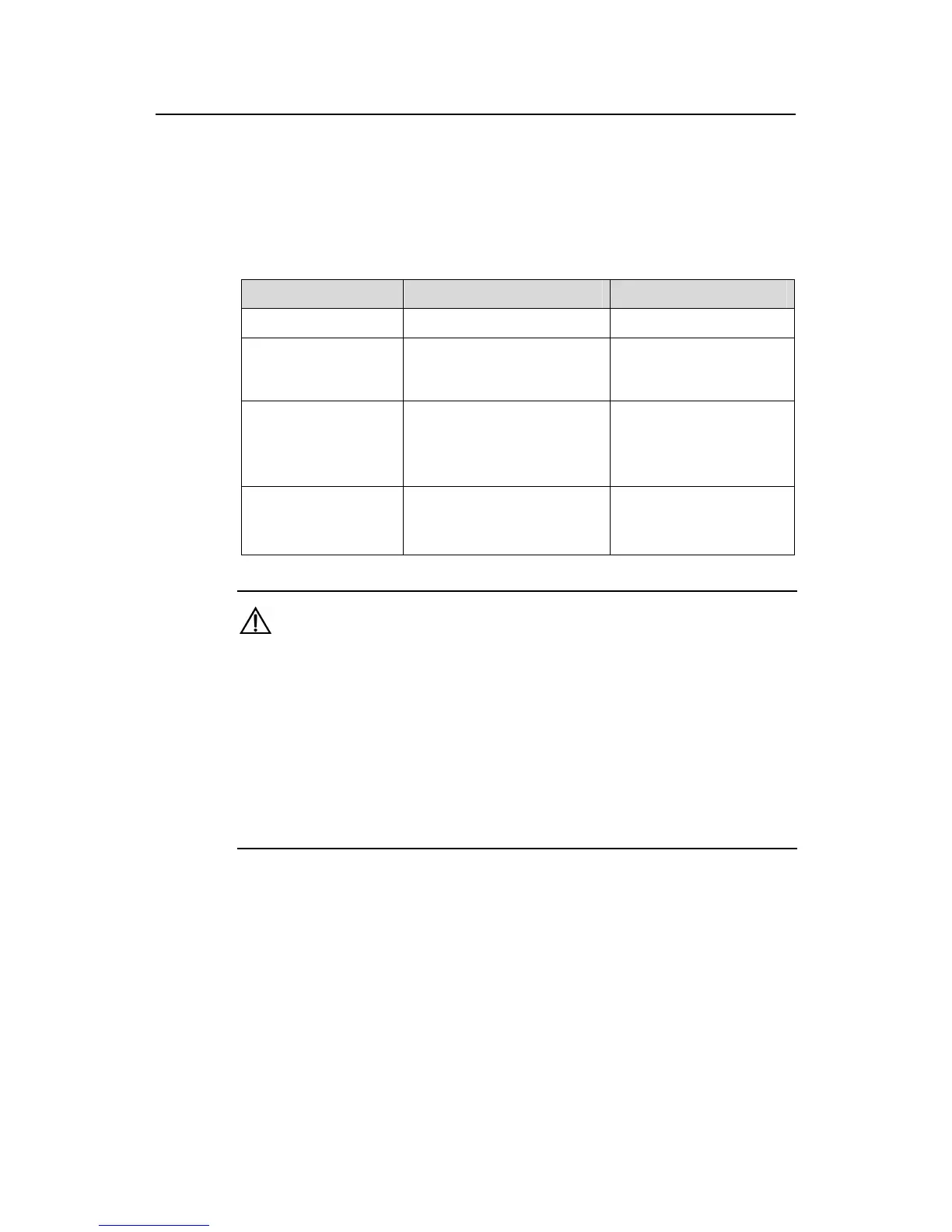
Table 1-3 Follow these steps to configure the user interface for SSH clients:
To do... Use the command... Remarks
Enter system view
system-view
—
Enter user interface
view of one or more
user interfaces
user-interface vty
first-number [ last-number ]
—
Configure the
authentication mode
as scheme
authentication-mode
scheme
[ command-authorization ]
Required
By default, the user
interface authentication
mode is password.
Specify the supported
protocol(s)
protocol inbound { all |ssh |
telnet }
Optional
By default, both Telnet
and SSH are supported.
Caution:
z If you have configured a user interface to support SSH protocol, you must configure
AAA authentication for the user interface by using the authentication-mode
scheme command to ensure successful login.
z On a user interface, if the authentication-mode password or
authentication-mode none command has been executed, the protocol inbound
ssh command is not available. Similarly, if the protocol inbound ssh command
has been executed, the authentication-mode password and
authentication-mode none commands are not available.
1.3.2 Configuring the SSH Management Functions
The SSH server provides a number of management functions. Some functions can
prevent illegal operations such as malicious password guess, further guaranteeing the
security of SSH connections.



 To Next Page
 Loading...






