Operation Manual – Login
H3C S3100 Series Ethernet Switches
Chapter 5 Logging in through the Web-based
Network Management System
5-3
Table 5-2 Configure the login banner
Operation Command Description
Enter system view
system-view
—
Configure the banner to be
displayed when a user logs
in through Web
header login text
Required
By default, no login banner
is configured.
5.3.2 Configuration Example
I. Network requirements
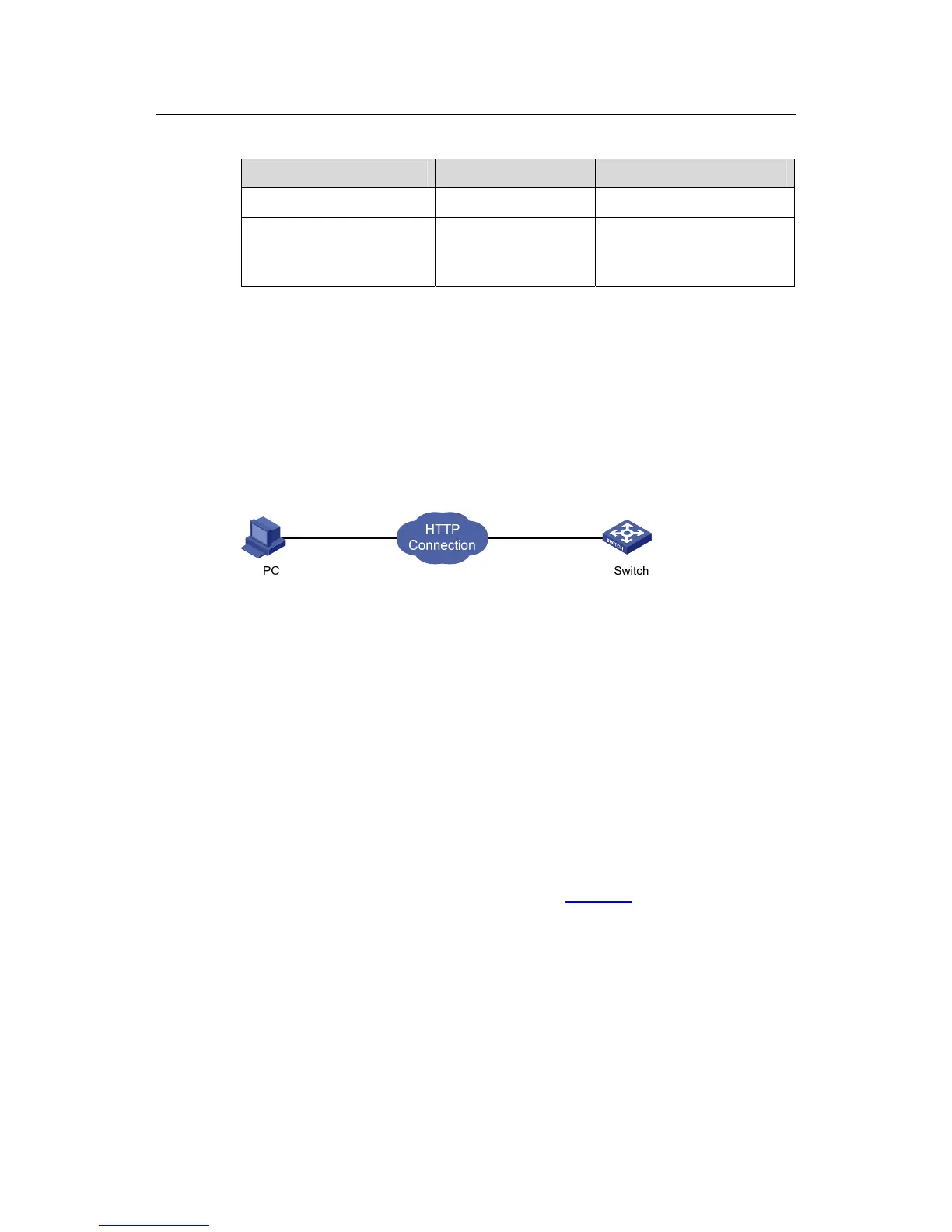
z A user logs in to the switch through Web.
z The banner page is desired when a user logs into the switch.
II. Network diagram
Figure 5-3 Network diagram for login banner configuration
III. Configuration Procedure
# Enter system view.
<Sysname> system-view
# Configure the banner "Welcome" to be displayed when a user logs into the switch
through Web.
[Sysname] header login %Welcome%
Assume that a route is available between the user terminal (the PC) and the switch.
After the above-mentioned configuration, if you enter the IP address of the switch in the
address bar of the browser running on the user terminal and press <Enter>, the
browser will display the banner page, as shown in
Figure 5-4.



 To Next Page
 Loading...






