© 2018 MA Lighting Technology GmbH - Dachdeckerstr. 16 - 97297 Waldbüttelbrunn - Germany
Phone +49 5251 688865-27 - support@ma-dot2.com - www.malighting.com
Connect the web remote:
1. Enable the web remote in Setup – Global Settings.
Tap the prohibition sign to check the green box in Web Remote.
2. Type the IP address (see in the brackets) of the dot 2 console into your web browser.
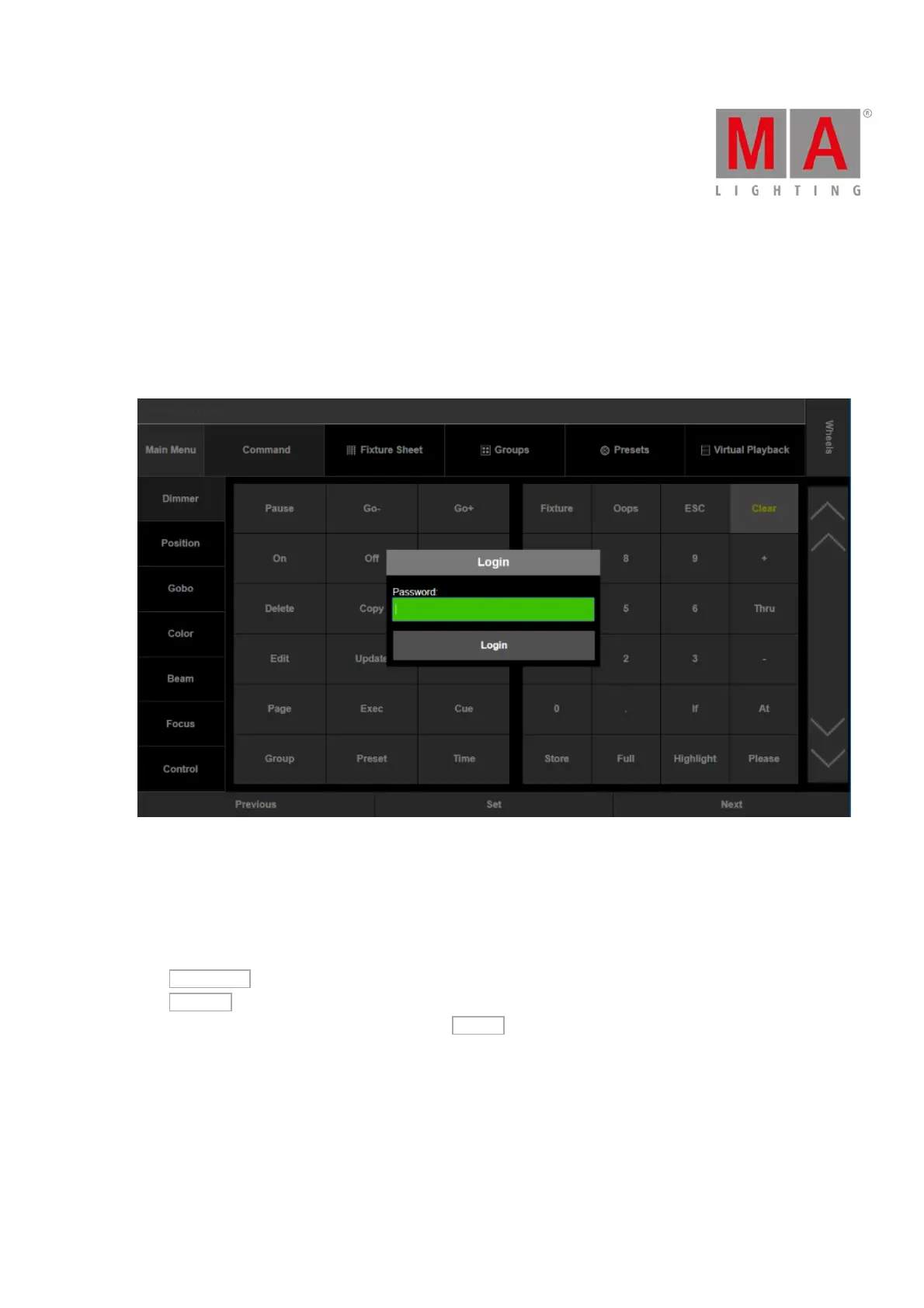
3. The window Web Remote opens.
4. Type the default password "remote".
Figure 1: Enter password for web remote
5. Tap Login.
It is possible to adjust the display of the web remote to the device you use.
To do so:
-Tap Main Menu .
-Tap Settings .
-To display the web remote on a smart phone, tap Phone .
The web remote fits now the display of your smart phone.



 To Next Page