© 2018 MA Lighting Technology GmbH - Dachdeckerstr. 16 - 97297 Waldbüttelbrunn - Germany
Phone +49 5251 688865-27 - support@ma-dot2.com - www.malighting.com
7.62. StoreLook Command
This page describes the syntax and how to use the StoreLook command.
To go to the StoreLook command, press and hold and Store on the console.
Description
With the StoreLook command, you can store your actual look as a cue on an executor.
The StoreLook command stores all dimmer values from all fixtures in the show.
If the dimmer value is bigger than 0 it stores additional all further attributes.
If the dimmer value is 0, it stores only the dimmer value because there is no further actual output of the fixture.
A cue stored with the StoreLook command is automatically set to protected. Previous tracked values does not
affect a cue stored with StoreLook. For more information about protected, refer to Cues View or How to work with
cues. For more information about tracking, refer to What is Tracking?
Syntax
Store the actual look from all fixtures in the show.
StoreLook
Example
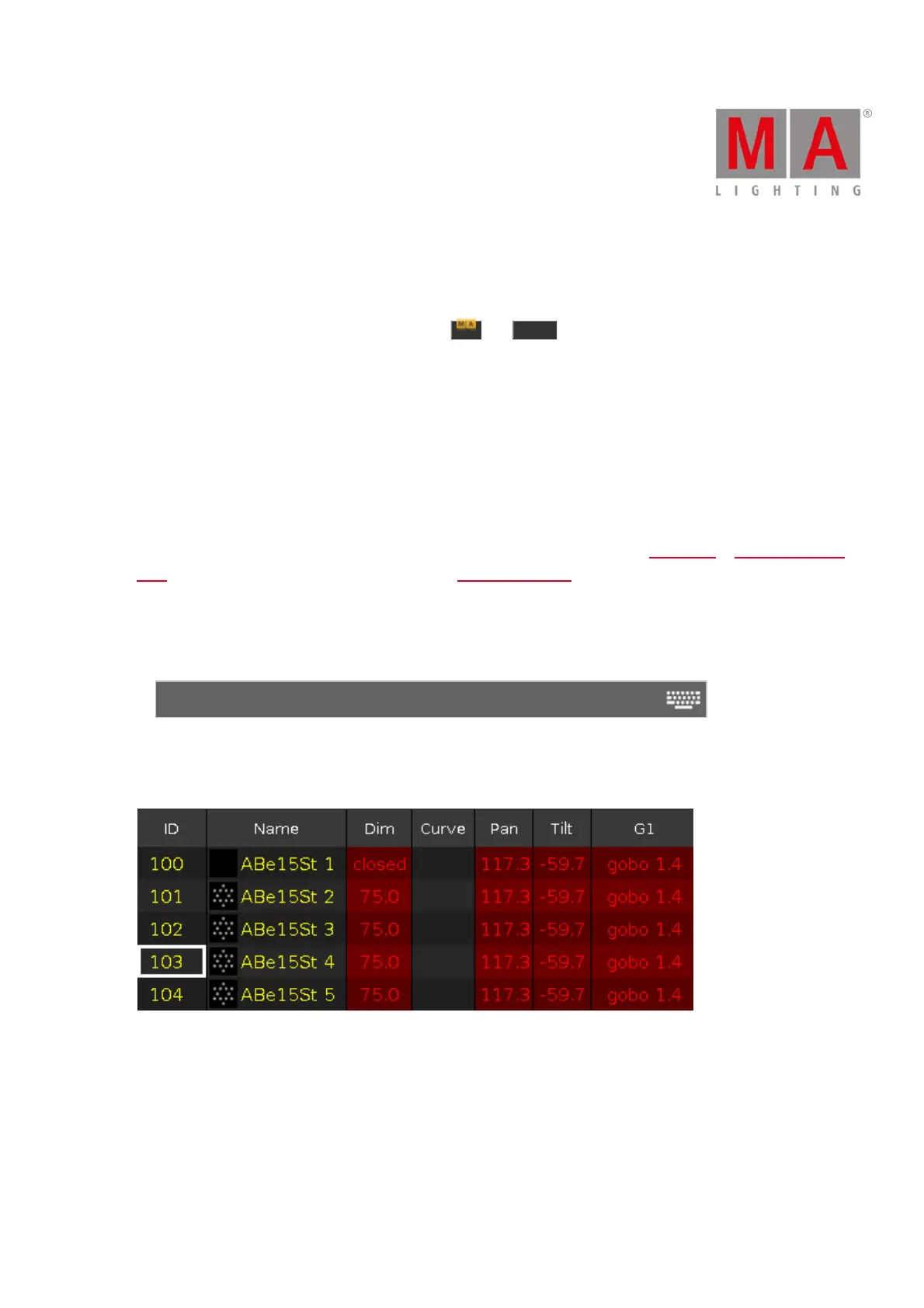
Let´s assume you will store the actual look from all fixtures in the show as a cue on executor 1.
Figure 1: Fixtures Sheet before store with StoreLook



 To Next Page