© 2018 MA Lighting Technology GmbH - Dachdeckerstr. 16 - 97297 Waldbüttelbrunn - Germany
Phone +49 5251 688865-27 - support@ma-dot2.com - www.malighting.com
6.67. Select View Window
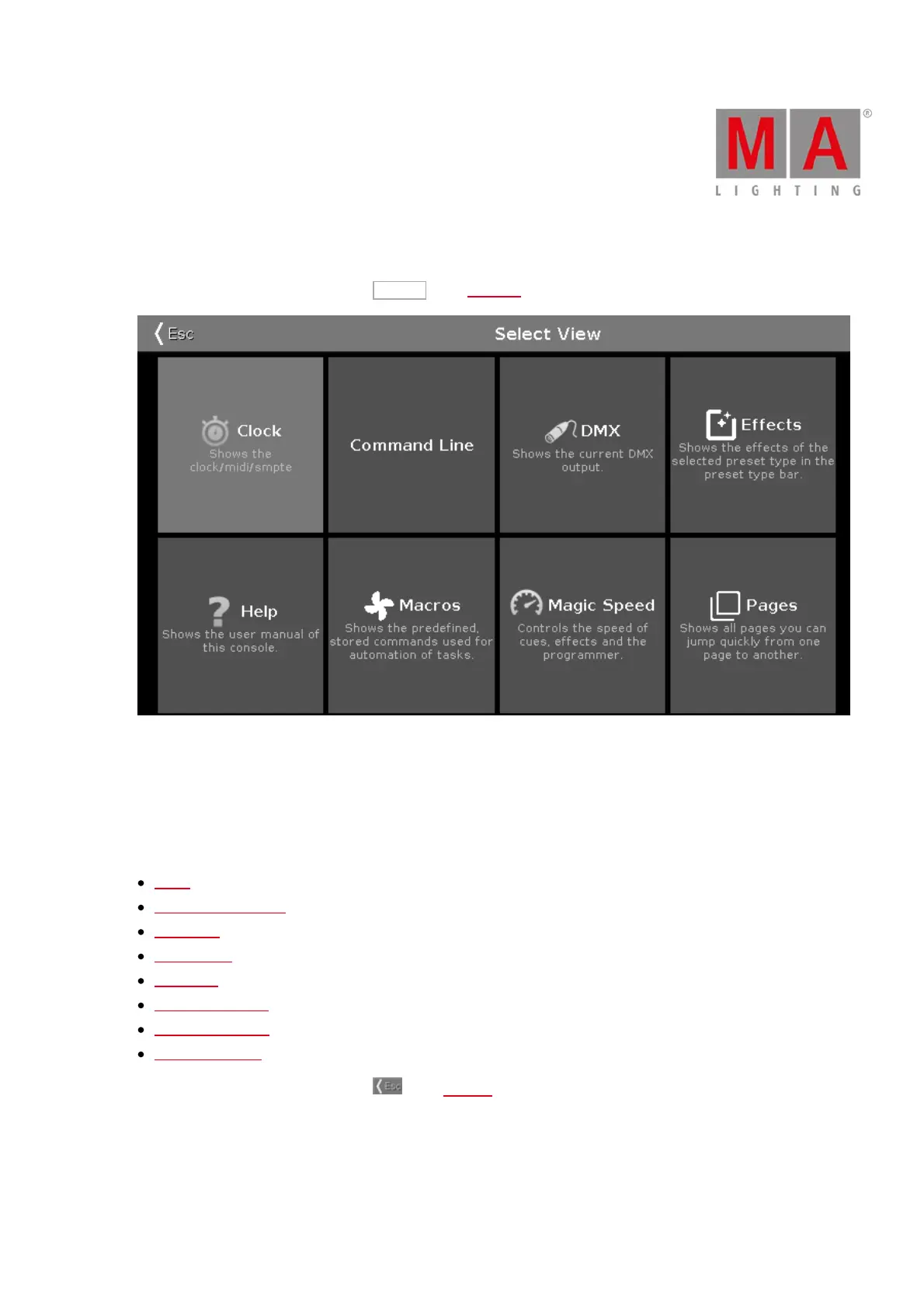
To go to the Select View Window, tap More... in the view bar.
Figure 1: Select View
Select the view for the screen 2 or all further screens in this view.
The currently selected view is displayed in yellow.
The following views are available:
Clock
Command Line View
DMX View
Effects View
Help View
Macros Pool View
Magic Speed View
Pages Pool View
To leave the Select View Window, tap in the title bar.



 To Next Page