© 2018 MA Lighting Technology GmbH - Dachdeckerstr. 16 - 97297 Waldbüttelbrunn - Germany
Phone +49 5251 688865-27 - support@ma-dot2.com - www.malighting.com
6.1.6. View Bar
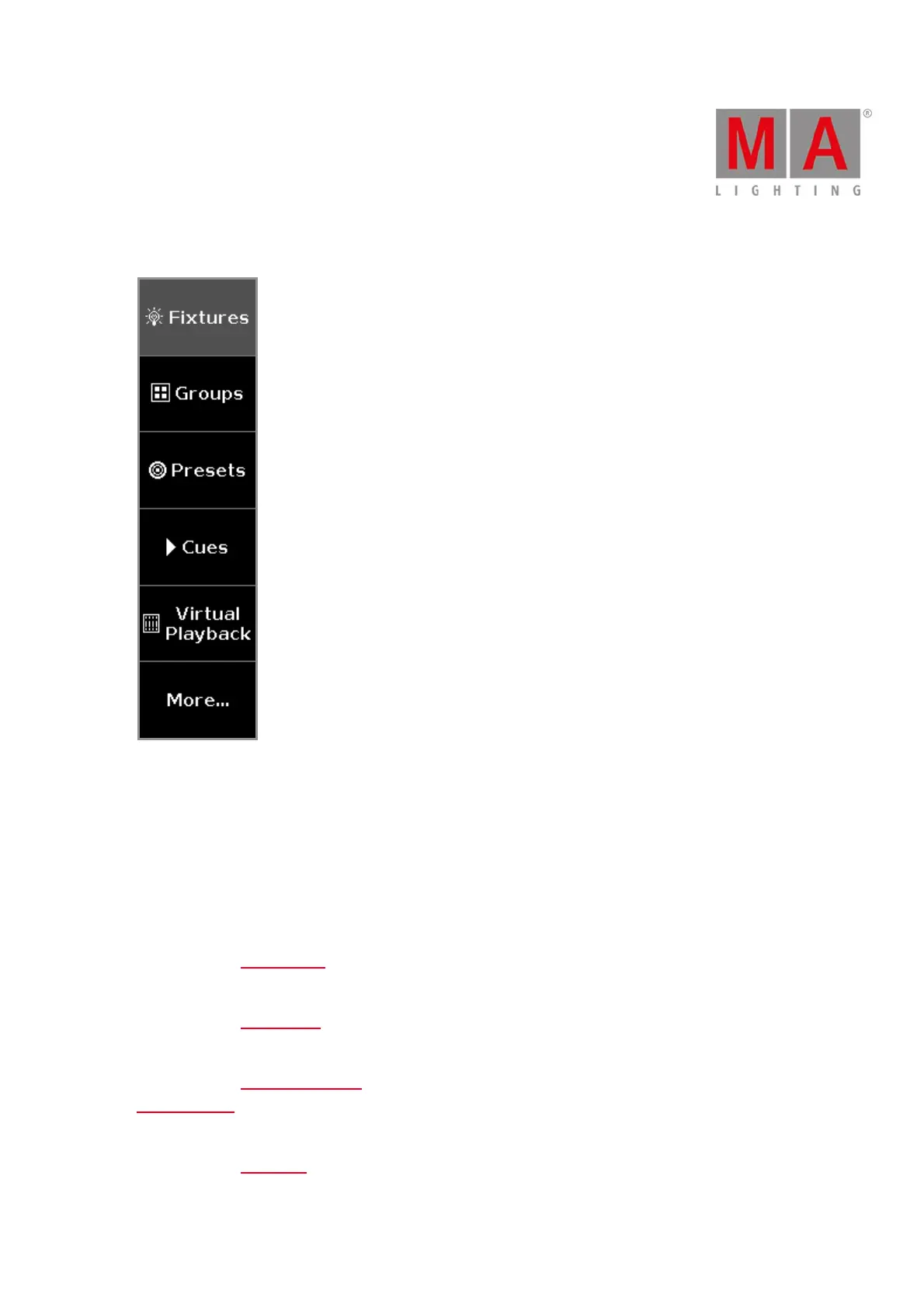
Figure: View Bar
The view bar is located at the right side of screen 2 and all further screens.
In the view bar, you select the view of the screen.
The selected view has a gray background in the view bar.
There a six views to choose.
1. Fixtures
Tap to go to the Fixtures View, to see all your patched fixtures, attributes, and their values.
2. Groups
Tap to go to the Groups View, to see all stored groups for a quick selection of fixture.
3. Presets
Tap to go to the Presets Pools View, to see all preset type pools, depending on the selected preset type in the
preset type bar.
4. Cues
Tap to go to the Cues View, to see all the cues of the main executor and their settings.



 To Next Page