© 2018 MA Lighting Technology GmbH - Dachdeckerstr. 16 - 97297 Waldbüttelbrunn - Germany
Phone +49 5251 688865-27 - support@ma-dot2.com - www.malighting.com
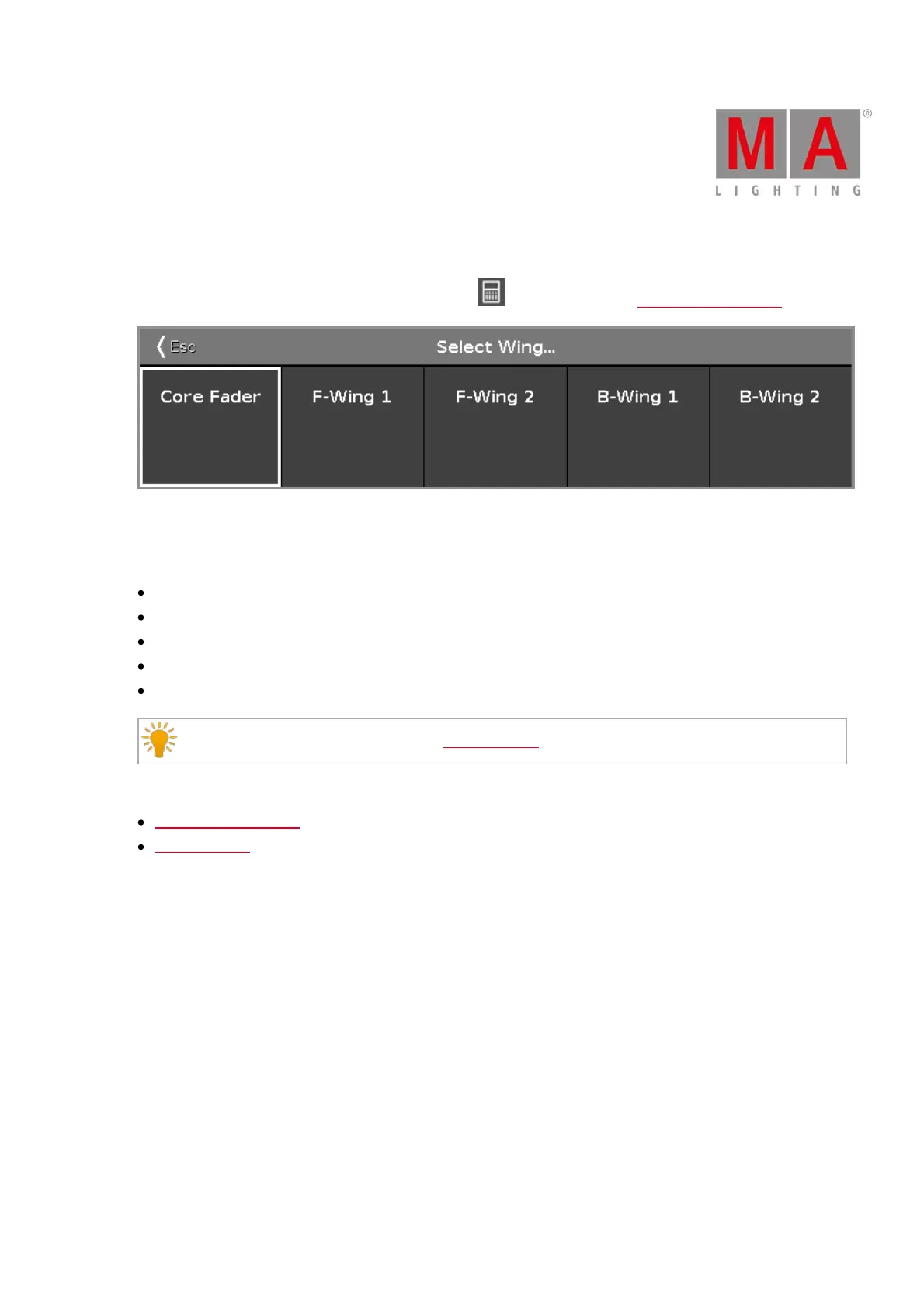
6.69. Select Wing... Window
To open the Select Wing... Window, tap the wings icon in the title bar of the Virtual Playbacks View.
In this view, you select the wing for the virtual playback.
There are five wings available:
Core Fader: Is the basic wing on each console along with the master and xfader.
F-Wing 1: Is a fader wing corresponding to the connected F-Wing 1.
F-Wing 2: Is a fader wing corresponding to the connected F-Wing 2.
B-Wing 1: Is a button wing corresponding to the connected B-Wing 1.
B-Wing 2: Is a button wing corresponding to the connected B-Wing 2.
Double check the connected wings in the Wings Window.
Related Links
Virtual Playbacks View
Wings Window



 To Next Page