© 2018 MA Lighting Technology GmbH - Dachdeckerstr. 16 - 97297 Waldbüttelbrunn - Germany
Phone +49 5251 688865-27 - support@ma-dot2.com - www.malighting.com
5.59. Speed key
The Speed key allows you to set the running speed in chasers and effects. To learn more about chasers, please
have a look at What are Chasers and How to use Chasers.
Pressing the Speed key enters the Learn command into the command line.
If you have a chaser or an effect, press and hold the Speed key while you tap any of the keys associated with
the executor whit the chaser. This will set the chaser´s running speed to the BPM of your taps.
Speed Masters
The Speed key can also be used to create five Special Masters.
Press Store Speed and then a key on the executor where you want the Master.
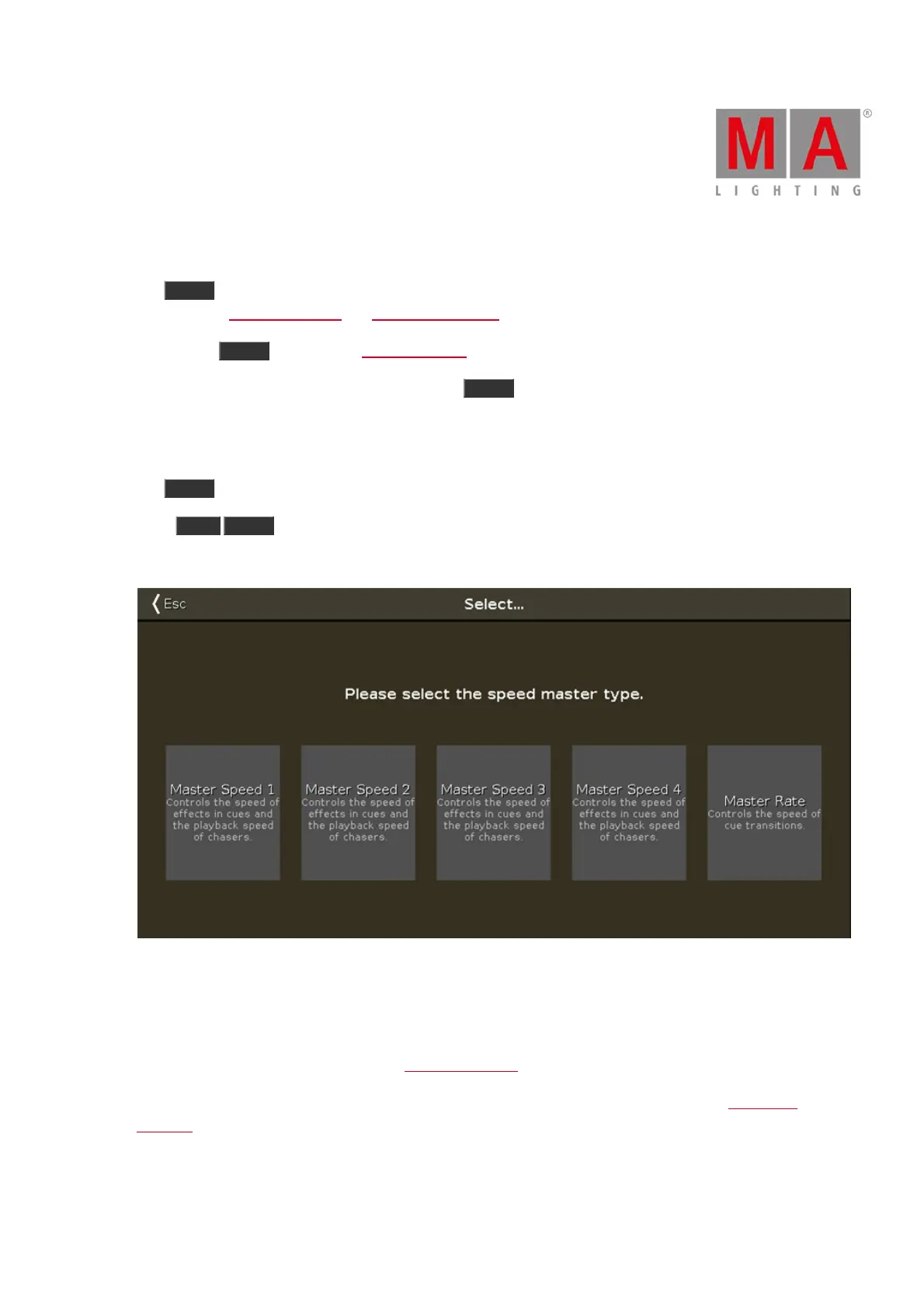
This will open a window like this:
Figure 1: Window – Select Speed Master
A Master Speed fader can be used to dynamically adjust the speed used by chasers and effects stored in cues.
A Master Rate fader can be used to dynamically adjust the timing of the cues.
Read more about these five masters in the Magic Speed view.
These five speed faders can be enabled or disabled for each executor. It can be adjusted in the Settings of
Executor.



 To Next Page