© 2018 MA Lighting Technology GmbH - Dachdeckerstr. 16 - 97297 Waldbüttelbrunn - Germany
Phone +49 5251 688865-27 - support@ma-dot2.com - www.malighting.com
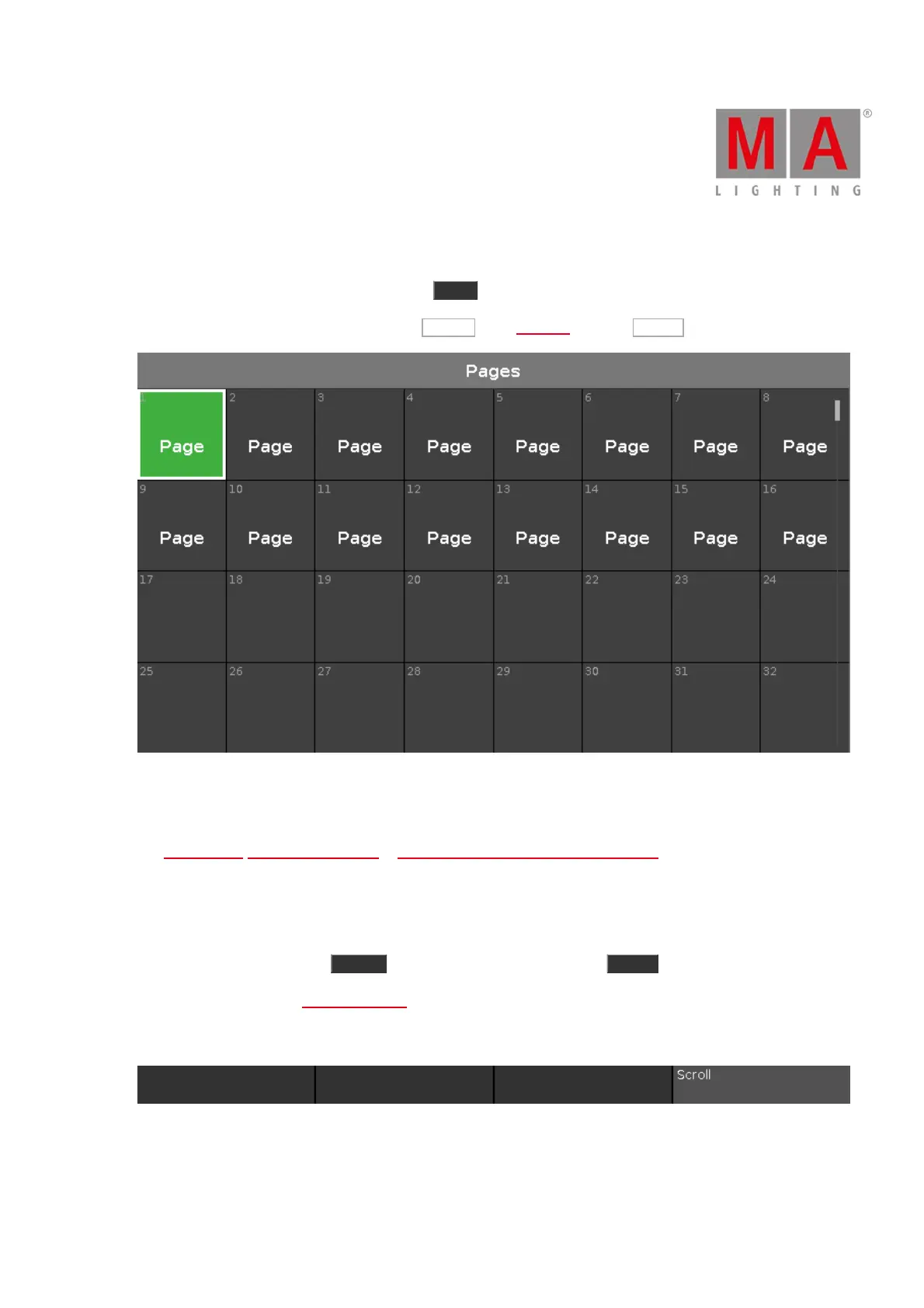
6.50. Page Pool View
To go to the Page Pool View on screen 1, press Page on the console.
To go to the Page Pool View on screen 2, tap More... in the view bar and then Pages .
Figure 1: Page Pool View
In this view, you can jump fast from one page to another page.
To change the current page, tap on a page in the page pool.
The executor bar, executor bar window or change functions of executor bar window, displays the selected page.
The current selected page has a green tile.
There are 1000 pages available.
To go one page forward, press Page + . To go one page backwards, press Page - .
For more information, see Page Command.
Encoder Bar Functions
Figure 2: Encoder Bar Functions - Page Pool View
Scroll:
To scroll in the page pool view up or down, turn the encoder left or right.



 To Next Page