© 2018 MA Lighting Technology GmbH - Dachdeckerstr. 16 - 97297 Waldbüttelbrunn - Germany
Phone +49 5251 688865-27 - support@ma-dot2.com - www.malighting.com
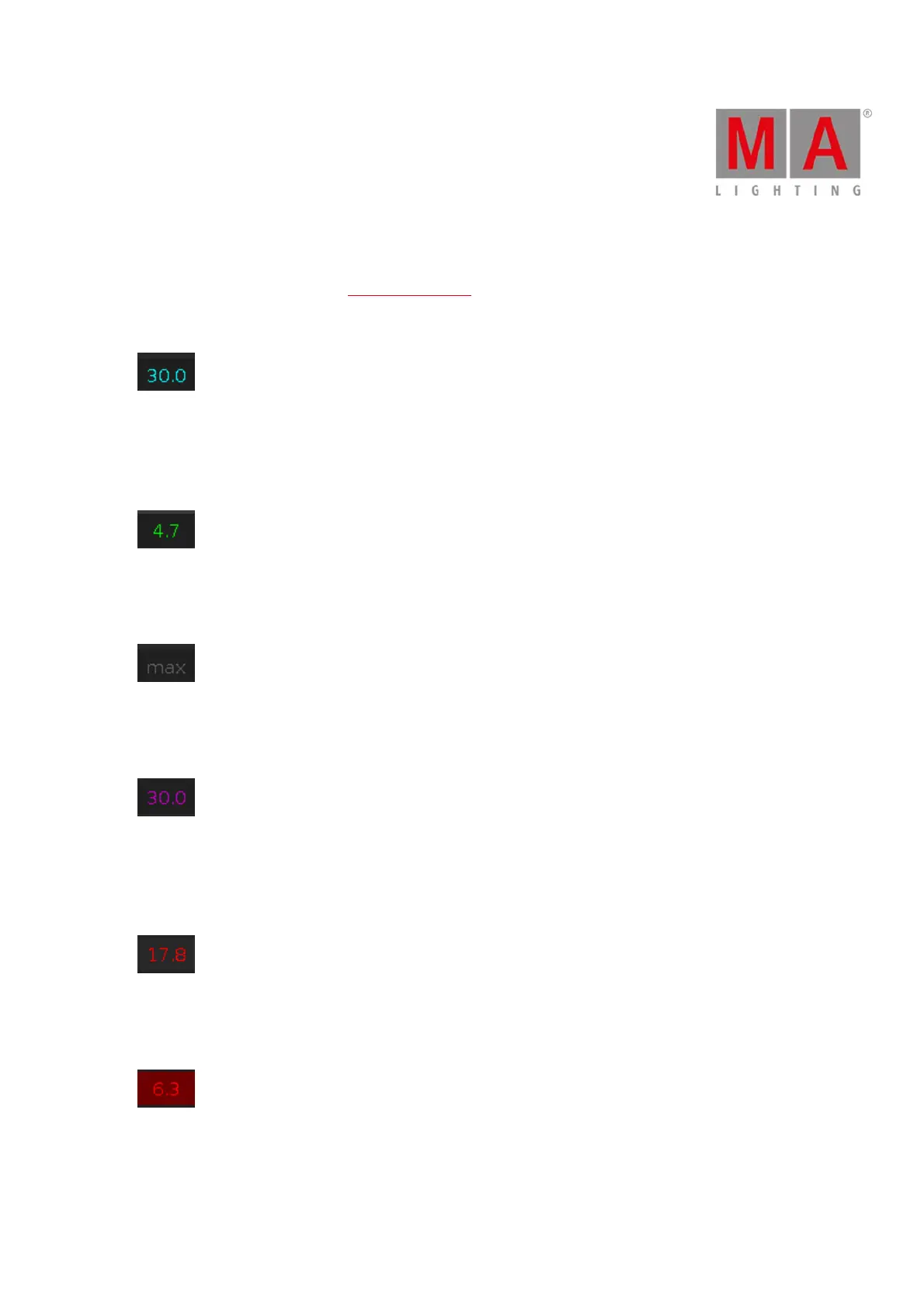
3.1.3. Value colors
The value colors are visible in the Fixtures Sheet View.
Cyan Value
Cyan values comes from the main executor and indicates all attributes which are changed in the current cue.
It indicates also dimmer values which are getting bigger.
Green Value
Green values comes from the main executor and indicates dimmer values which are getting smaller.
Grey Value
Grey values indicates that this is a default value.
Magenta Value
Magenta values indicates that this value is a tracked value from the main executor.
Those are values from a previous cue, which are not stored in the actual cue.
Red Value
Red values indicates that this value comes from the programmer.
Red Background
Red background color indicates that this value is in the programmer and you can store this values.
This is an active programmer value.



 To Next Page