© 2018 MA Lighting Technology GmbH - Dachdeckerstr. 16 - 97297 Waldbüttelbrunn - Germany
Phone +49 5251 688865-27 - support@ma-dot2.com - www.malighting.com
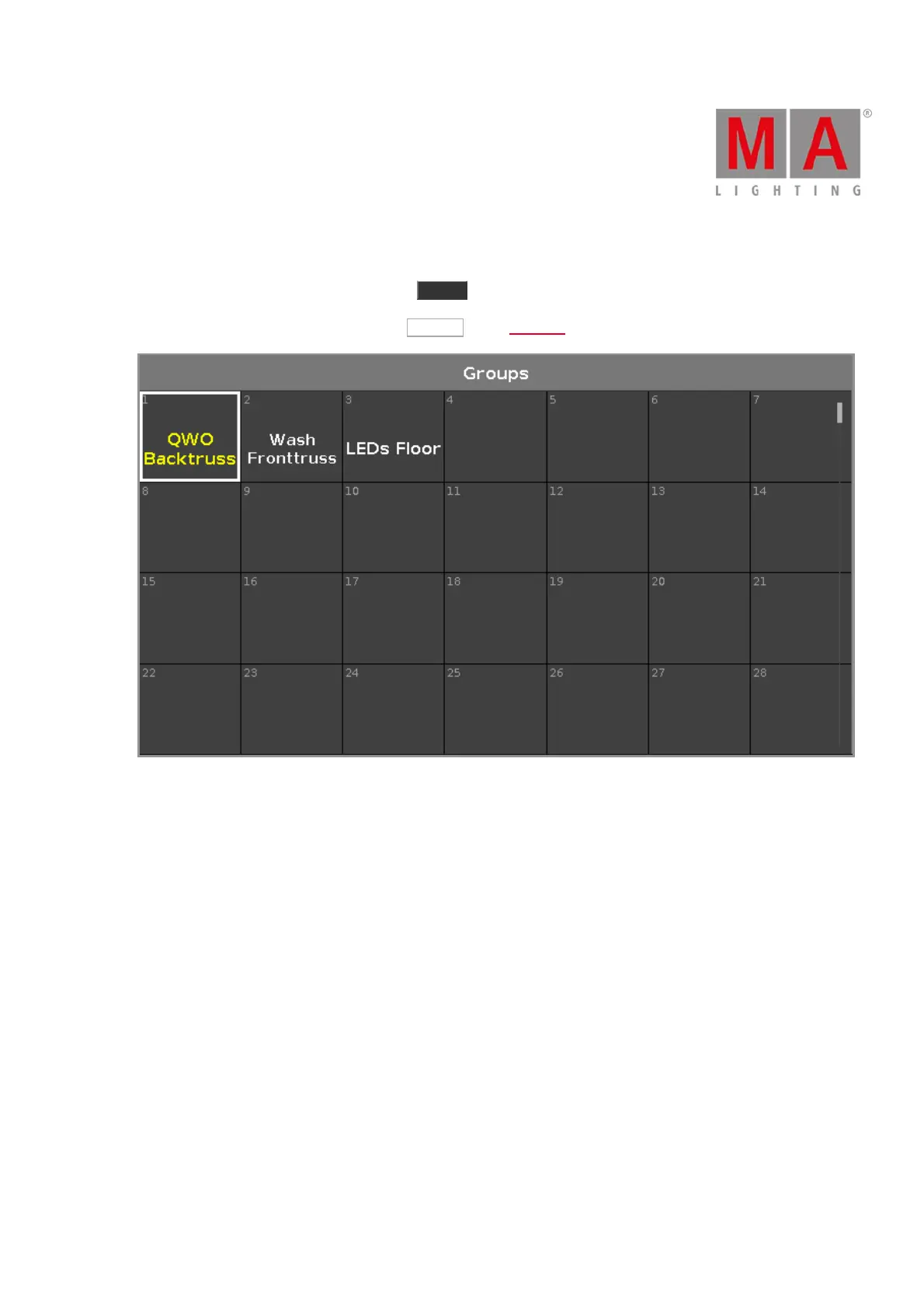
6.33. Groups View
To go to the Groups View on screen 1: Press Group on the console.
To go to the Groups View on screen 2: Tap Groups on the View Bar.
Store a collection of fixtures to a group to have a quick selection.
There are 999 group buttons available.
To scroll in the groups view, slide the vertical scroll bar or slide up and down in the view.
A selected group is displayed with a yellow font.
A group without a function is displayed with a gray font.
Example: The fixtures stored in this group are removed from the Patch & Fixture Schedule.
If you store a new group, the console will ask you to label it.



 To Next Page